

Read your numbers
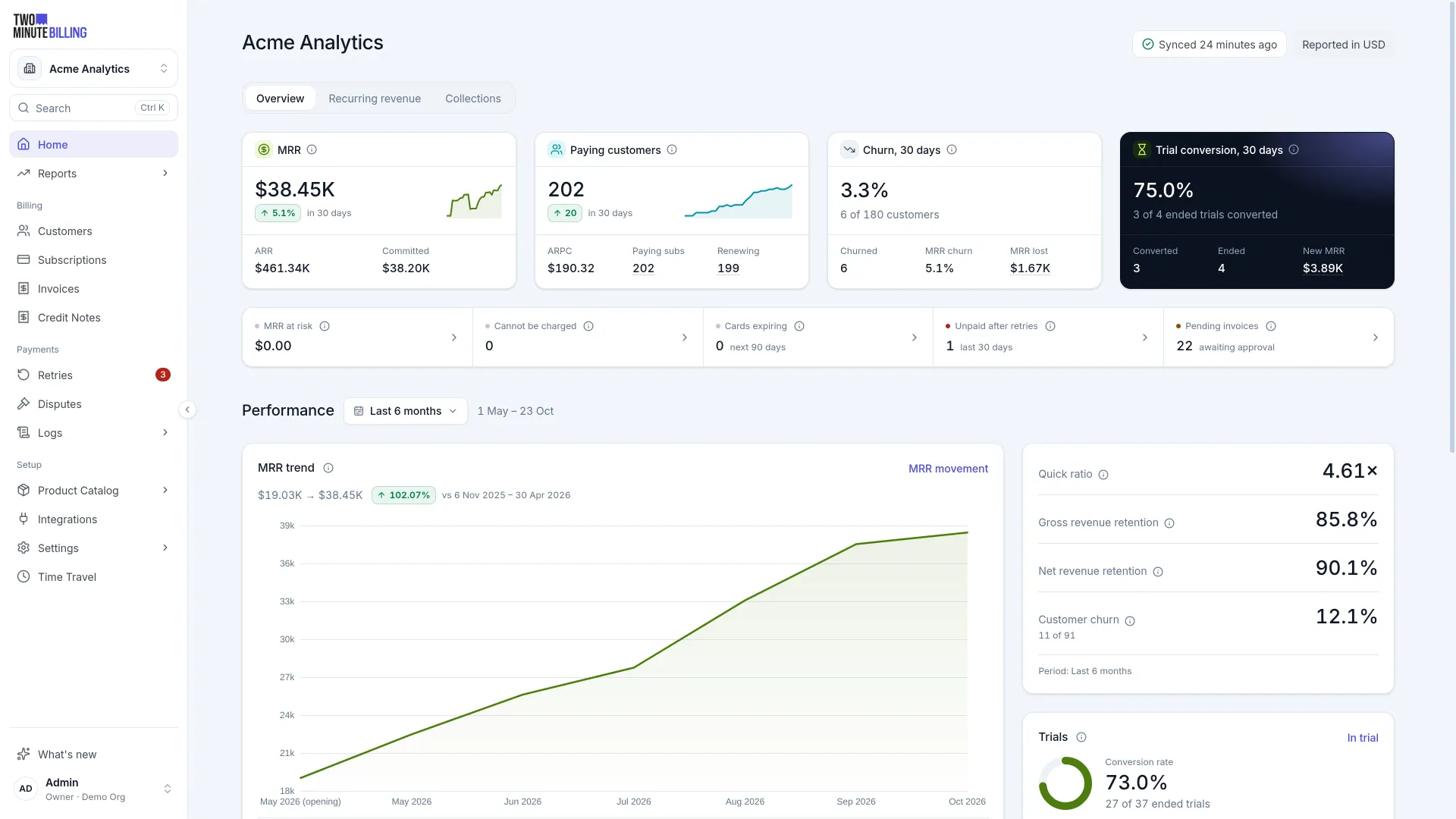
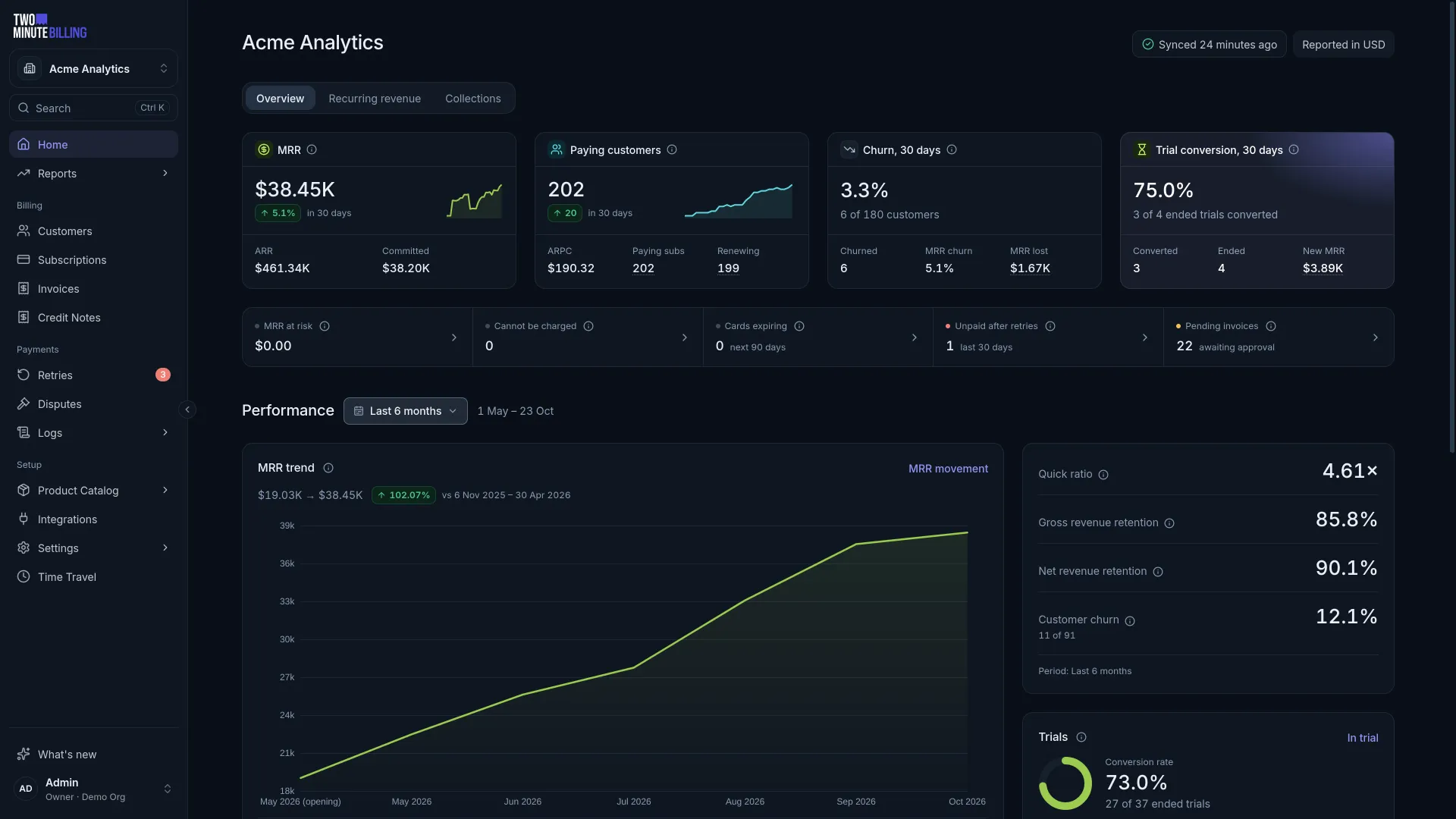
Two Minute Billing reports MRR, ARR, churn and subscriber mix from its own records, per currency and per business. This page explains how each number is calculated and what it leaves out on purpose.
Open Metrics for the whole organization, or Home inside a business.
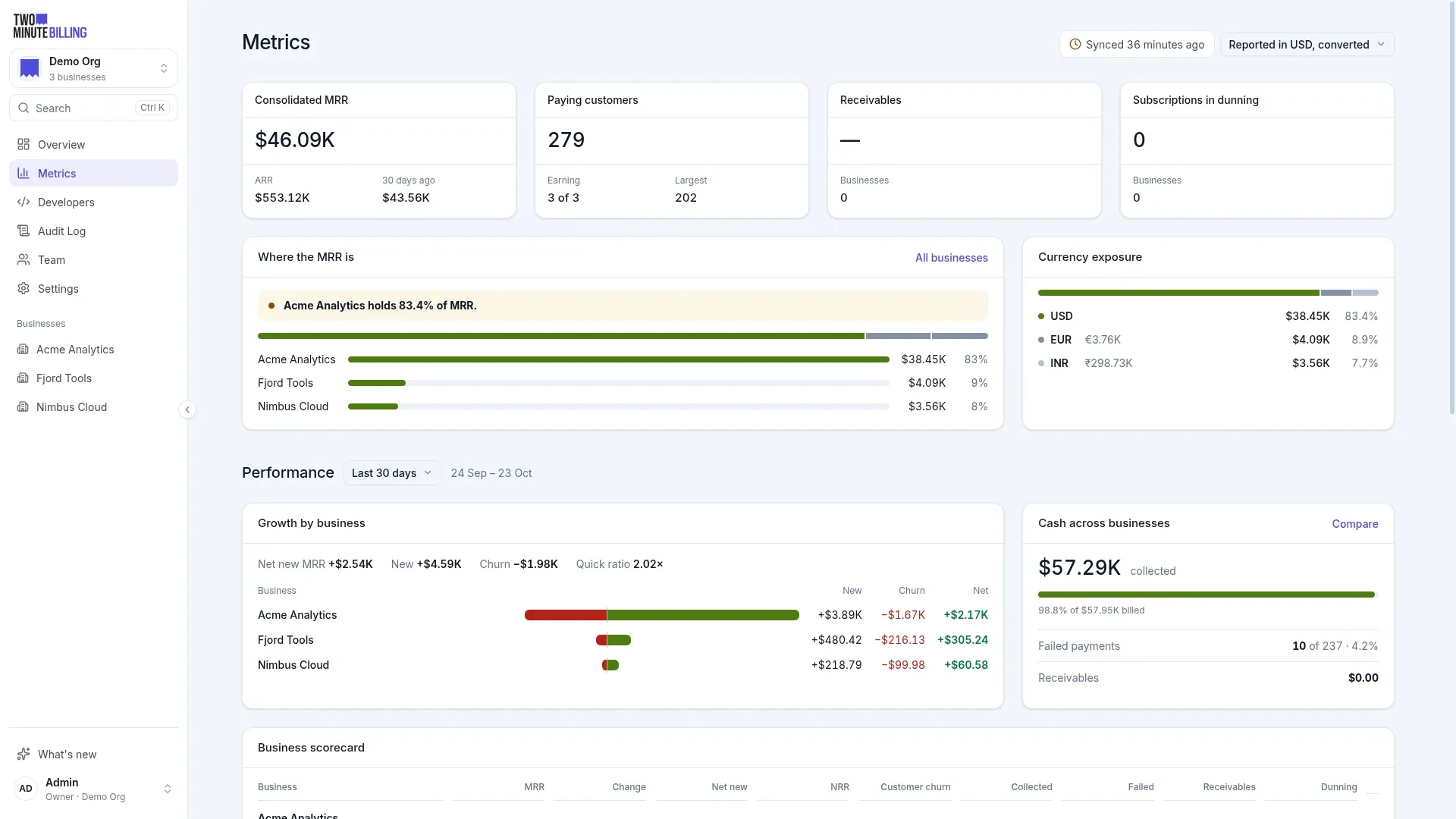
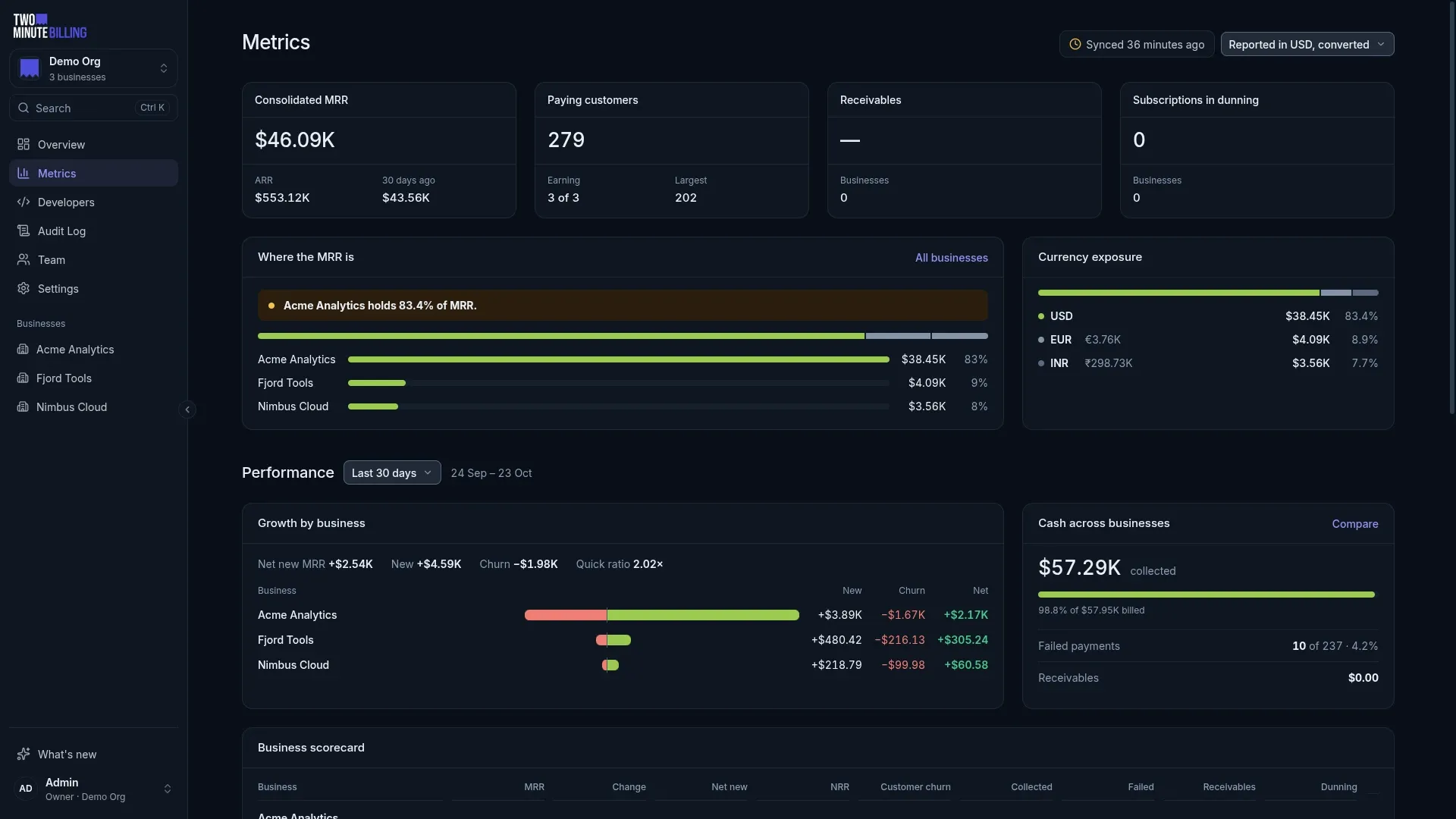
Retention and churn rates are shown for each business in the scorecard, never averaged across businesses — a small business and a large one do not make a meaningful average.
What the headline numbers mean
| Metric | What it counts |
|---|---|
| MRR | Committed recurring revenue per month |
| ARR | MRR annualised |
| ARPU | Average revenue per active subscriber |
| Active | Subscriptions currently billing |
| In trial | Started, not yet charged |
| Cancelled | Ended in the period |
| Logo churn | The share of customers lost over the window, by count rather than by value |
Multiple currencies
MRR is shown per currency, because ₹1 and $1 are not the same number and adding them is how a dashboard starts lying.
If you want one roll-up figure, set reporting exchange rates under Settings → Currencies. Those rates only affect reporting — they never change what a customer is charged.
What to watch
Past due is the money you have earned and not collected. It should be small and it should move — a number that only grows means your retry schedule or your emails are not working. See Recover failed payments.
Cancellations with reasons tell you why customers leave, but only if your team records a reason when they cancel. It costs one click and it is the difference between knowing and guessing. Reports → Cancellations leads with what each cancellation cost: MRR lost by month or week, why paying customers left, how long they stayed, the reasons given and the largest losses. Trials that never converted are counted separately, so they don't inflate your paying churn.
Trials not converting shows up as a healthy in-trial count and flat active count.
Going deeper
Every list — customers, subscriptions, invoices, transactions — can be filtered and sorted, and the numbers on the metrics screens link through to the rows behind them. When a figure looks wrong, click it and read the underlying records rather than re-deriving it yourself.
Related
Test with Time Travel
Move the clock of a test business forward to watch renewals, trial ends and failed-payment retries happen in seconds instead of weeks, before real customers do.
Team, roles and logs
Give each person their own login and a fixed or custom role, limit what each API key can do, and see who changed what in the audit log and the request log.