

Customers and subscriptions
A customer is the person or company who pays. A subscription is what they pay for, and how often. Both live in the business, in the mode you are in.
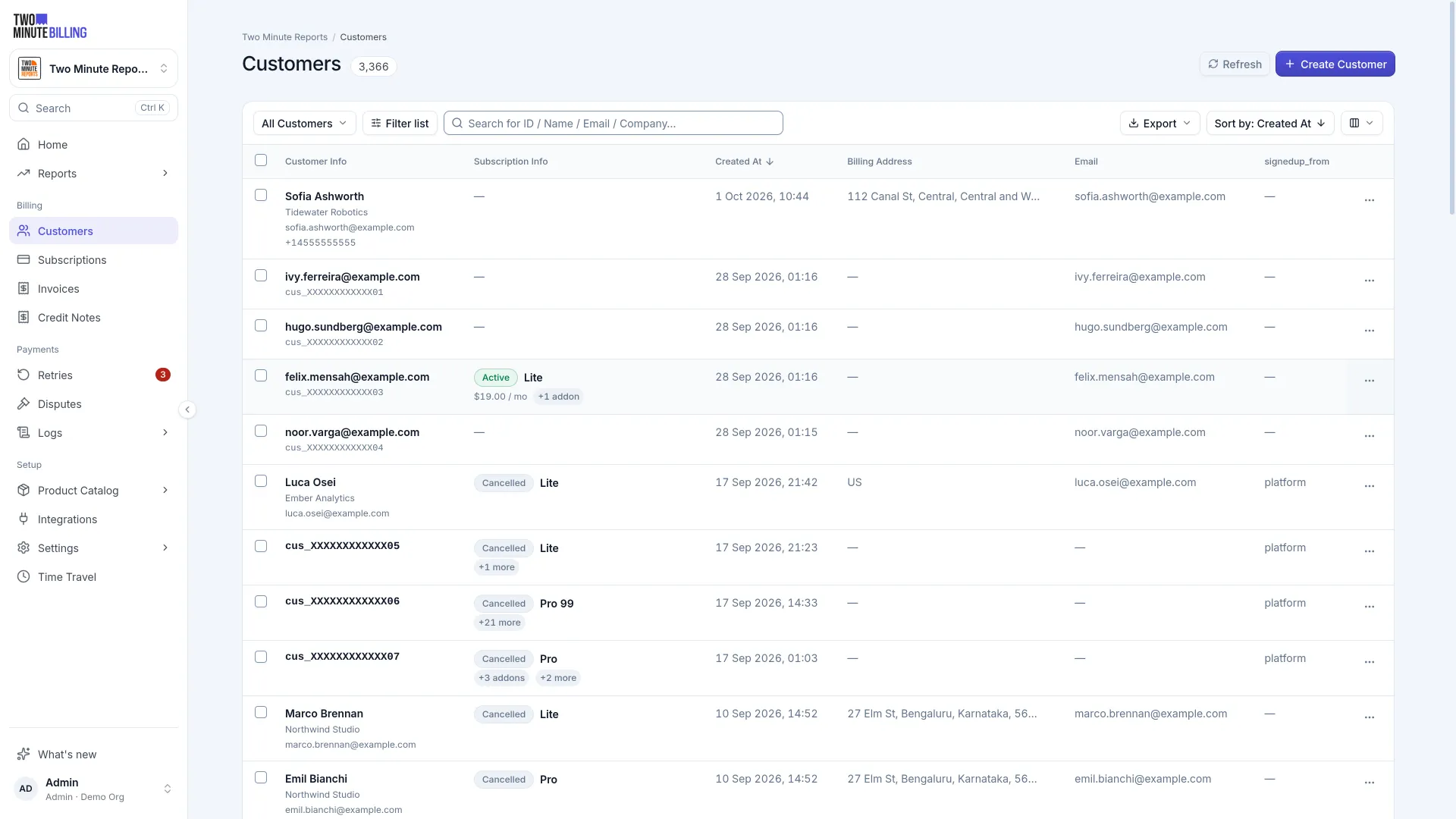
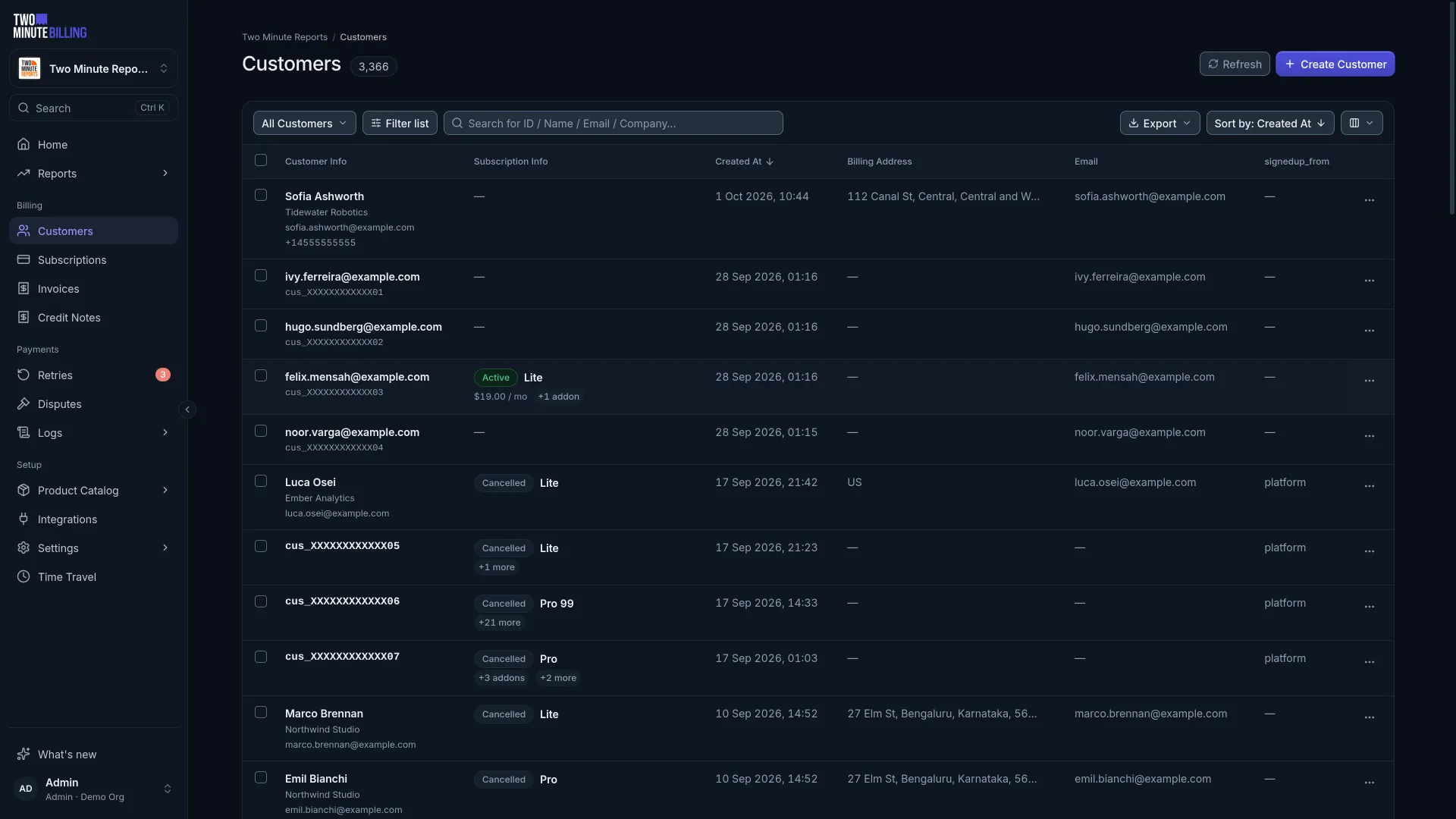
Add a customer
Open Customers → Create. An email is enough to start, but fill in the rest before you invoice them:
| Field | Why it matters |
|---|---|
| Currency | Decides which prices you can put them on. It cannot be mixed on one subscription. |
| Billing address | Tax is worked out from it. Each invoice keeps a copy as it was that day. |
| VAT / tax number | Drives reverse charge where the rules allow it. |
| Additional contacts | Extra people who should receive billing email, such as accounts payable. |
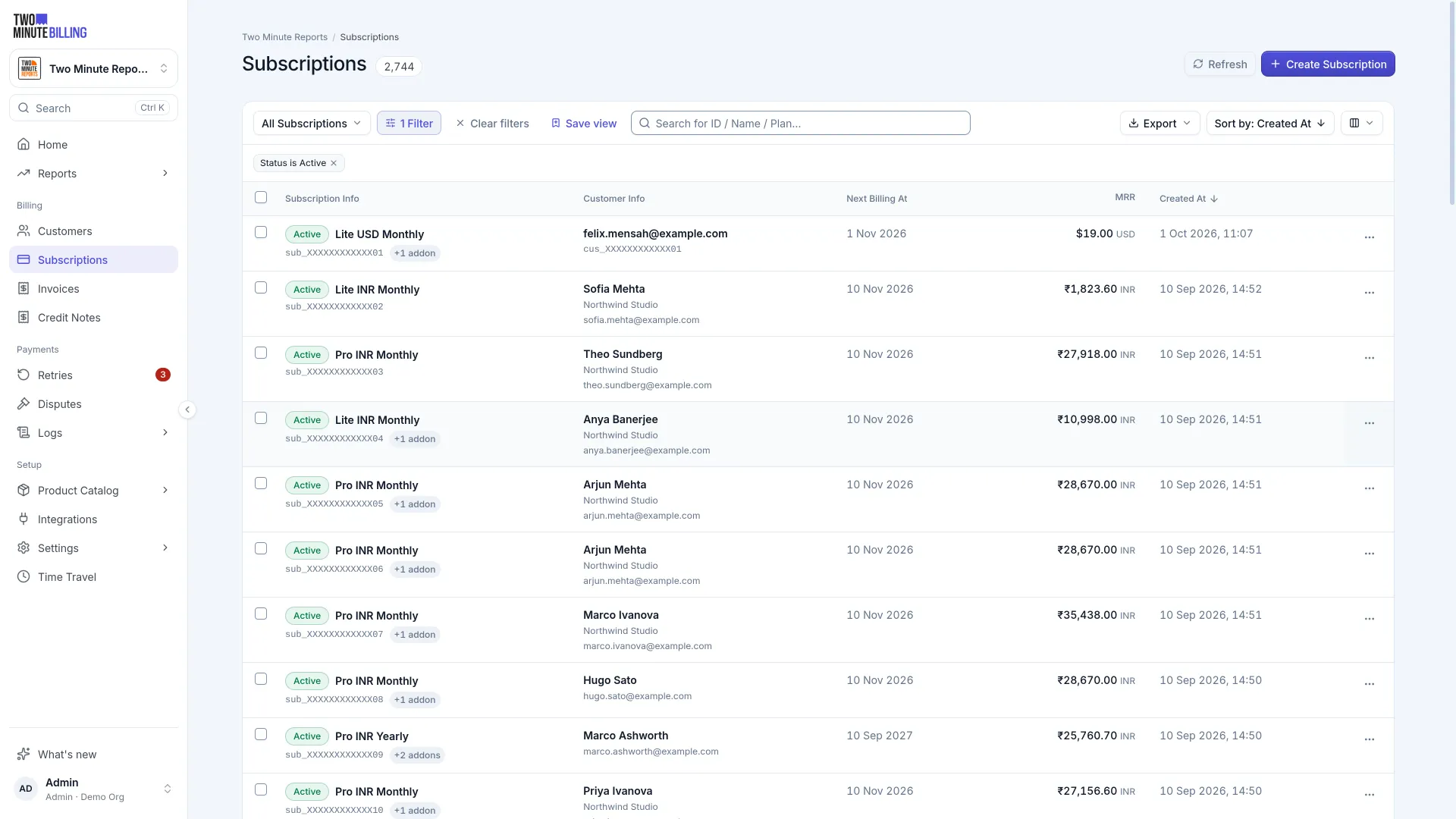
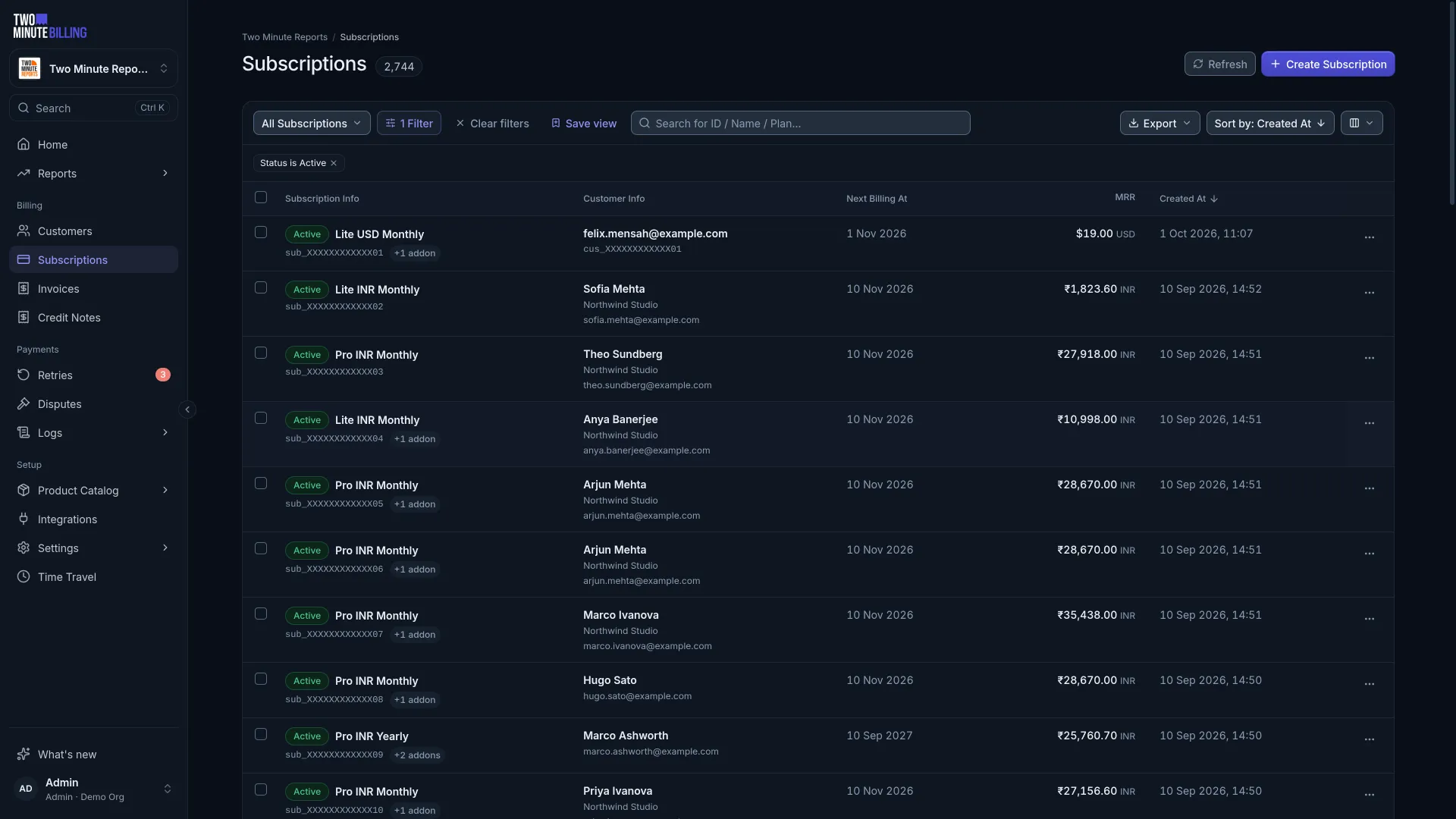
Subscribe them
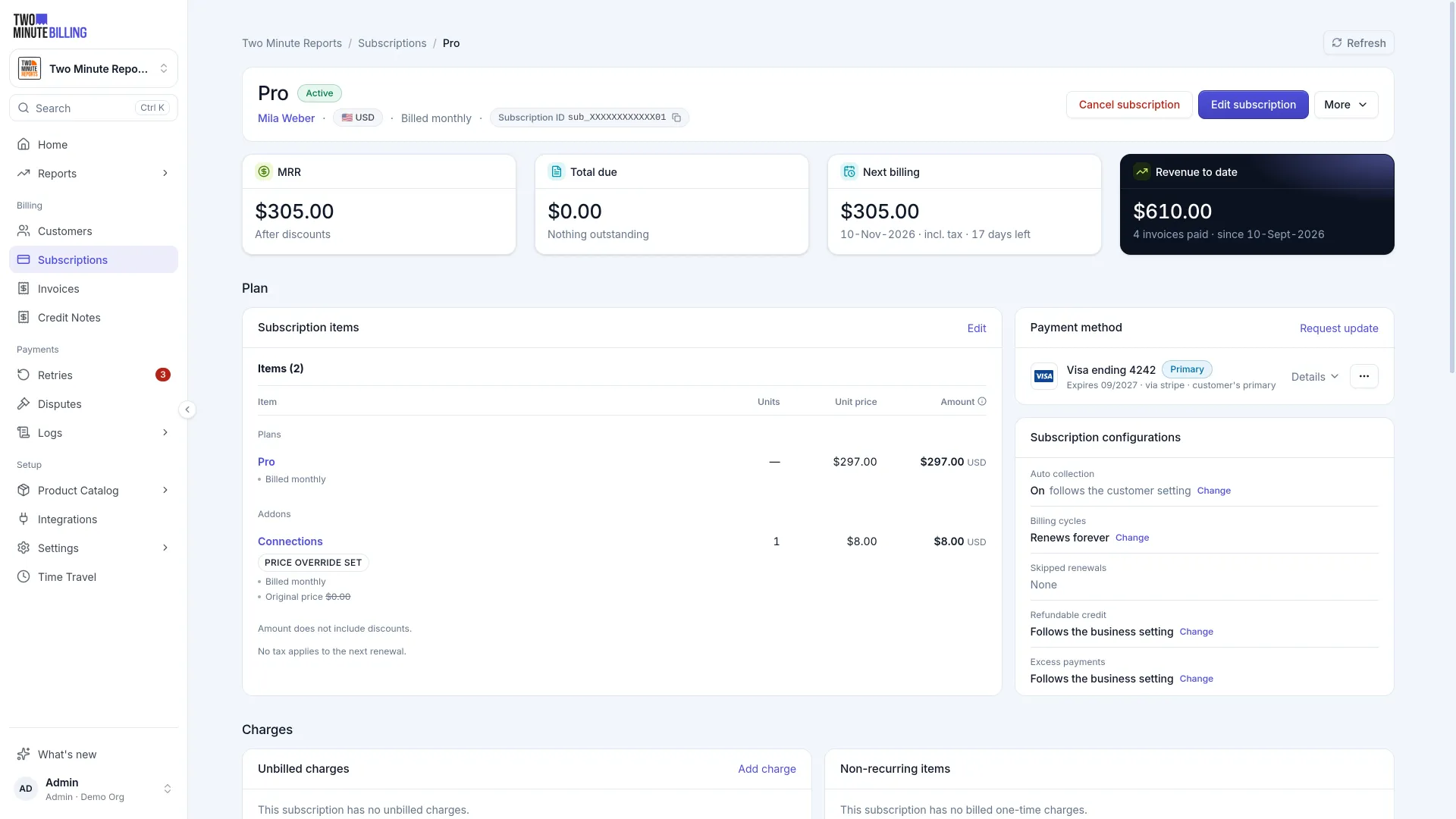
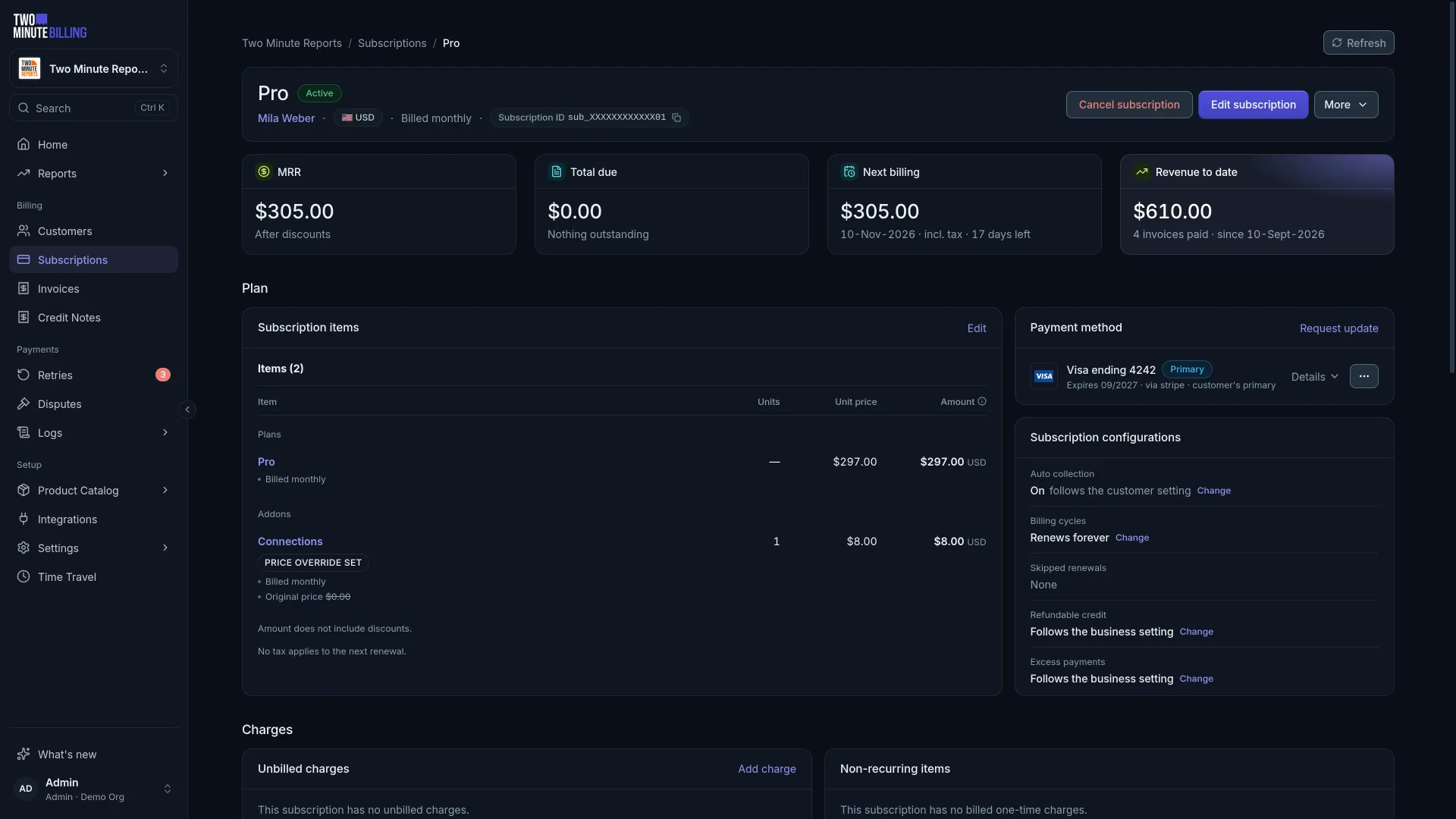
From the customer, create a subscription and select prices from your catalogue. Add as many lines as you need — a plan, two add-ons and a metered line share one renewal date and one invoice.
Add a trial if you offer one, and nothing is charged until it ends.
Change what they pay
Open the subscription and change its items — swap the plan, add an add-on, change a seat count.
Two Minute Billing works out the money both ways: it credits the unused part of what you removed and charges the new item for the rest of the period. The renewal date does not move.
Upgrades now, downgrades at the end
Apply an upgrade immediately: your customer wants what they just paid for.
Schedule a downgrade for the end of the term instead. They have already paid for this period, so taking the feature away now while keeping the money creates a complaint.
A scheduled change is visible on the subscription until it happens, and you can withdraw it.
Pause, cancel and reactivate
Each of these asks you what should happen to the money — outstanding invoices, unbilled charges and any credit the customer holds — and lets you record a reason.
Reasons are worth using. They are what your churn reporting is built from.
Cancelling at the end of the period leaves the subscription running until the term ends and then stops it. The customer keeps what they paid for.
Resuming a paused subscription bills according to one question: has the term your customer paid for ended? Inside the paid term, it carries on to the same renewal date and nothing new is charged. After it, a new term starts on the day of the resume and is billed in full, either invoiced immediately or added to unbilled charges for the next invoice. Set the default under Settings → Billing rules → Pause and resume. The Resume dialog preselects it. The same rule applies to resumes from the API, the customer portal and pauses that end on their own.
Reactivate brings back a cancelled subscription, or clears a cancellation you scheduled but no longer want.
Skip a renewal
Skip one or more upcoming renewals when a customer needs a break but does not want to stop. On the subscription page, open More, select Skip a renewal, and then select the date.
At a skipped renewal:
- The subscription stays active, and its term moves on to the next period.
- The plan and add-ons are not charged. MRR does not change.
- Metered usage from the period that just ended, and one-time charges, are still invoiced.
- A fixed term does not count the skipped renewal, so the term ends one cycle later.
- No renewal reminder is sent.
You can skip any of the next 12 renewals and undo a skip until 48 hours before the renewal. To let customers do this in the portal, turn on Let customers skip a renewal under Settings → Hosted pages, and set how many renewals they can skip in 12 months.
From the API, get the dates with upcoming_renewals, then skip one:
curl "$TMBILLING_URL/v1/businesses/$BIZ/subscriptions/$SUB/skip_renewal" \
  -H "Authorization: Bearer $TMBILLING_API_KEY" \
  -H "Idempotency-Key: $(uuidgen)" \
  -H "Content-Type: application/json" \
  -d '{"renewal_at": "2027-04-01T00:00:00.000Z"}'
The response is the subscription. skipped_renewals lists the dates skipped, and
next_billing_at is the first renewal that charges. unskip_renewal takes the same body. The
subscription_renewal_skipped webhook tells your fulfilment system not to ship that cycle.
Charge something one-off
Add a charge to the subscription and select whether to invoice it now or add it to the next renewal. Deferred charges wait on the subscription until the next invoice sweeps them in.
Related
Go live
Move from test mode to real customers: check your plan, connect a live payment gateway, copy what you built in test mode, and check it before the first charge.
Invoices and credits
Read an invoice and its status, collect one invoice or several at once, keep numbered receipts, and give money back with a credit note or a refund.