

Create your business
A business is one entity you bill under. It has its own catalogue, currencies, tax setup, payment providers and invoice numbering.
Most companies need exactly one. Create more only if you sell under separate legal entities, in separate regions, or under separate brands — separate businesses keep separate books.
Create it
On your organization home, select Create business. Give it a name and a default currency.
Each business has a live mode and a test mode, and both are created together. The free plan includes both, with every feature. Build in test mode first, then copy your set-up to live mode (see Go live).
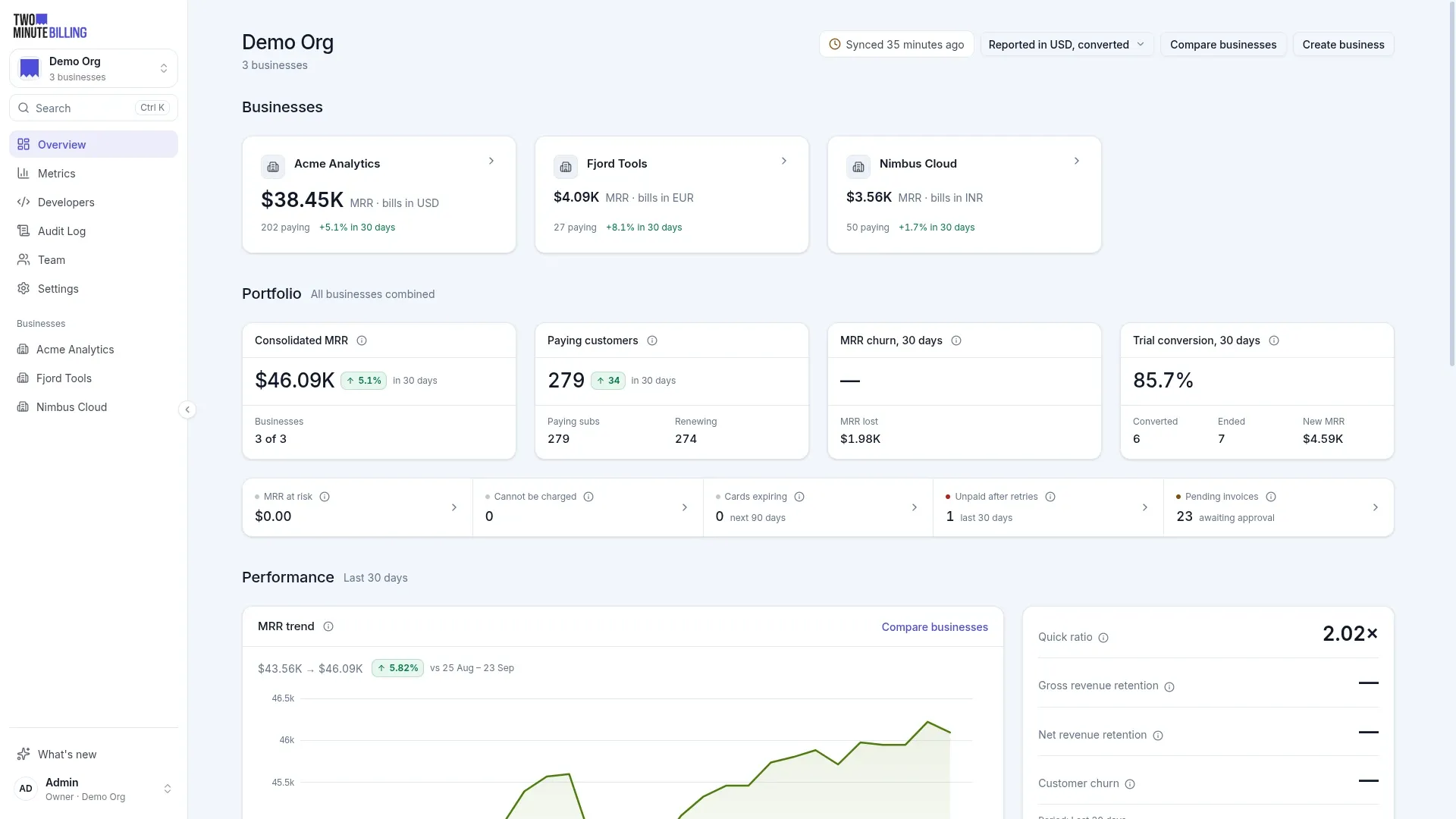
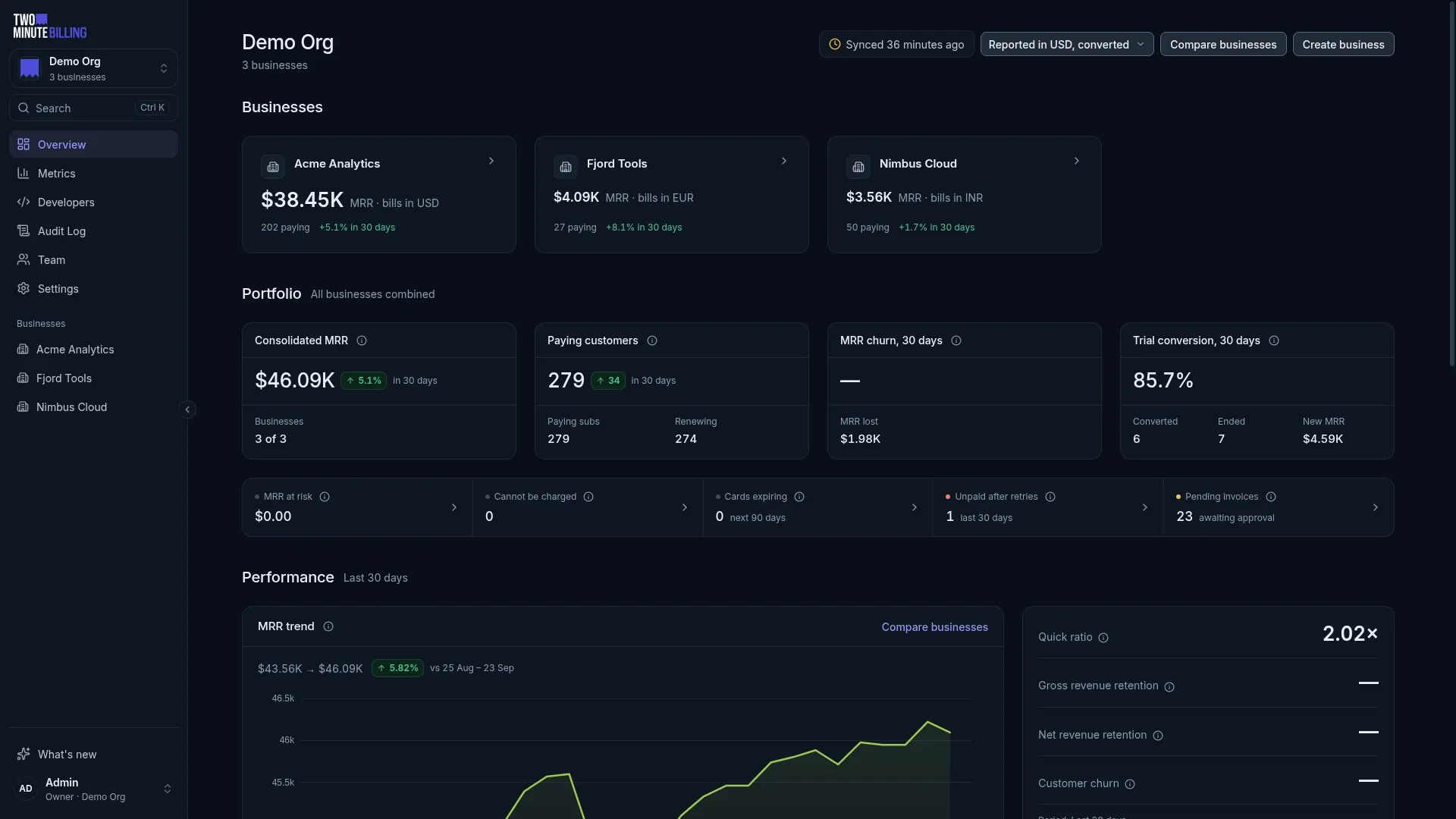
With a single business, the page leads with that business instead: its name and logo head its MRR, paying customers, expected cash and receivables, and every figure opens the list behind it. A business's logo and brand colour come from its branding settings and mark its card and its entry in the sidebar.
Set it up
Open the business in test mode and go to Settings. Work through these in order — later steps depend on earlier ones.
Configure
Your business name, address and contact details. These appear on every invoice your customers receive, so use the legal entity you actually trade as.
Currencies
The currencies this business transacts in, and the exchange rates used for reporting. Add every currency you intend to sell in — a customer can only be billed in a currency you have added.
Reporting rates roll your metrics up into one currency. They never change what a customer is charged.
Product catalog
Set the billing frequencies available to your plans and add-ons — monthly, yearly, or whatever periods you sell on.
Billing rules
How billing behaves when things change: what happens on an upgrade, when invoices are raised, how long customers have to pay, and what happens when a payment fails.
You can come back to these. The defaults are sensible.
Payment gateways
Connect your own payment gateway account. Until you do, Two Minute Billing can raise invoices but cannot collect them. See Connect a payment gateway.
Taxes
Tax rates by country and state. Skip this only if you genuinely charge no tax. See Set up tax.
Brand what your customers see
Under Settings, add your logo, icon and brand colour. Your customers see these on invoices, on the hosted checkout page and in the self-serve portal — so they see your company, not ours.
Decide what customers can do themselves
Settings → Hosted pages controls what your customers can do on the checkout page and in the portal: update a card, change plan, cancel, download invoices. Each switch you turn on removes a support ticket. Each switch you leave off is a job your team does instead.
Related
What it does
Learn what Two Minute Billing does for a subscription business: pricing, subscriptions, invoices, tax and failed payments, and what your payment gateway does.
Build your catalogue
Create the products and prices you sell with flat, per-seat, tiered or usage-based pricing, and learn why a price change never reprices existing customers.