

Hosted checkout and portal
Two Minute Billing hosts two pages for your customers, both carrying your branding.
| Page | Your customer can |
|---|---|
| Checkout | Select a plan, enter their details and pay |
| Portal | Update their card, see invoices, and whatever else you allow |
Card details go straight to your payment provider. They never reach your servers, which keeps you out of the compliance scope that storing card numbers would put you in.
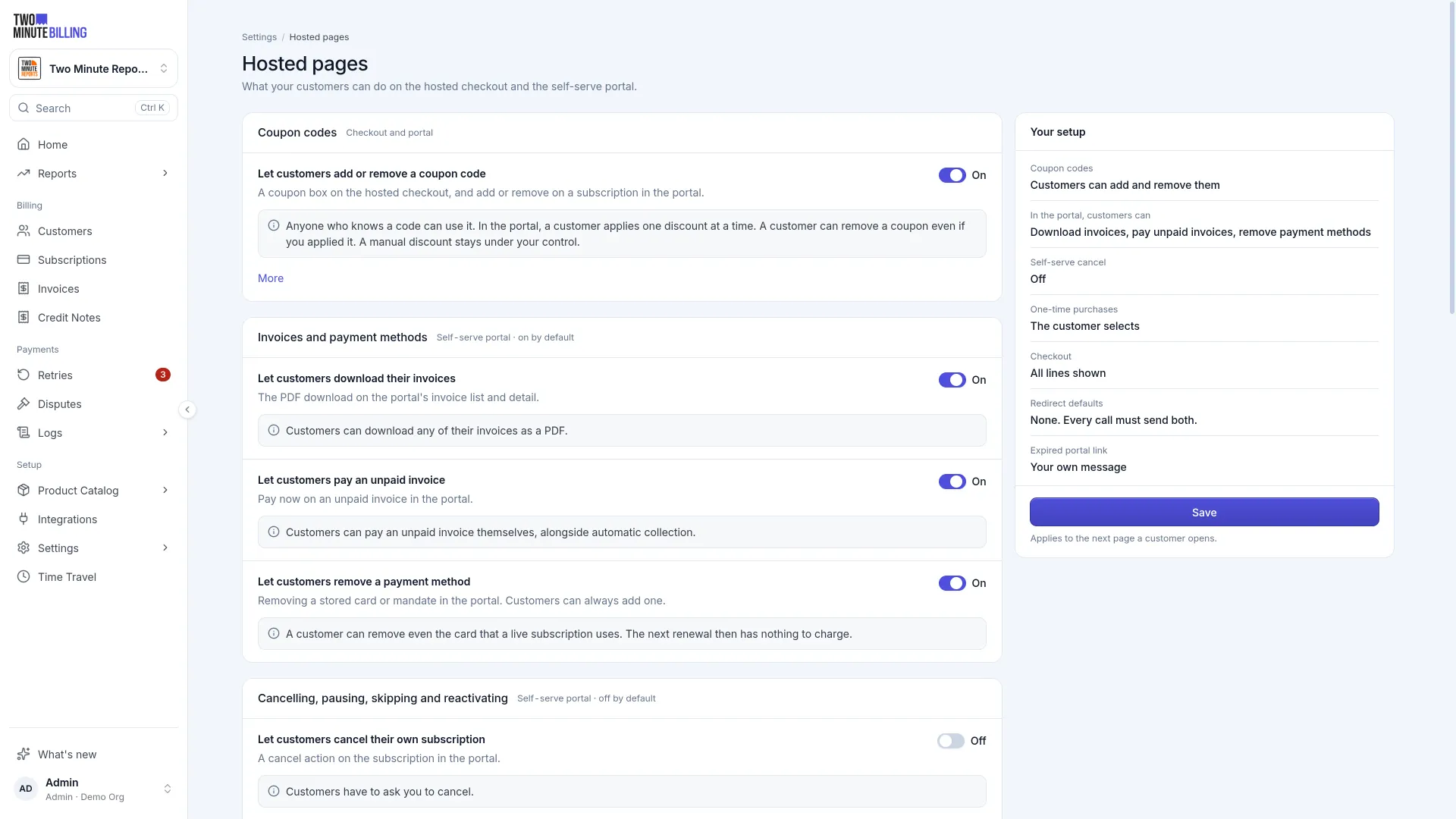
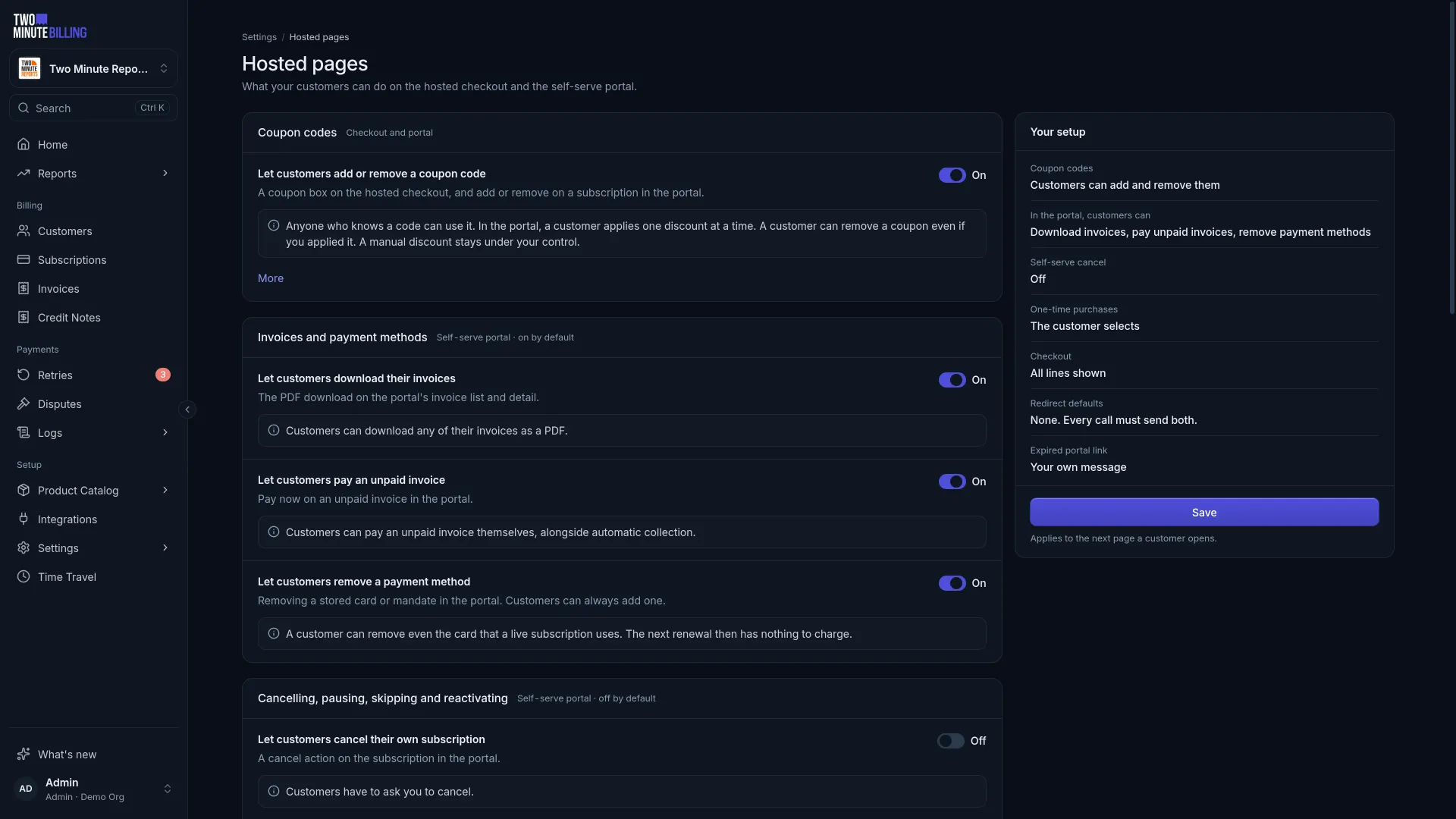
Set what customers can do
Settings → Hosted pages controls the portal. Every switch you turn on is a support ticket your team stops receiving. Every switch you leave off is a job they keep doing.
Worth enabling for most businesses: updating a payment method, downloading invoices, and seeing what is owed. Whether customers can change plan or cancel on their own is a commercial decision rather than a technical one.
Send a customer a link
Generate the link from the customer or subscription, and send it to them.
Brand them
Under Settings, set your logo, icon and brand colour. Check the preview before you send anyone a link — these pages are where a customer hands over a card, and one that does not look like you is one they abandon.
Related
EU VAT for SaaS
Who charges VAT when you sell SaaS in the EU: the customer's country rate for consumers, reverse charge for businesses, VIES checks, OSS and VAT invoices.
Payment methods
What each payment method asks of your customers: cards and 3D Secure, Apple Pay and Google Pay on pay now, bank debits that stay pending, and debit mandates.