

What Two Minute Billing does
Two Minute Billing runs the money side of a subscription business. You set up what you sell and how you charge for it, and it bills your customers on schedule, chases the payments that fail, and keeps the records straight.
It is not a payment provider. Your payment gateway moves the money. Two Minute Billing decides who owes what, when to charge them, and what to do when a charge does not work.
What it handles for you
| Pricing | Flat fees, per-seat, metered usage, tiered and volume pricing, packages and percentage cuts — in any currency and on any interval you sell. |
| Subscriptions | Trials, upgrades and downgrades with the difference worked out for you, pauses, scheduled changes and fixed-term plans. |
| Invoices | Raised on schedule with tax and discounts applied, sent to your customer, and available as a PDF. |
| Payments | Collected from your customer's saved card through your own payment provider, with a backup card if the first one fails. |
| Failed payments | Retried on a schedule you set, with emails your customer can act on. |
| Tax | Worked out per line from where your customer is, and shown correctly on the invoice. |
| Credit notes and refunds | Money back off an invoice, or back to the card, with the reason recorded. |
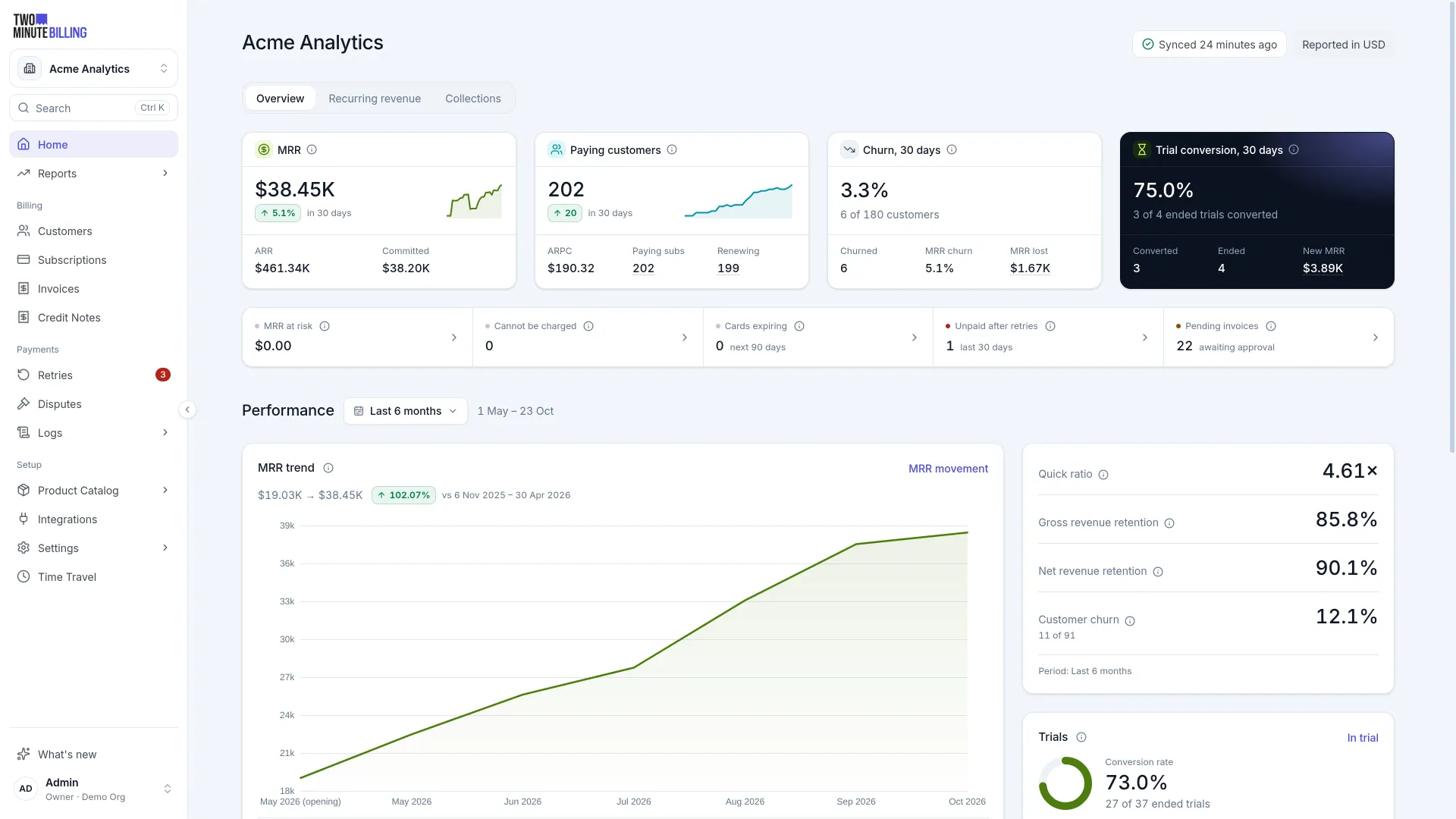
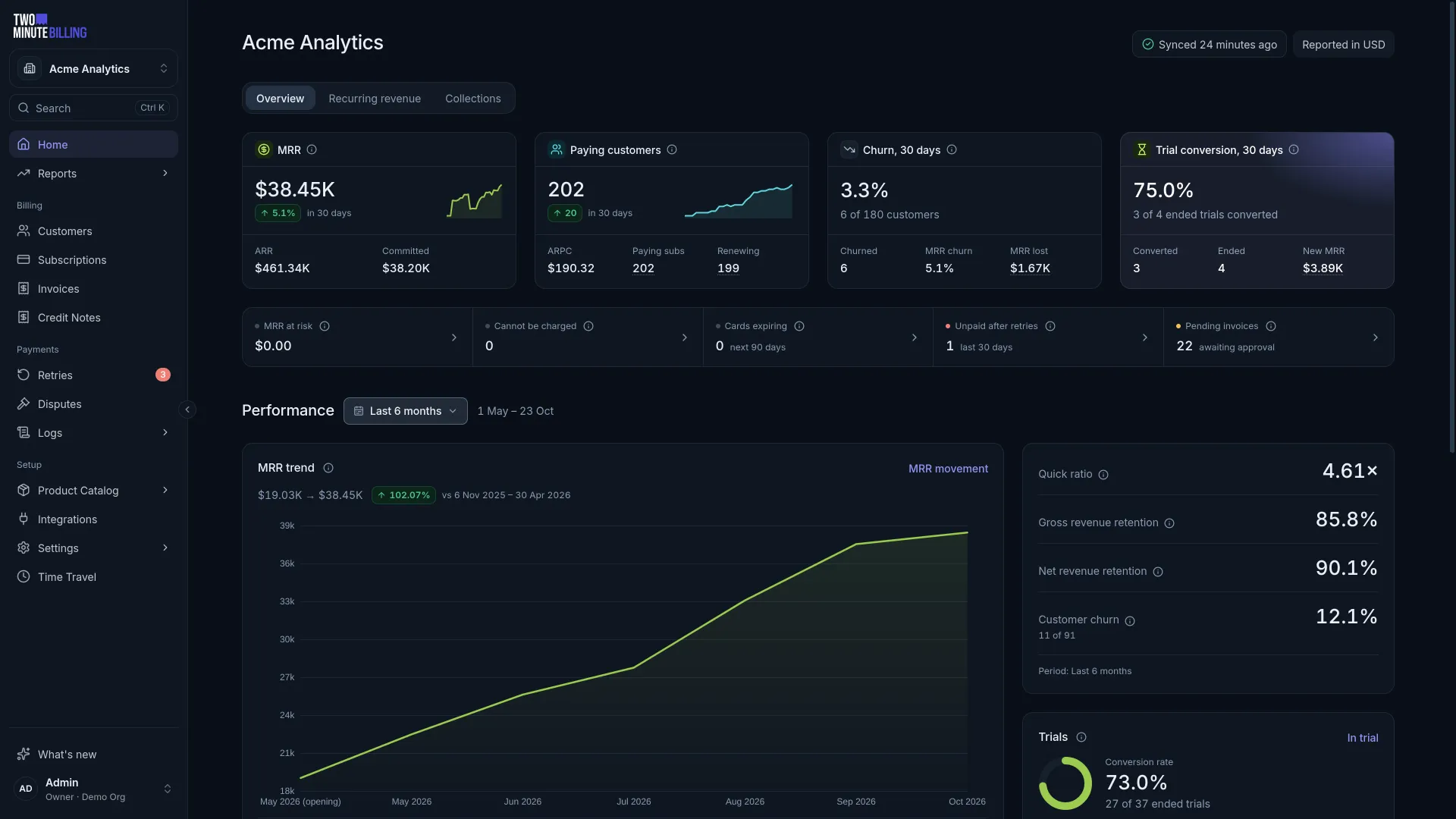
| Reporting | MRR and ARR per currency, subscriber mix, churn, and what is currently owed. |
What you still need
A payment gateway account. Two Minute Billing charges your customers through your own gateway account, at your rates, paying out to your bank. You connect it once. See the 12 gateways you can connect.
A way to run it. Select one:
- The hosted service. Free while you make less than the Free plan's monthly limit, in live mode, with every feature. No credit card required. When you bill more, select a plan in Settings → Billing.
- Your own servers. The billing engine is open source. Install it on your own infrastructure, and your billing data stays with you. A self-hosted installation has no plans.
How your account is organised
| Level | What it is |
|---|---|
| Organization | Your account. It holds your team and your API keys. |
| Business | One entity you bill under, with its own catalogue, currencies, tax setup and payment providers. Most companies need one. Add more if you sell under separate legal entities or brands. |
| Customer | The person or company who pays. |
| Subscription | What they are billed for, and how often. |
Test mode and live mode
Every business has a test mode and a live mode. Test mode never touches real money: it comes with cards that decline on demand and a clock you can fast-forward to watch a year of renewals in seconds.
Build in test mode first. When you are ready, copy your set-up to live mode and start billing real customers.