

Build your catalogue
Your catalogue is what you sell and what it costs. Open Product Catalog in the business.
It has two levels:
- A product is the thing itself — your Pro plan, an extra-seats add-on, a one-off setup fee.
- A price is one way to charge for it — a currency, an interval and a pricing model.
One product holds many prices. Selling Pro monthly and yearly, in USD and EUR, is one product with four prices.
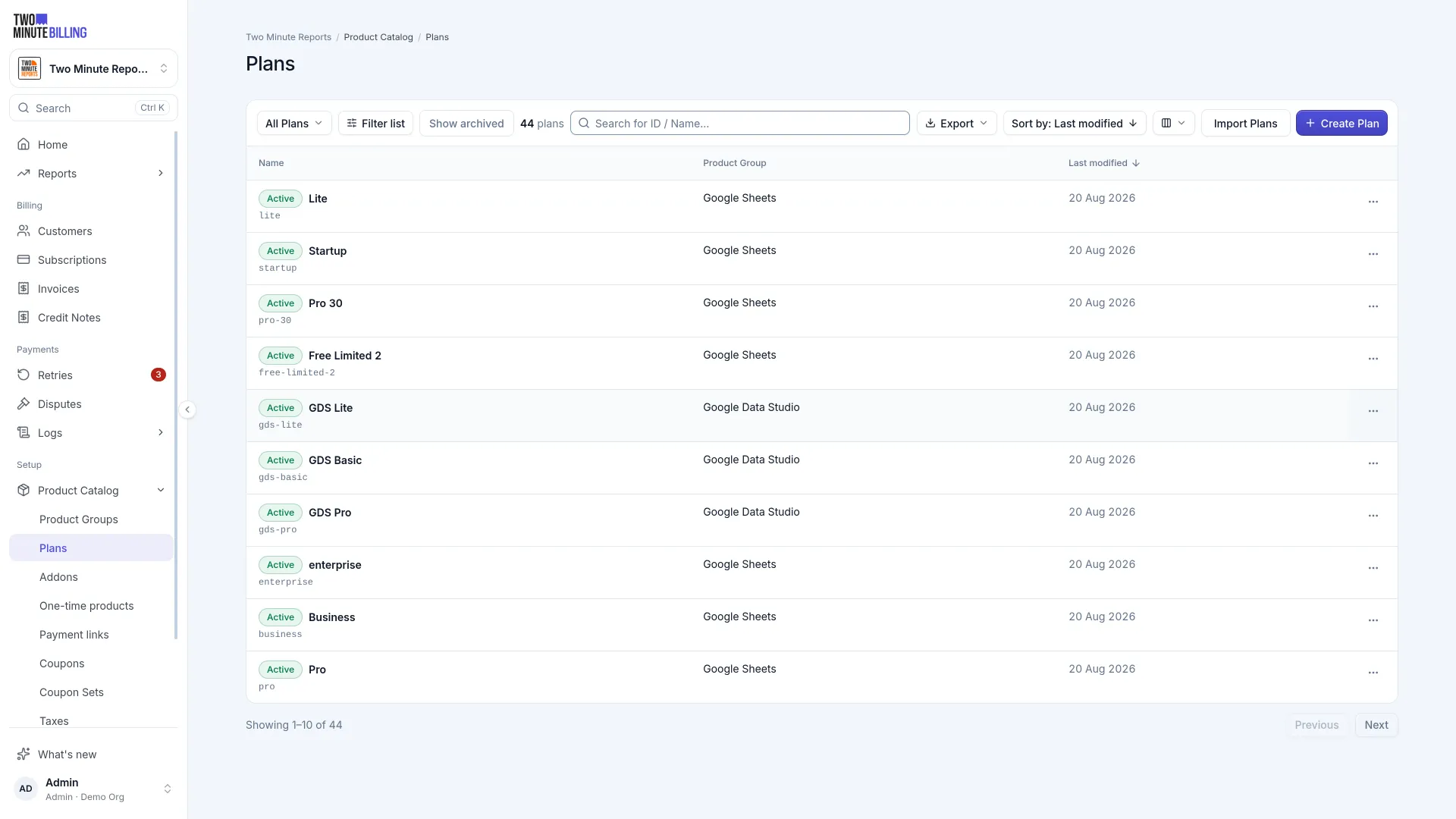
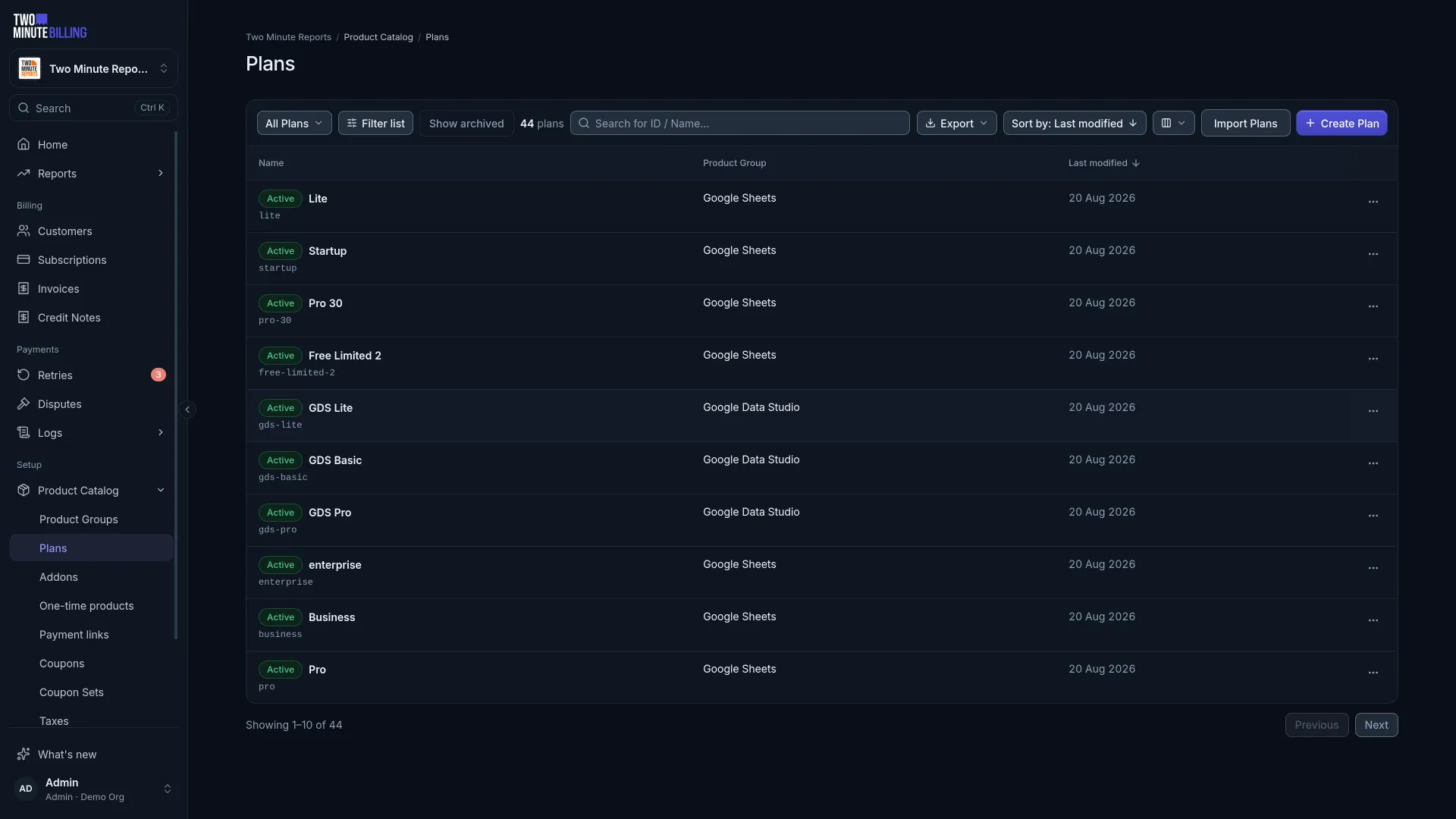
Create a product
Give it a name your team will recognise, and a kind:
| Kind | Use it for |
|---|---|
| Plan | The main thing a subscription is for. Most subscriptions have exactly one. |
| Add-on | Something bought alongside a plan — extra seats, premium support. |
| Charge | A one-off, not something that recurs. |
Add a price
Select the model that matches how you sell:
| Model | Charges | Good for |
|---|---|---|
| Flat | The same amount every period | A standard plan at a fixed price |
| Per unit | The amount times the quantity | Per-seat and per-user pricing |
| Tiered | Each tier's units at that tier's rate | Volume discounts that apply as you grow |
| Volume | The whole quantity at the rate of the tier it lands in | Simpler bulk pricing |
| Stairstep | A flat amount per band | "Up to 50 users: $200" |
| Package | Blocks of units | 1,000 credits for $10 |
| Usage | What they actually consumed, billed afterwards | API calls, messages, storage |
| Percentage | A cut of a value | Taking a percentage of transactions |
Then set the currency, the interval, and the amount.
Change a price later
Editing a price only affects new subscriptions. Customers already on it keep the price they signed up at.
That is deliberate — it means you cannot accidentally reprice your whole customer base by editing a number. To move existing customers, create the new price and change their subscriptions onto it, with whatever notice you owe them.
Archive what you stop selling
Products and prices are archived rather than deleted, so old invoices keep pointing at something real. Archiving stops new subscriptions using it and leaves existing ones alone.
Related
Create your business
Set up the business that everything else depends on: its currencies, billing rules, branding and payment gateways, and how its test mode and live mode work.
First payment
Add a customer, subscribe them to a plan, and watch the invoice get raised and paid in test mode, with test cards that succeed or decline when you want.