

Take your first payment
Your first payment shows the whole billing cycle: a customer, a subscription, an invoice and a charge. This runs entirely in test mode. No real money moves, and you can use cards that decline on demand to see what your customers would experience.
Add a customer
Open Customers and create one. At minimum you need an email. Fill in the rest too:
- Currency decides which prices you can put them on. A USD customer cannot go on a EUR price.
- Billing address is what tax is worked out from — country, and state or province where that matters. Set it before the first invoice, because each invoice keeps a copy of the address as it was on the day it was raised.
- VAT or tax number, where your customer has one.
Subscribe them
From the customer, create a subscription and select a price from your catalogue. You can add more than one line — a plan plus two add-ons is one subscription with one renewal date and one invoice.
Set a trial if you offer one. Nothing is charged until it ends.
Collect a card
Your customer needs a saved card before anything can be collected. Your team never types in a card. Two ways to ask for one:
- On the customer's page, select Request update. The customer gets an email with a link to their portal, where they add a card.
- On a product's page in your catalogue, select a price, then Create checkout link, and send the link. The buyer subscribes and adds a card in one step.
Both pages are hosted by Two Minute Billing, so card details never reach your systems. In test mode, email goes only to members of your team, so give your test customer your own address.
Complete the card form with these test cards:
| Card number | What happens |
|---|---|
4242 4242 4242 4242 | Succeeds |
4000 0000 0000 9995 | Declines for insufficient funds, and enters the retry schedule |
4000 0000 0000 0002 | Declines outright |
4000 0000 0000 3155 | Asks the customer to authenticate with 3-D Secure |
Watch what happened
Check three places:
| Where | What you should see |
|---|---|
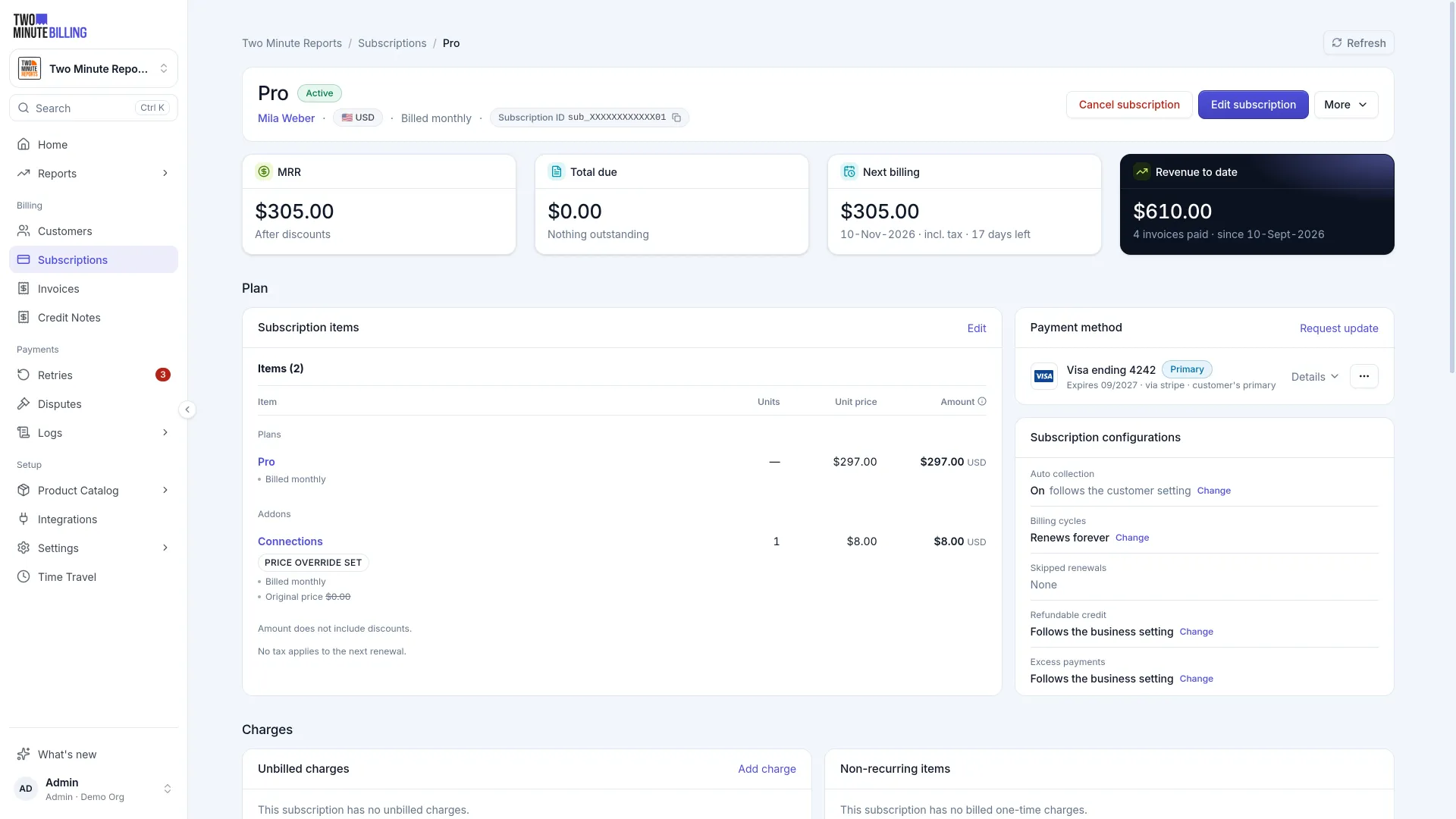
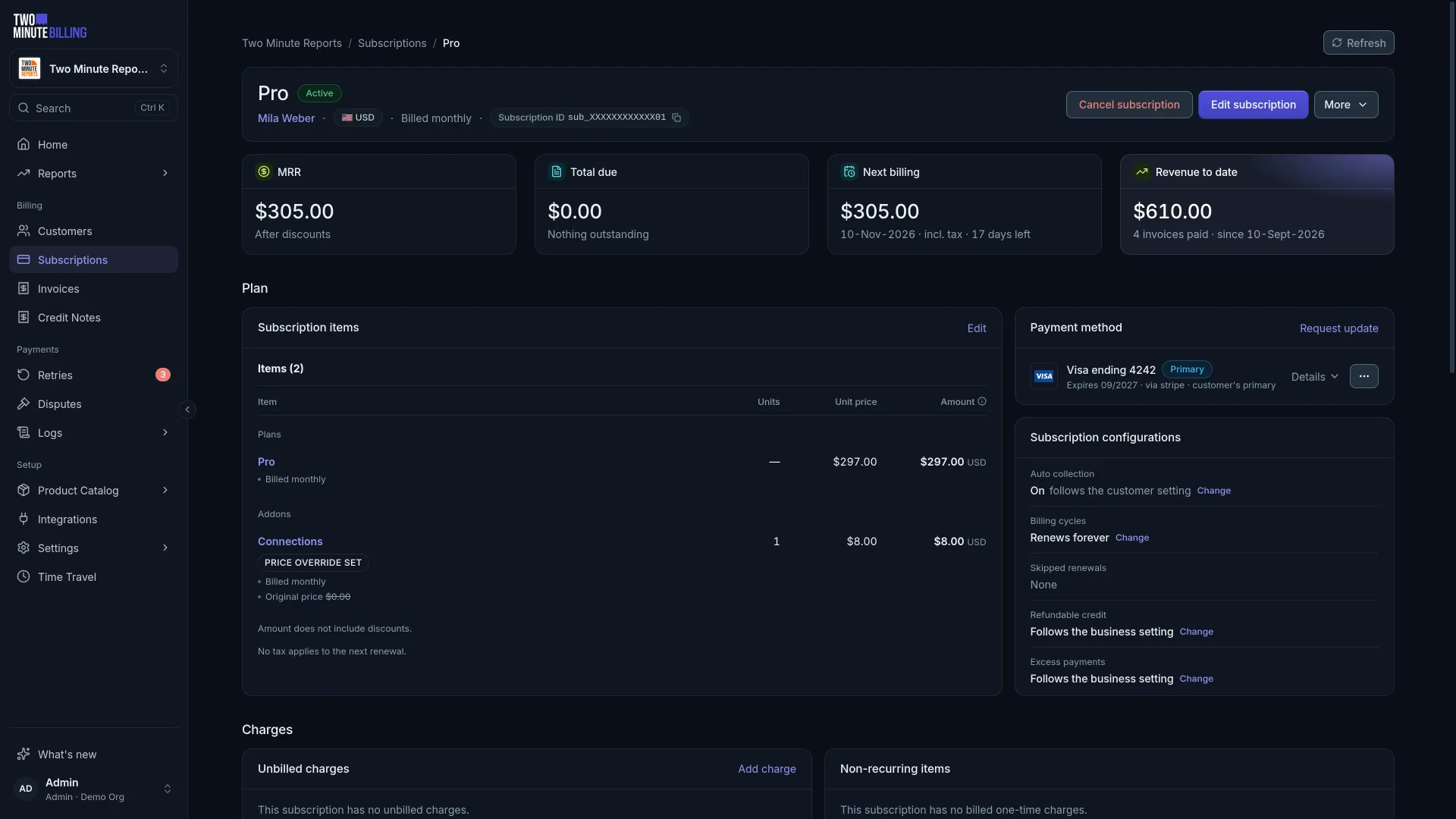
| Subscriptions | The subscription, active or in trial, with its current period |
| Invoices & Credit Notes | An invoice — paid if collection worked, payment due if it did not |
| Logs | The actual attempt against your payment provider, and its result |
If the invoice is not paid, the log tells you why. That is the same trail you will use in production when a customer says they were not charged.
Fast-forward to the renewal
You do not have to wait a month. Open Time Travel and travel forward. Two Minute Billing runs everything it would have run in that time — the trial ending, the renewal, the invoice, the collection, and the retries if it fails.
Use the declining card above, then travel forward, and you can watch the whole failed-payment sequence in under a minute. See Test with Time Travel.
Related
Build your catalogue
Create the products and prices you sell with flat, per-seat, tiered or usage-based pricing, and learn why a price change never reprices existing customers.
Go live
Move from test mode to real customers: check your plan, connect a live payment gateway, copy what you built in test mode, and check it before the first charge.