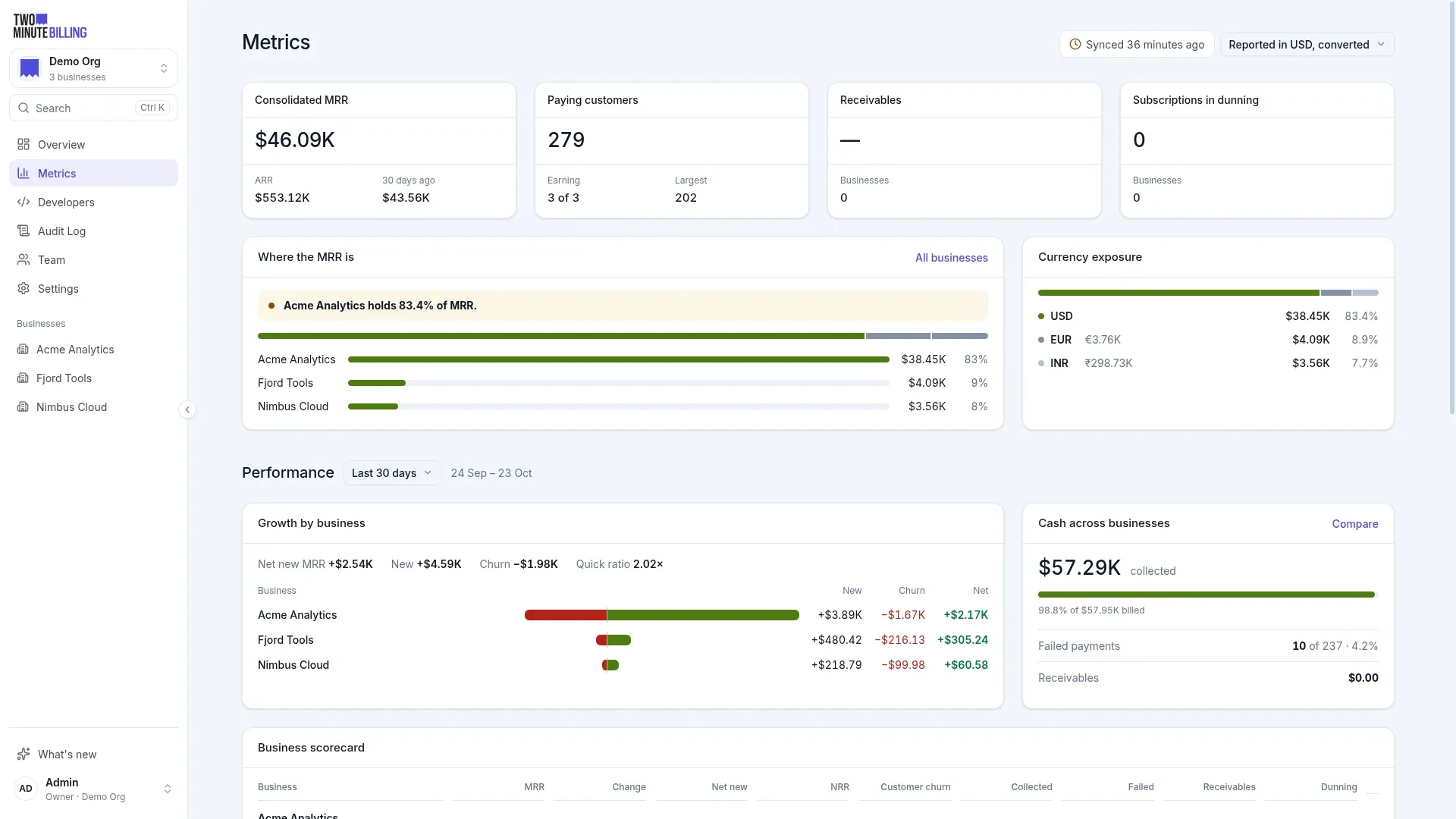
MRR and SaaS metrics reporting
MRR and churn your finance team can trace to the row
Two Minute Billing reports MRR and its movements, ARR, churn, cohorts and receivables, per currency and per business. Click any figure to read the invoices, payments and credit notes behind it.
Five MRR movements, figures you can open, and each currency kept apart
Board decks, budgets and pricing calls all start from MRR and churn. When the number and the invoices disagree, the meeting is about the number.
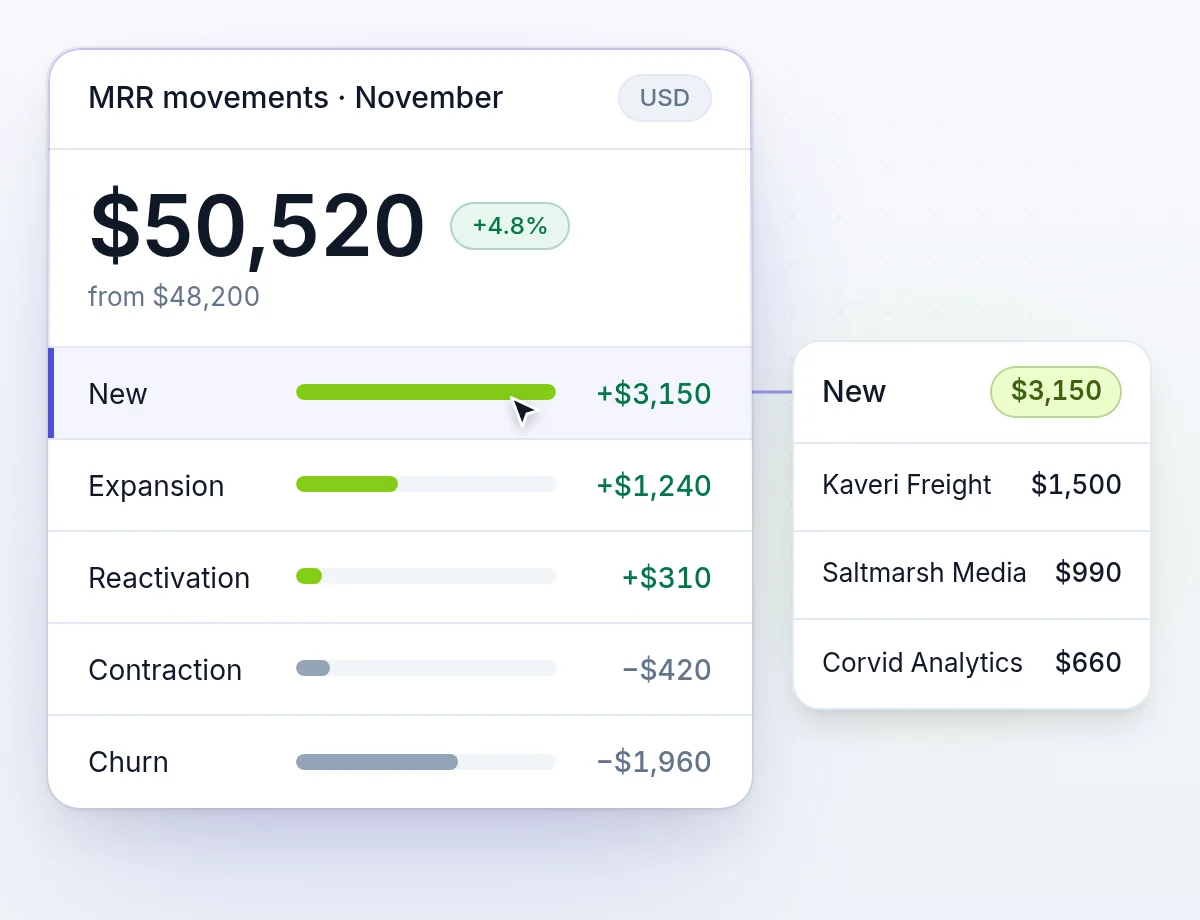
Five MRR movements
New, expansion, reactivation, contraction and churn, so you see why MRR moved, not only that it did.
From a figure to its rows
When a number looks wrong, open the records behind it instead of rebuilding it in a spreadsheet.
Currencies are never summed by accident
Rupees and dollars are never summed by accident. A roll-up uses the exchange rates you set.
SaaS metrics: MRR, ARR, churn, cohorts and receivables
Defined once, calculated the same way on every screen and in the API.
- MRR and ARRCommitted recurring revenue, per currency. Usage and one-off charges stay out, so it stays a planning number.
- SubscribersActive, paying and in trial, with ARPU across active subscribers.
- ChurnLogo churn by count, and MRR lost to cancellation. A pause is reported apart from churn.
- CohortsRetention by the month customers joined, as a grid you can read across.
- ReceivablesWhat is owed, what is past due, and the cash you can expect.
- CancellationsMRR lost by month or week, why paying customers left, how long they stayed, and the largest losses.
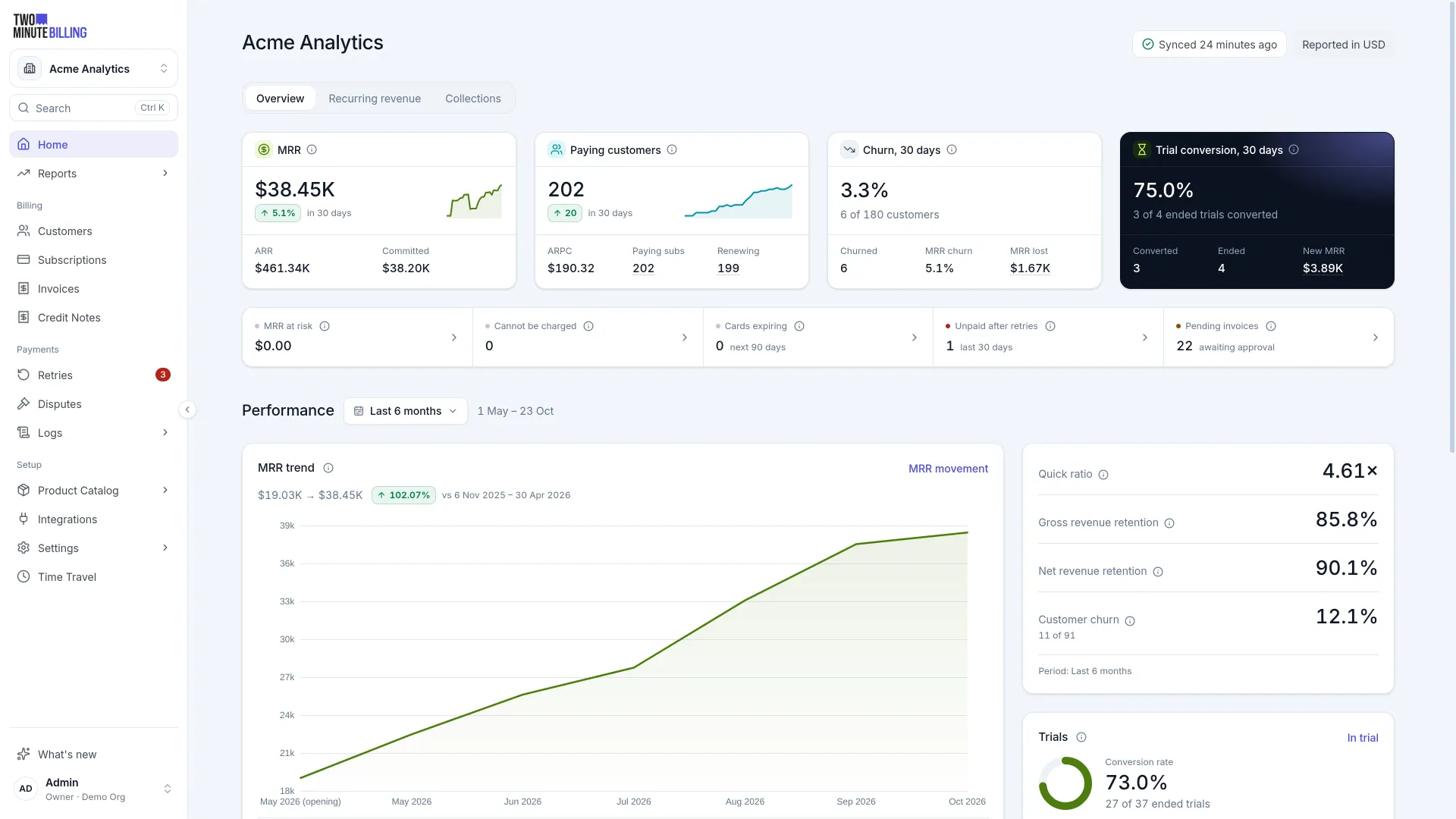
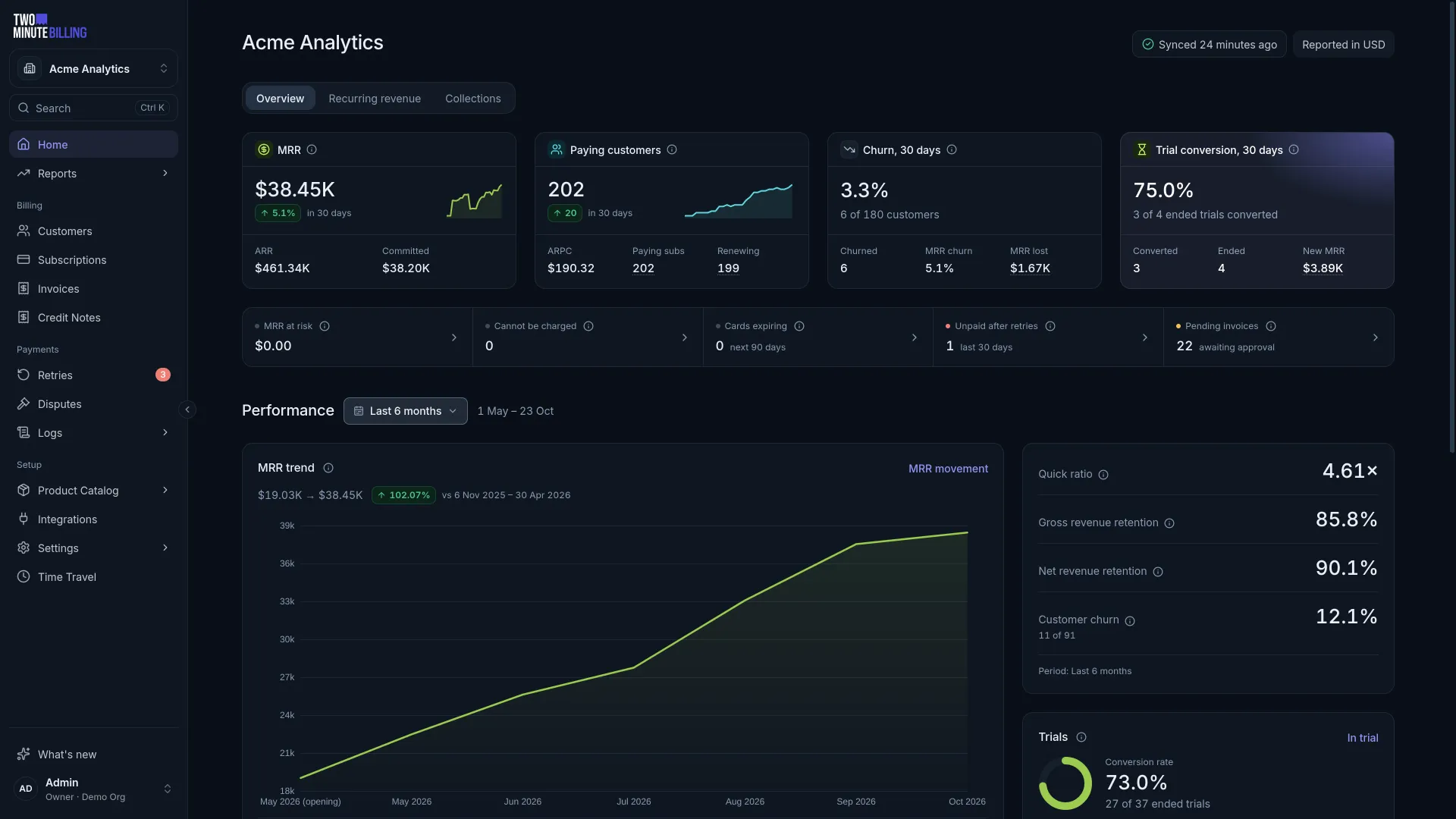
MRR movements
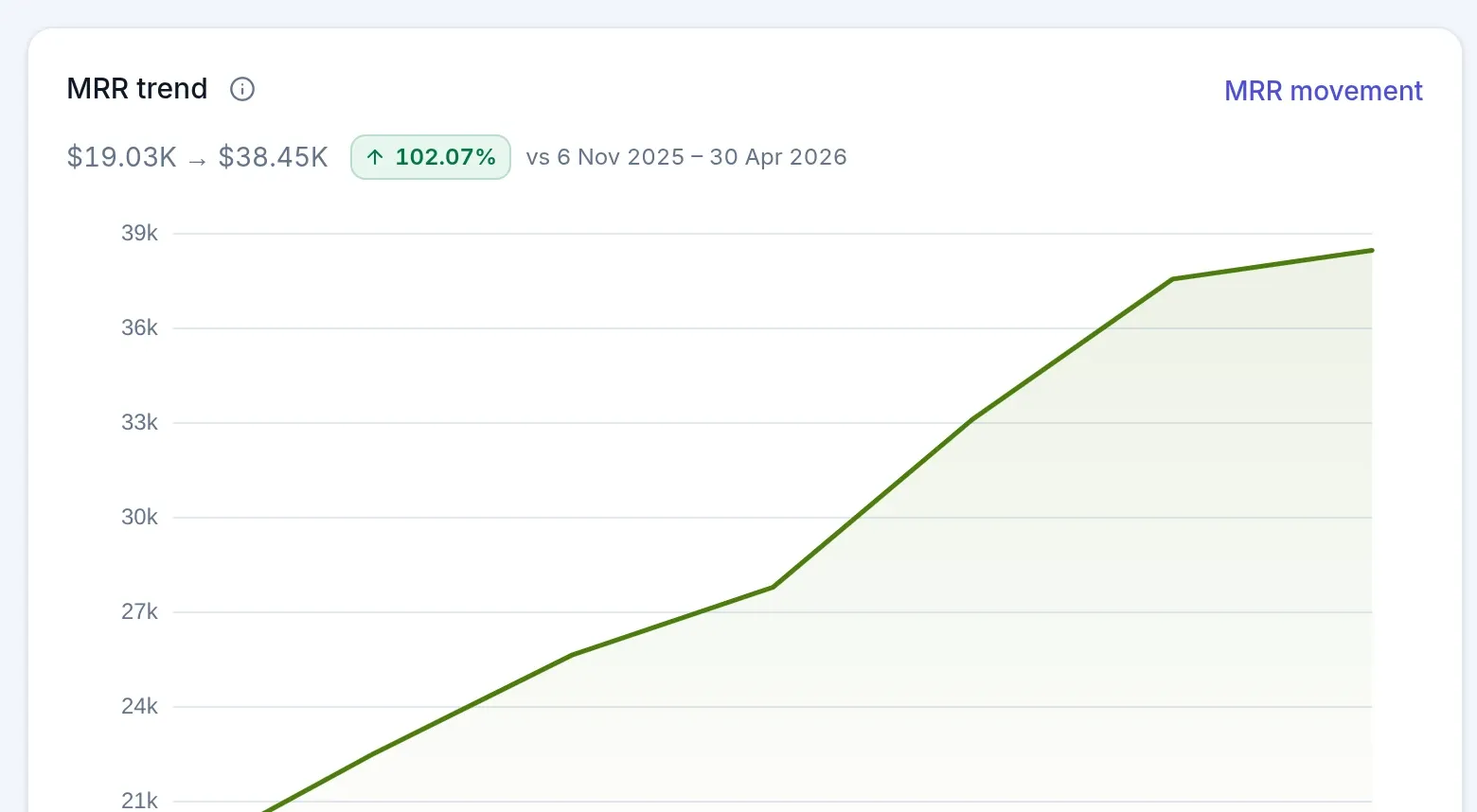
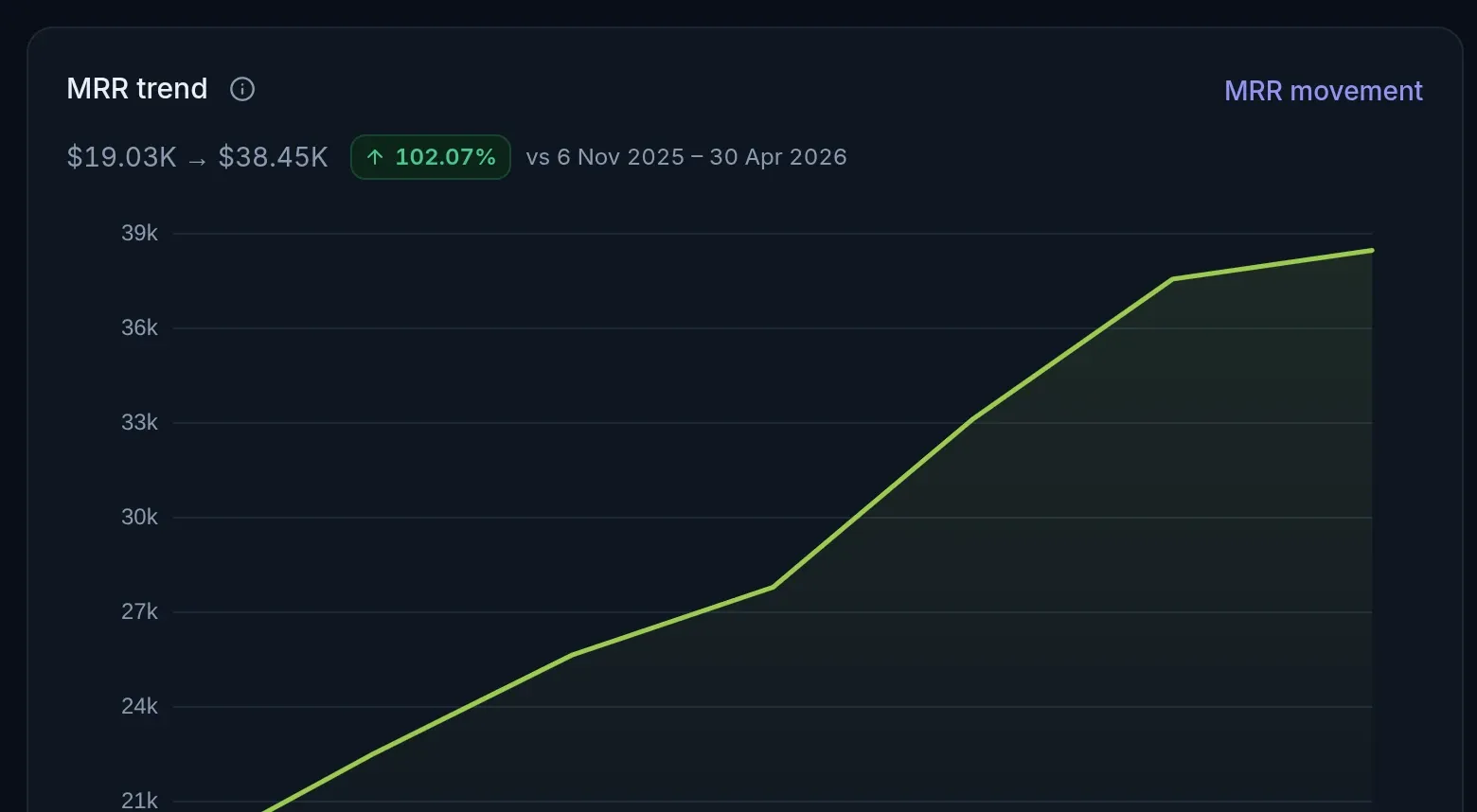
MRR, and every movement behind it
The trend for any window, split into new, expansion, reactivation, contraction and churn. Per business and per currency, never mixed.
- Every business side by sideThe organization view puts each business's MRR, customers and cash next to the others.
- Per currency, never mixedEach currency is reported on its own. Set reporting exchange rates for one roll-up figure.
Traceable
From a figure to the records behind it
When a number looks wrong, click it and read the invoices, payments and credit notes behind it.
- Drill throughFigures on the metrics screens link to the subscriptions, invoices and payments behind them.
- Saved dashboardsBuild dashboards from the report catalog and keep them for your team.
- Analytics APIAsk for a measure over a window, cut by plan, country, currency or business.
- Export the rowsExport the rows behind the revenue reports for your own spreadsheet or warehouse.
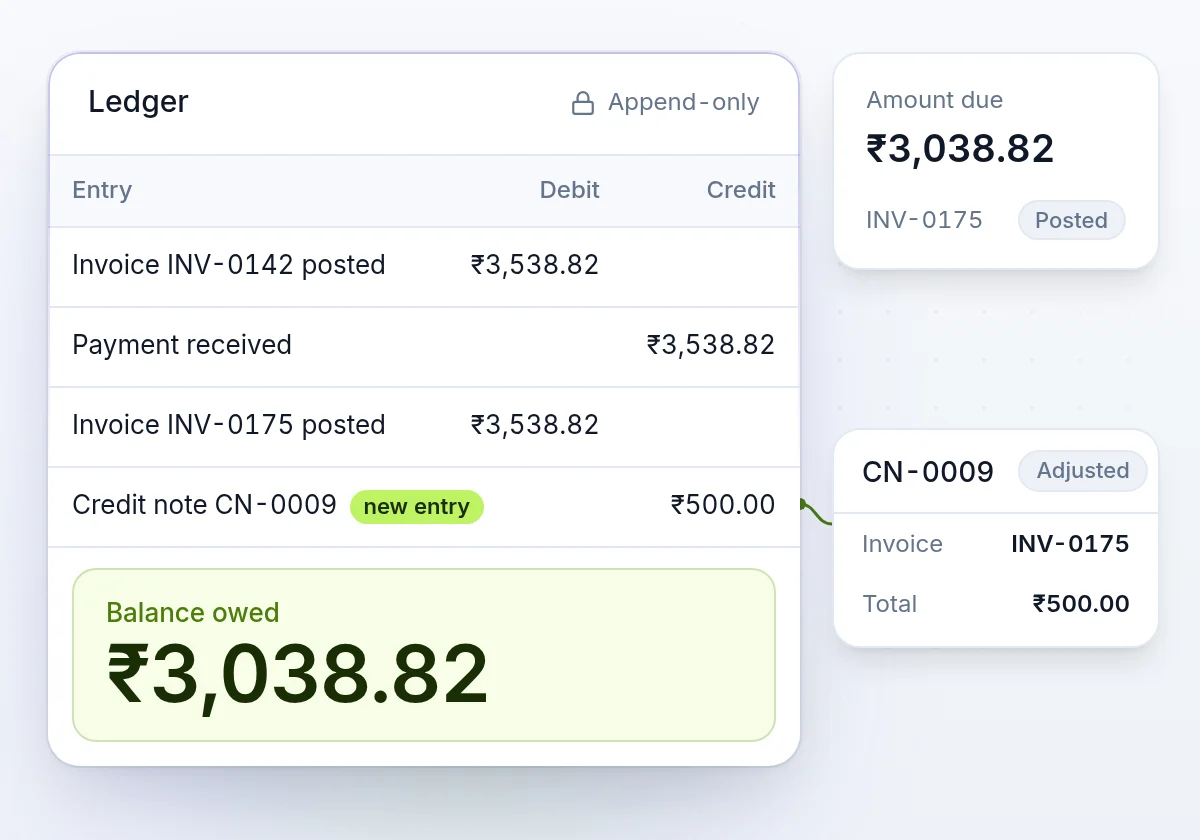
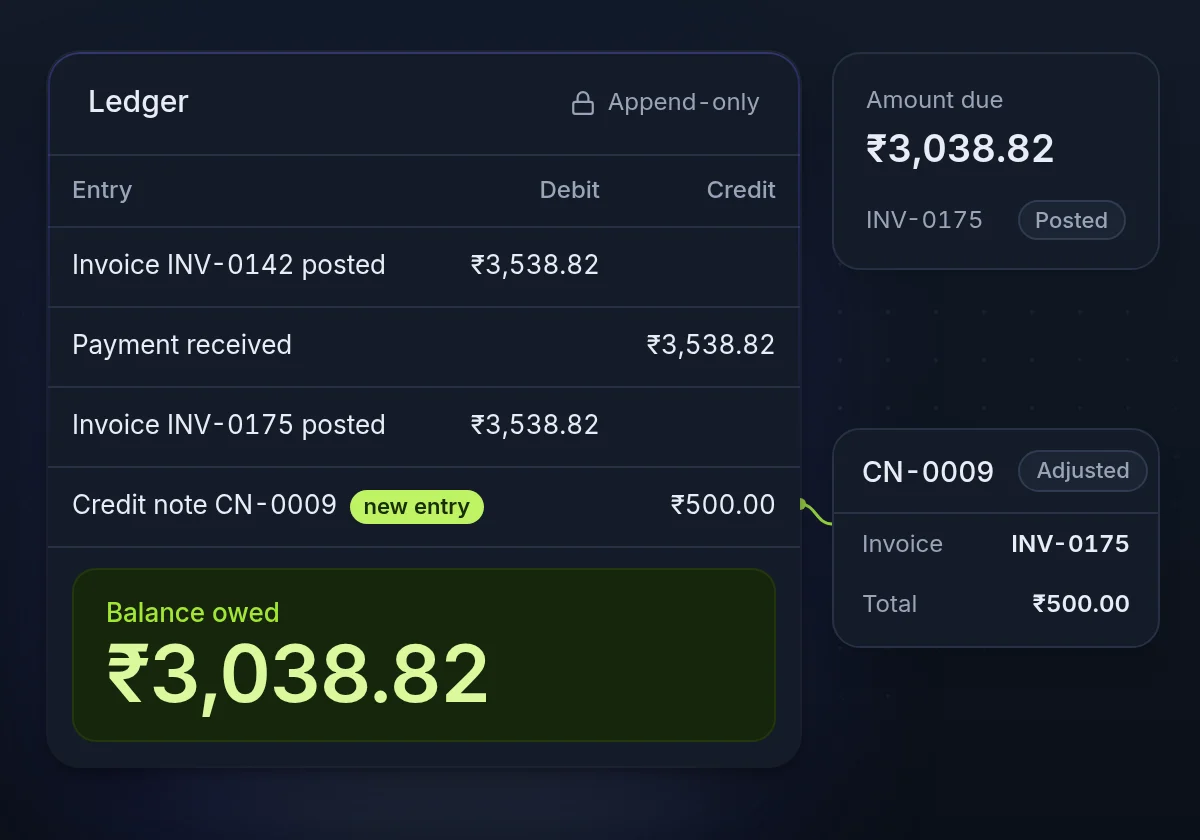
From a ledger record to a report in each currency
- Step 1
Money is recorded
Each invoice, payment, refund and credit note goes on the ledger as it happens.
- Step 2
Measures are defined once
MRR, churn and the rest are calculated the same way on every screen and in the API.
- Step 3
Reports per currency
Trends, movements, cohorts and receivables, per business and per currency.
- Step 4
Open the rows
Click a figure to read the records, or pull it through the API or an export.
Money you can trace, cards you never hold
How we keep billing safeAn append-only ledger
Balances come from double-entry records. A correction is a new entry, so every figure traces back to the rows behind it.
PCI DSS SAQ-A scope
Card numbers go from the browser straight to your payment gateway. They never reach our servers or yours.
An audit log
Who changed what, from the dashboard or the API, with the values before and after.
MRR and churn reporting questions
More of the product
See your own numbers
Sign up free, or talk to us about moving your history in so your reports start with your past, not from zero.