

Hosted checkout and customer portal
A hosted checkout and a self-serve billing portal, with your brand
Two Minute Billing gives you a hosted checkout, payment links, a public pricing page and a self-serve customer portal, each with your logo and colors. Card details go straight to your payment gateway, and routine billing changes never reach your inbox.
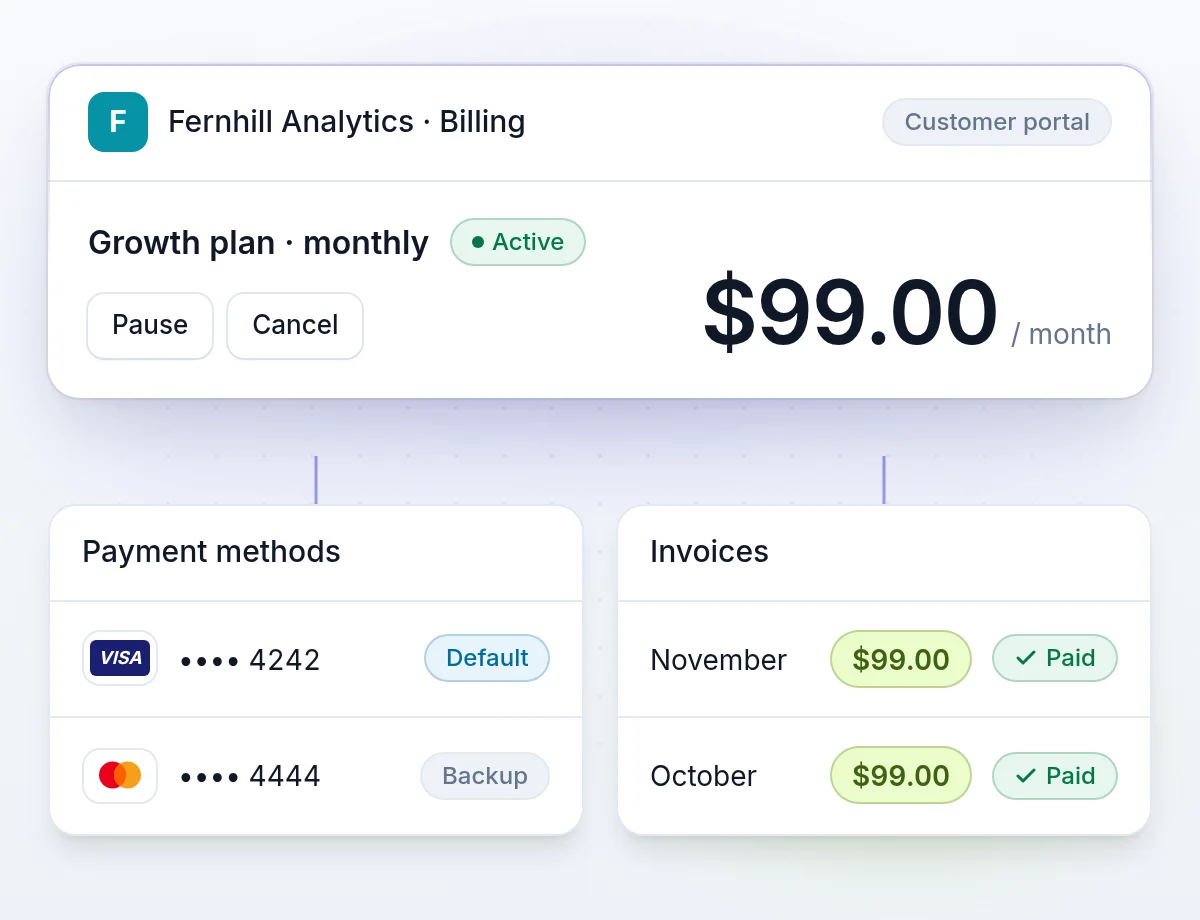
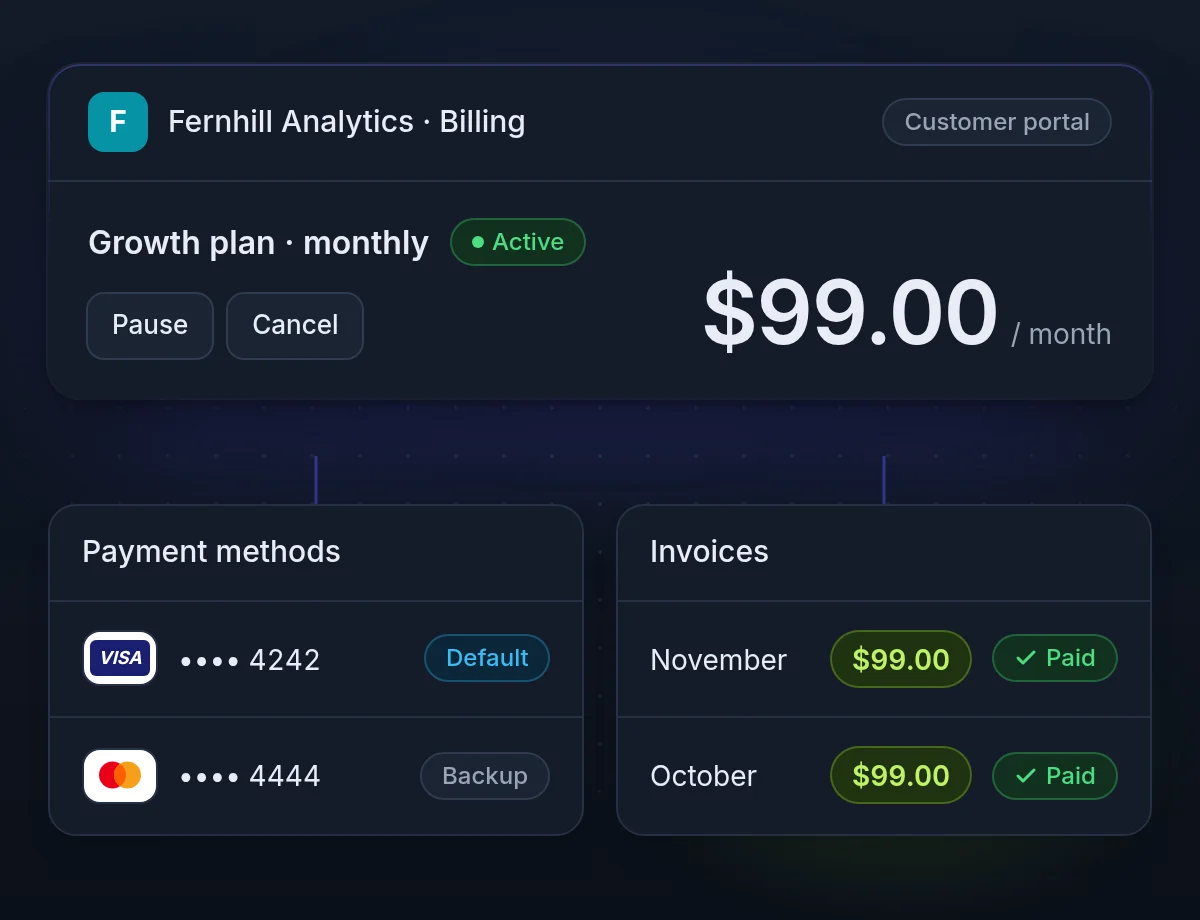
Safe self-serve: cards go to your gateway, links work once
A customer who updates a card at midnight pays at midnight. A customer who has to email you waits for business hours, and some never write.
Card numbers never reach your servers
Card details go straight to your payment gateway, which keeps your scope at PCI DSS SAQ-A.
Portal links work once
Each link works once and then expires within an hour, so a forwarded email cannot open the account.
Reminders for unfinished checkouts
When you turn them on, an unfinished checkout gets a reminder after an hour and again a day later.
Hosted checkout
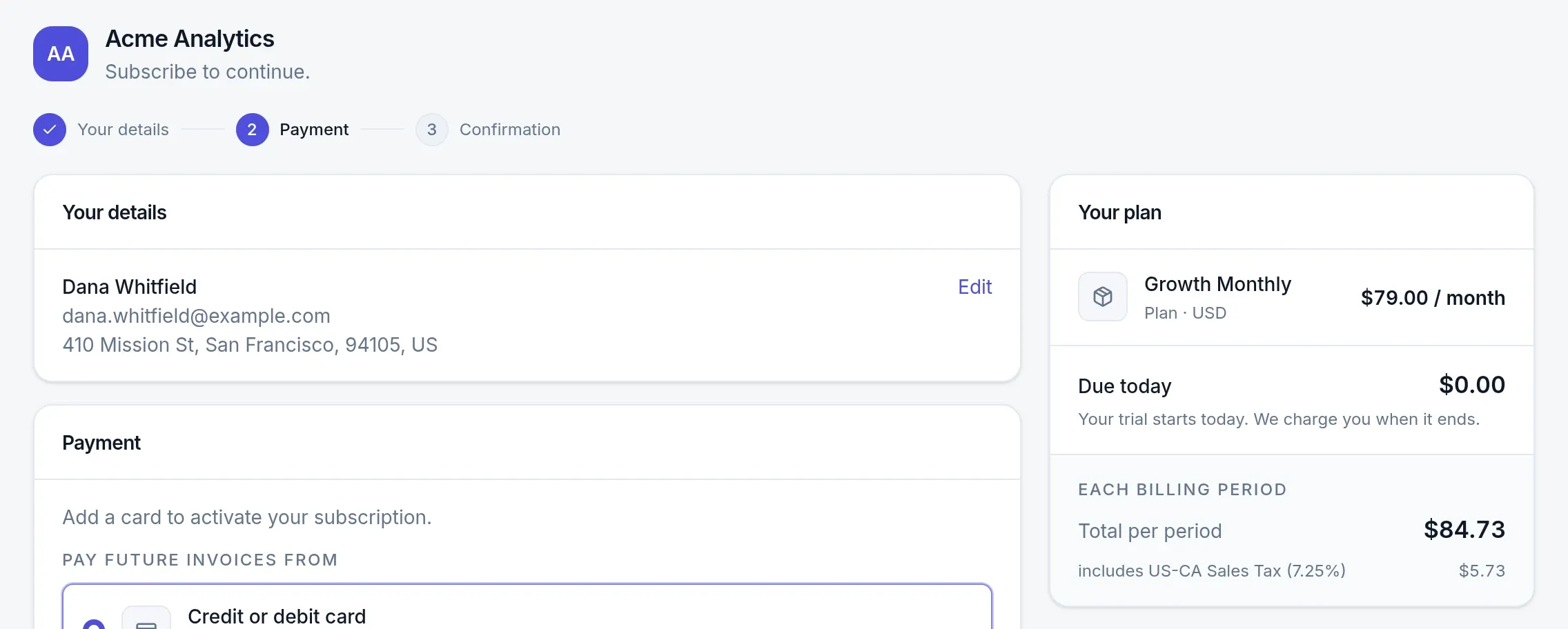
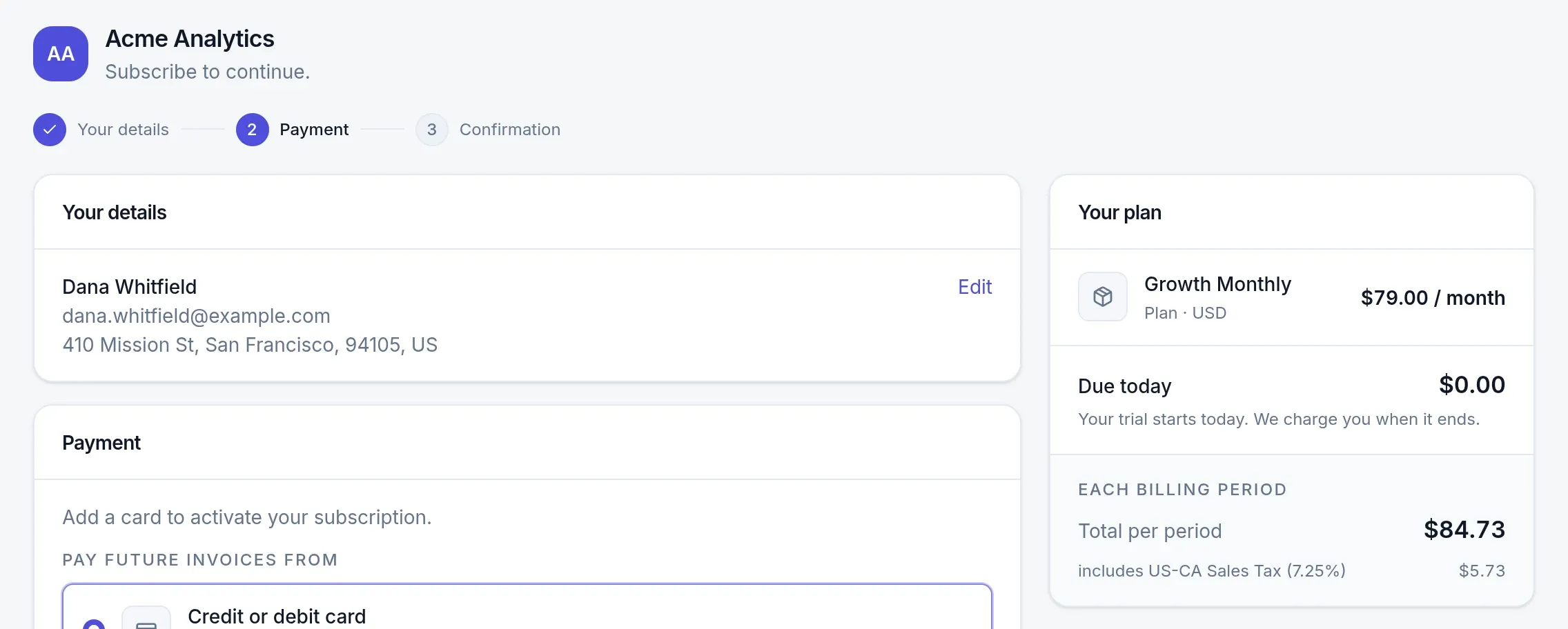
A hosted payment page that shows what is due today, with tax
The buyer selects a plan, enters their details and pays on a page with your logo and colors. What they see due is what they are charged.
- What is due todayThe first invoice with tax and one-time items, or the trial, before the customer pays.
- Ways to payApple Pay, Google Pay and Link through Stripe; UPI and net banking through Razorpay.
- 3-D Secure on the pageWhen the bank asks for authentication, the customer completes it without leaving.
- Coupon codesLet buyers enter a code at checkout, when you allow it.
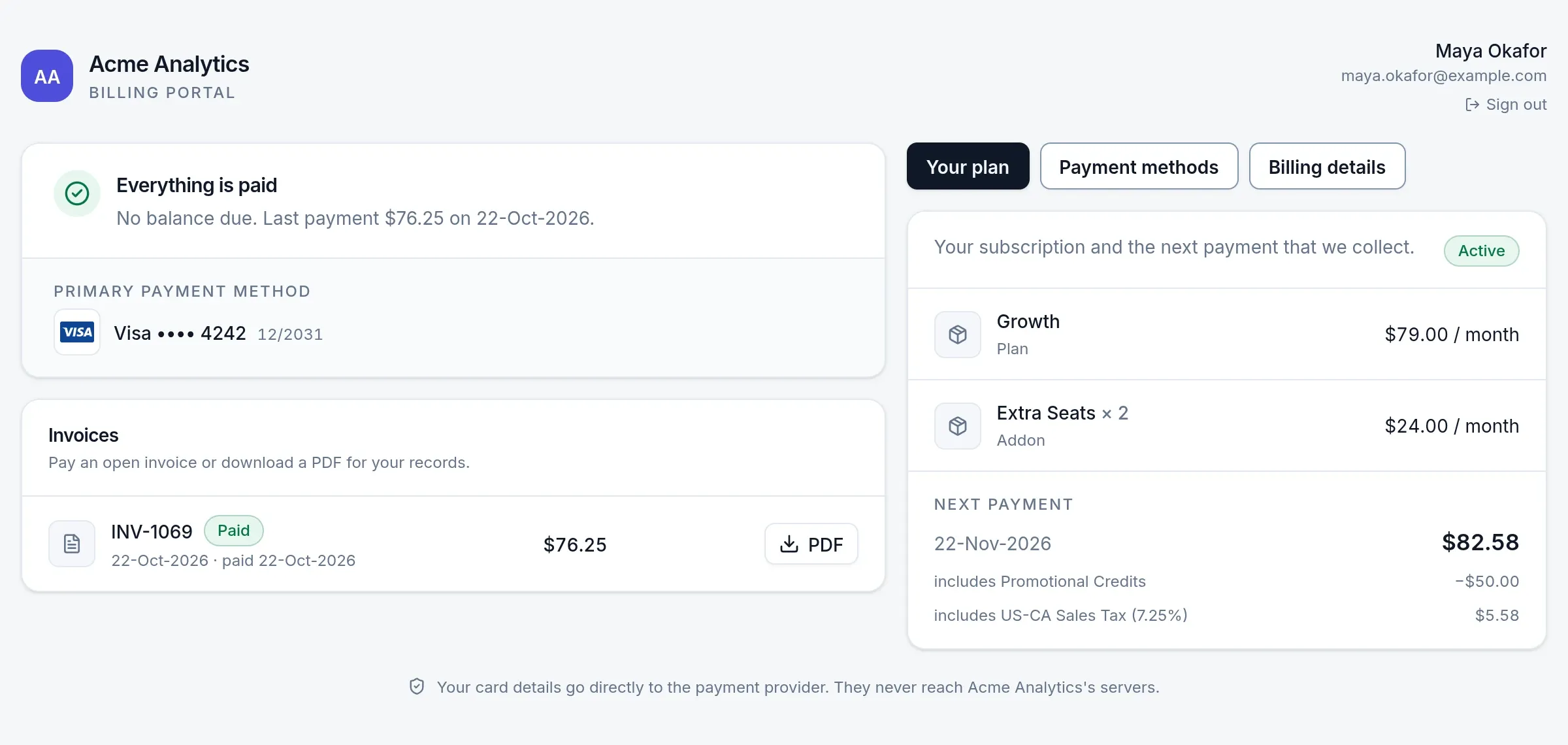
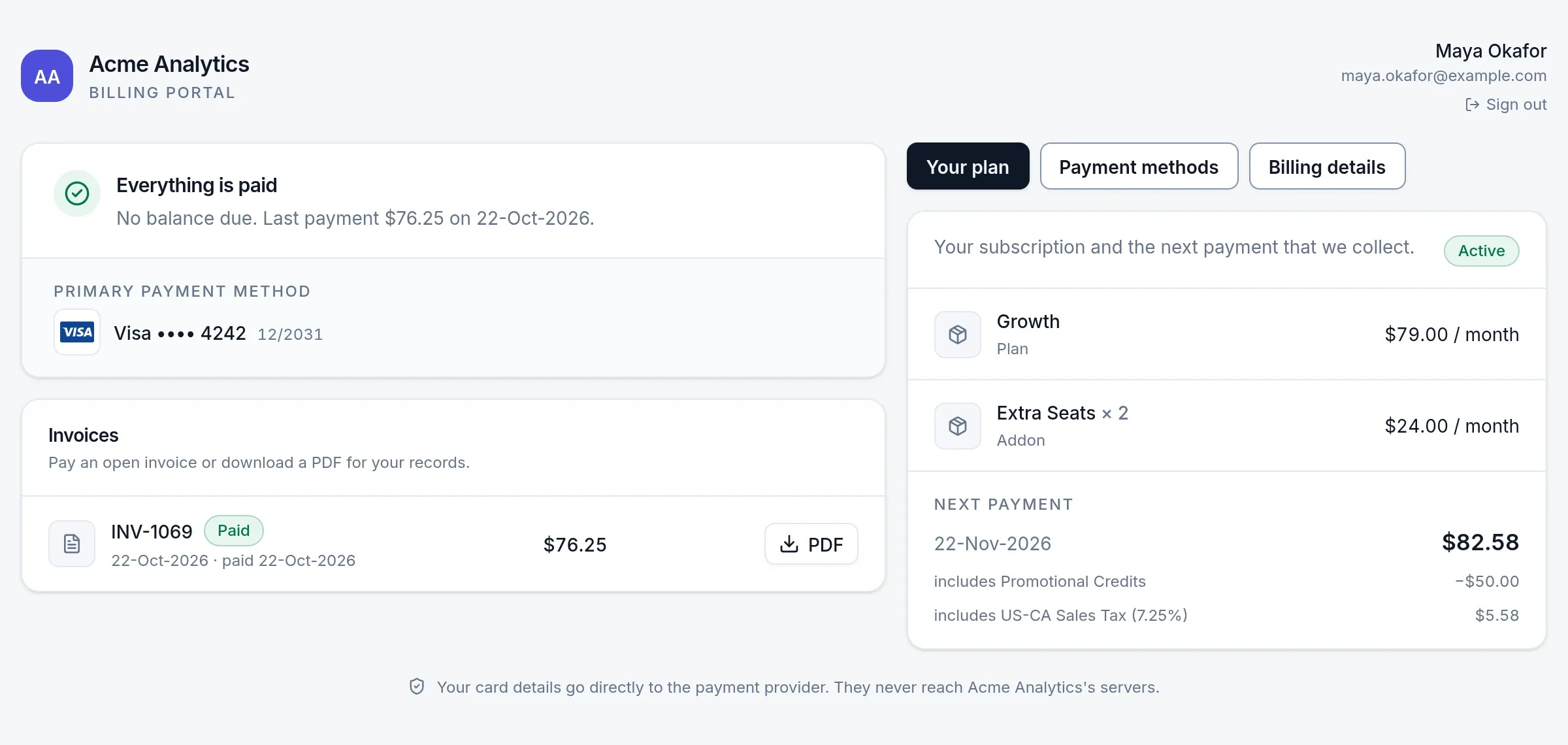
A customer portal for cards, invoices, billing details and plan changes
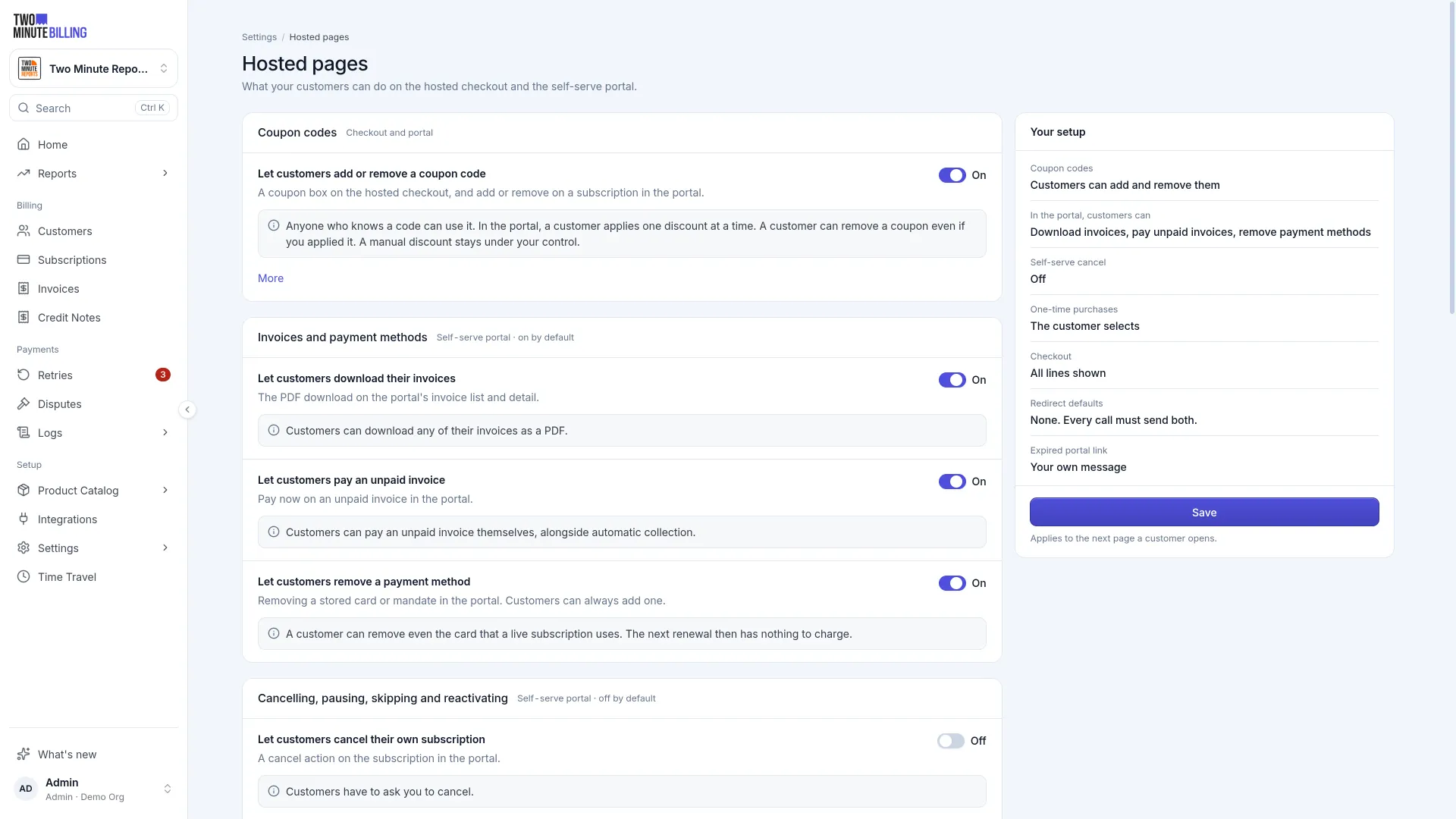
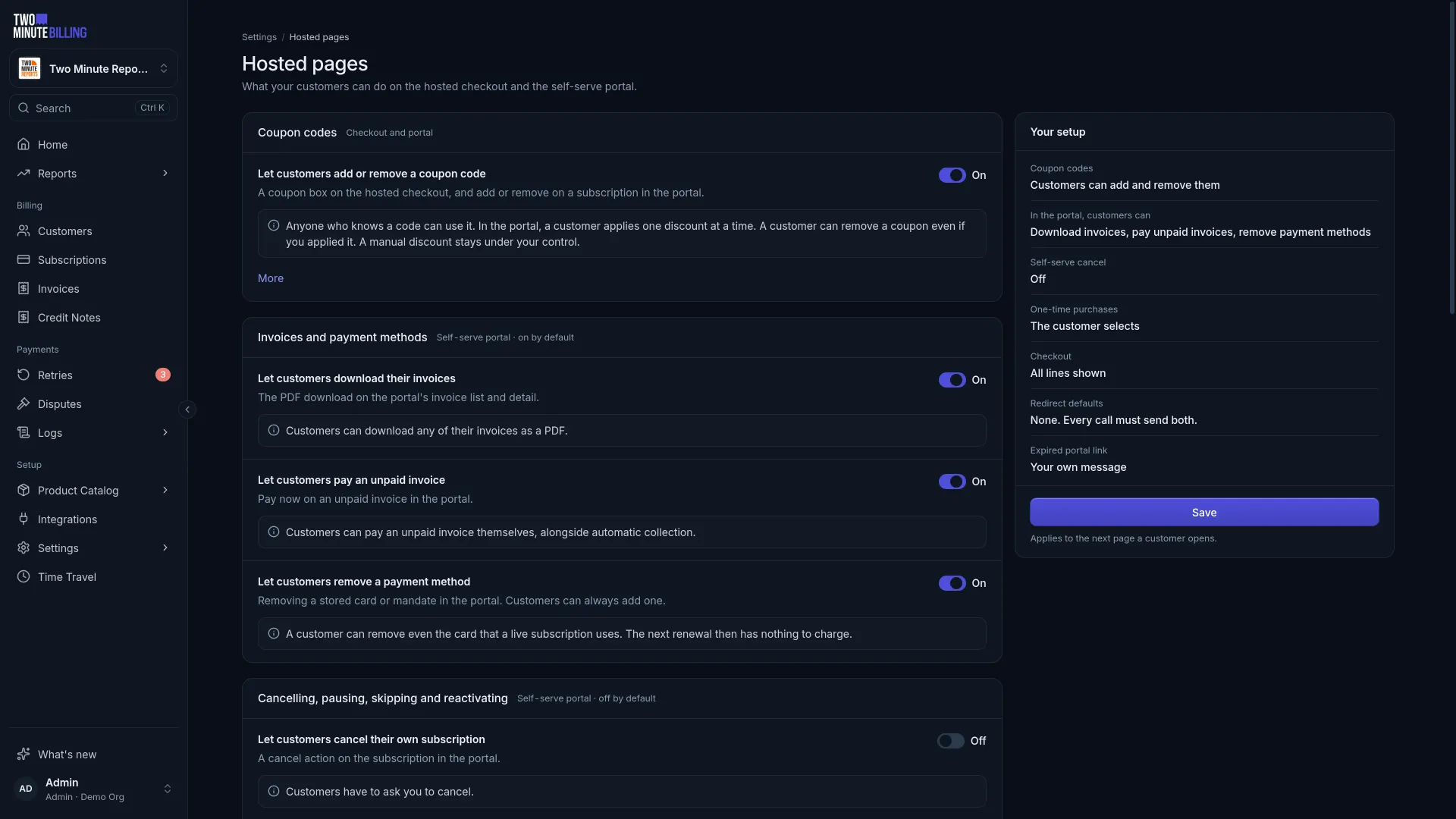
Each switch you turn on under Settings → Hosted pages is a support request your team stops receiving. Whether customers may cancel on their own is your call.
- Cards and backupsAdd a card, and set the default and the backups.
- InvoicesSee and download every invoice, and pay what is owed.
- Billing detailsEdit the billing address and tax number, with the fields you allow.
- CouponsApply or remove a coupon on the subscription.
- Pause, skip or cancelPause, resume, skip a renewal, cancel or reactivate, each only when you allow it.
- Your switchesTurn each action on or off under Settings → Hosted pages.
Reusable payment links and a hosted pricing page
Sell a plan or a one-time product from one link, or publish a pricing page that lists the links you mark.
- Reusable payment linksShare one link anywhere. Each visitor gets a checkout of their own, and opens and sales are counted.
- A hosted pricing pageMark the payment links to show, and the page lists each with its buy button.
- Quantities and optional itemsLet buyers select a quantity within limits you set, and add optional items.
- Unfinished checkout emailsOptional emails an hour after a buyer leaves, and again a day later, with a link back.
Safe by design
Portal links work once, expire after an hour and can be revoked
The pages that take a card are the ones that most need to be tight.
- Single-use entryA portal link works once and expires an hour after it is made. Your API key never reaches the browser.
- Revoke at any timeEnd a checkout or portal link, and the session it opened, with one action.
- Your brandLogo, icon and brand color on checkout, the portal, invoices and email.
- Cards go to your gatewayCard details go from the browser to your gateway, never to our servers or yours.
From a payment link to a subscription the customer manages
- Step 1
Share a link
A payment link, the pricing page, or a checkout session your app creates through the API.
- Step 2
The buyer pays
On a hosted checkout with your brand, with tax shown before they pay.
- Step 3
The subscription starts
The invoice is paid, and your app hears about it by webhook.
- Step 4
The customer manages it
Cards, invoices and changes in the portal, with no ticket to your team.
Money you can trace, cards you never hold
How we keep billing safeAn append-only ledger
Balances come from double-entry records. A correction is a new entry, so every figure traces back to the rows behind it.
PCI DSS SAQ-A scope
Card numbers go from the browser straight to your payment gateway. They never reach our servers or yours.
An audit log
Who changed what, from the dashboard or the API, with the values before and after.
Checkout and portal questions
More of the product
Open your own checkout in test mode
Sign up free, create a payment link and buy your own plan with a test card.