

Subscription management software
Subscription management that prices every change before you confirm
Two Minute Billing manages plans, add-ons, free trials, upgrades, downgrades, pauses and scheduled changes, in every currency you sell in. Proration is worked out and shown with tax before anything is charged.
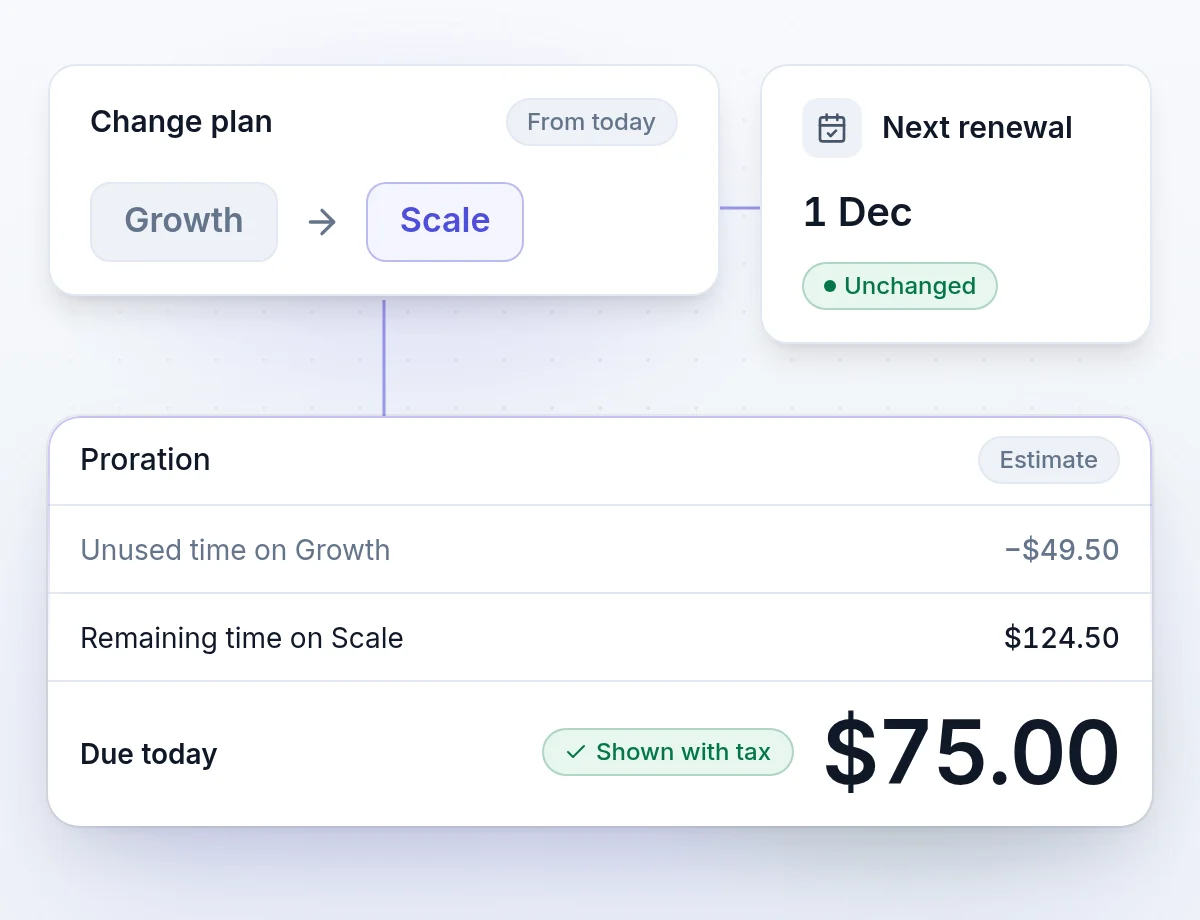
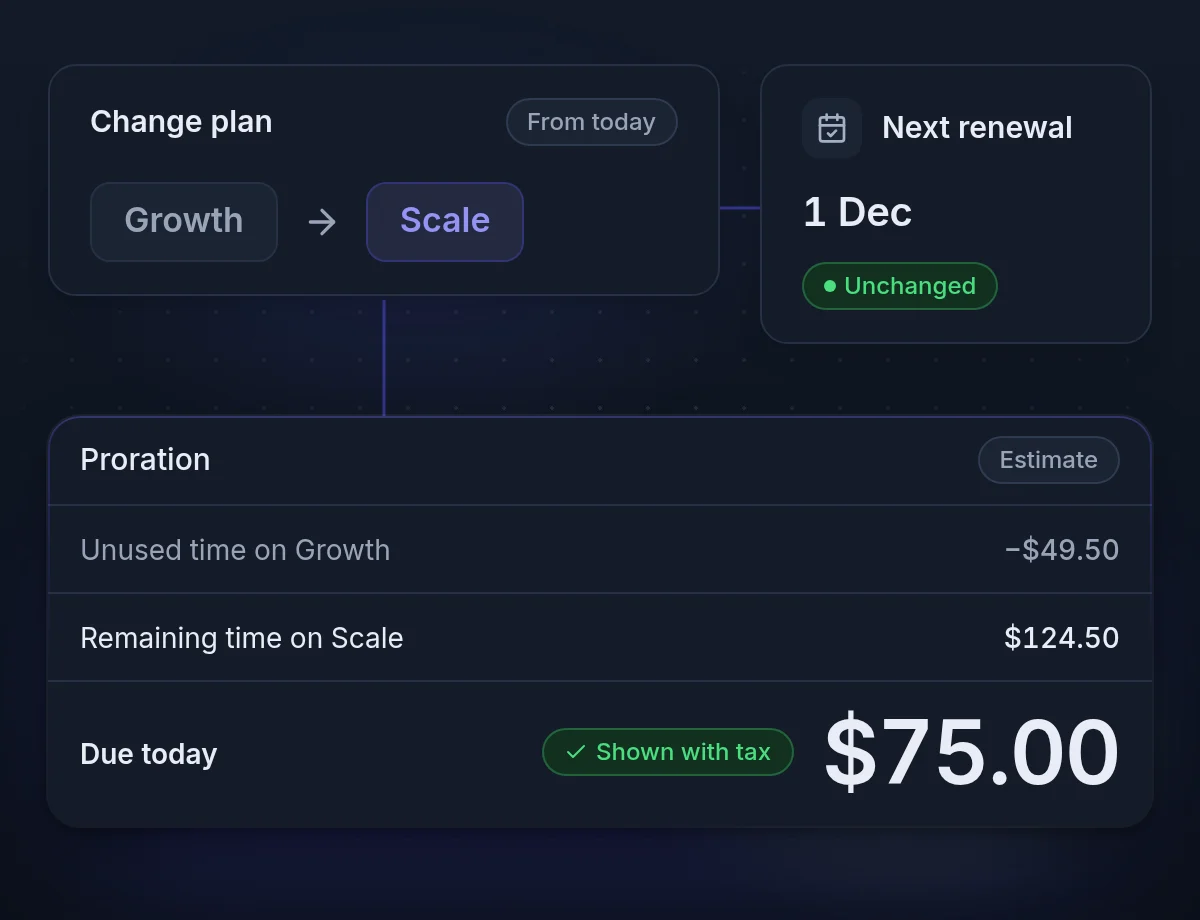
Change plans and subscriptions in the dashboard, price shown first
Every new plan, discount or mid-month upgrade is revenue. When the billing system cannot price it, the deal waits or the invoice goes out wrong.
Eight pricing models
Flat, per unit, tiered, volume, stairstep, package, usage and percentage, on one catalog.
One renewal date per subscription
A plan, its add-ons and a metered line renew together, on one invoice.
See every change before you confirm it
Every upgrade, downgrade and mid-period change shows its proration and tax first.
Eight pricing models, one catalog
One product can carry many prices: Pro monthly and yearly, in USD and EUR, is one product with four. Archive what you stop selling; old invoices still point at it.
- FlatThe same amount every period.
- Per unitAmount times quantity, for seats and users.
- TieredEach tier's units at that tier's rate.
- VolumeThe whole quantity at the rate of its tier.
- StairstepA flat amount per band, such as up to 50 users.
- PackageBlocks of units, such as 1,000 credits.
- UsageWhat was consumed, billed after the period.
- PercentageA share of a value you report.
Lifecycle
Upgrades, downgrades and pauses, with proration calculated
Each action asks what should happen to outstanding invoices, unbilled charges and credit, and records a reason your churn reports can use.
- TrialsNothing is charged until the trial ends. Then the subscription bills on its normal schedule.
- Upgrades and downgradesUnused time is credited and the new item is charged for the rest of the period. The renewal date stays put.
- Scheduled changesPut a downgrade at the end of the term. It shows on the subscription until it happens, and you can withdraw it.
- Pause and resumeResume inside the paid term and nothing new is charged. Resume after it and a new term starts that day.
- Cancel and reactivateCancel now or at the end of the term, with a reason. Reactivate later, or clear a cancellation you scheduled.
- One-off chargesAdd a setup fee or an extra and invoice it now, or add it to the next renewal.
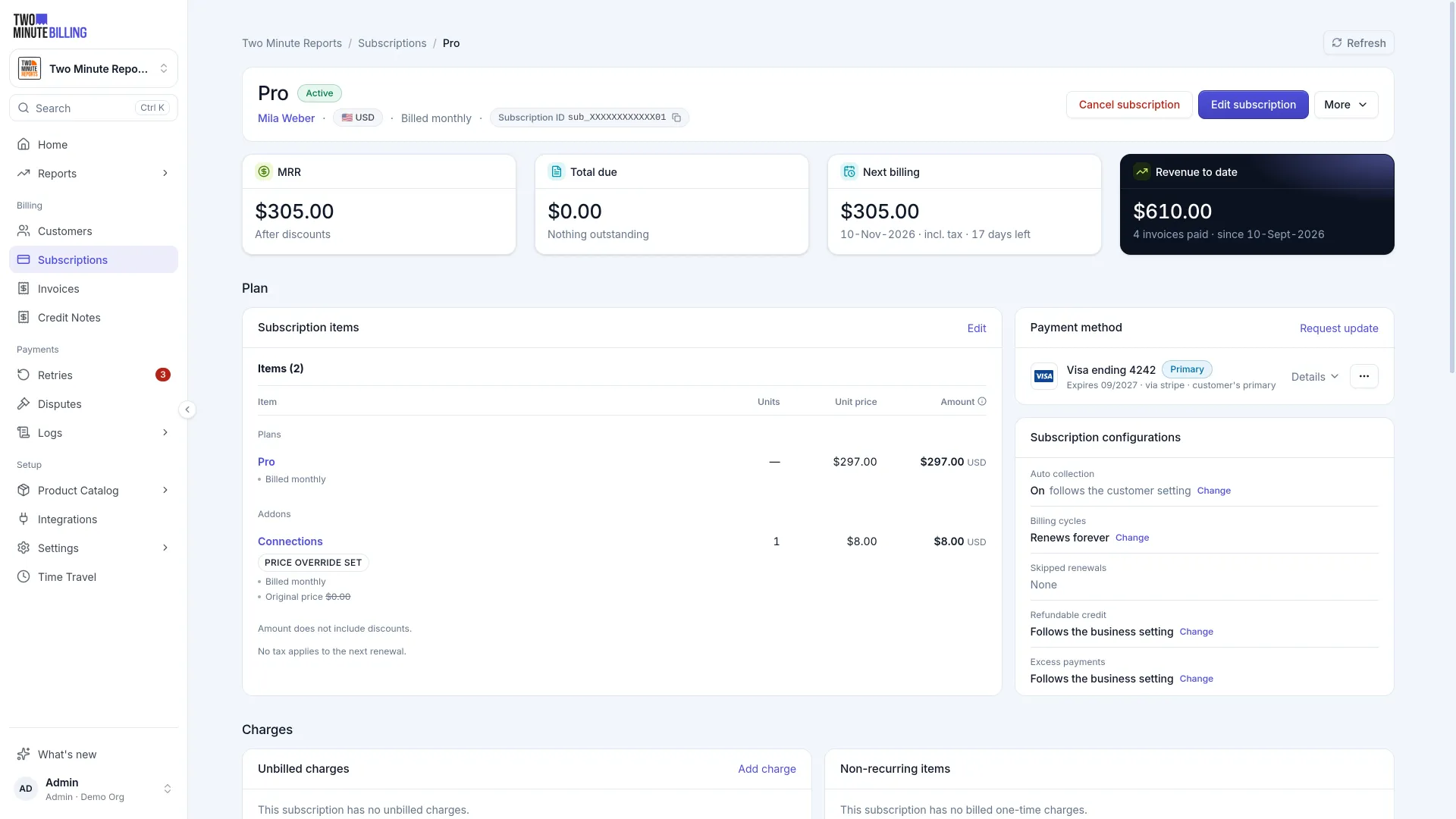
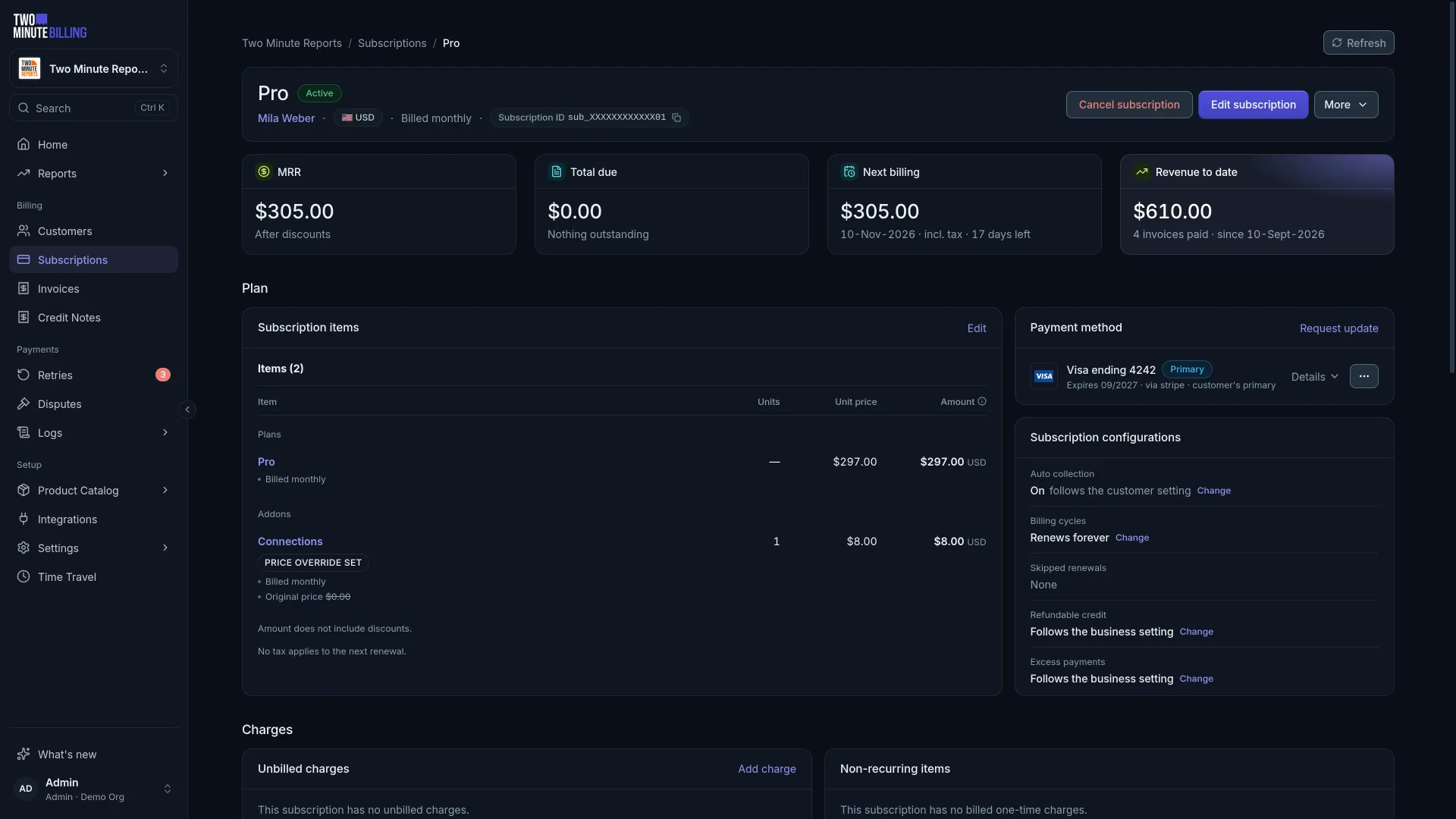
Discounts and access
Coupons, credit and entitlements on the subscription
The commercial details that usually live in a spreadsheet live on the subscription instead.
- CouponsPercentage or fixed, once, forever or for a number of periods. Several can stack on one subscription.
- Single-use codesGenerate a set of codes for a campaign. Each code redeems once; voiding an invoice gives it back.
- Account creditMoney left over from a downgrade becomes credit and comes off the next invoice before the card is charged.
- EntitlementsGrant features and limits per plan, override them for one subscription, and check them from your app.
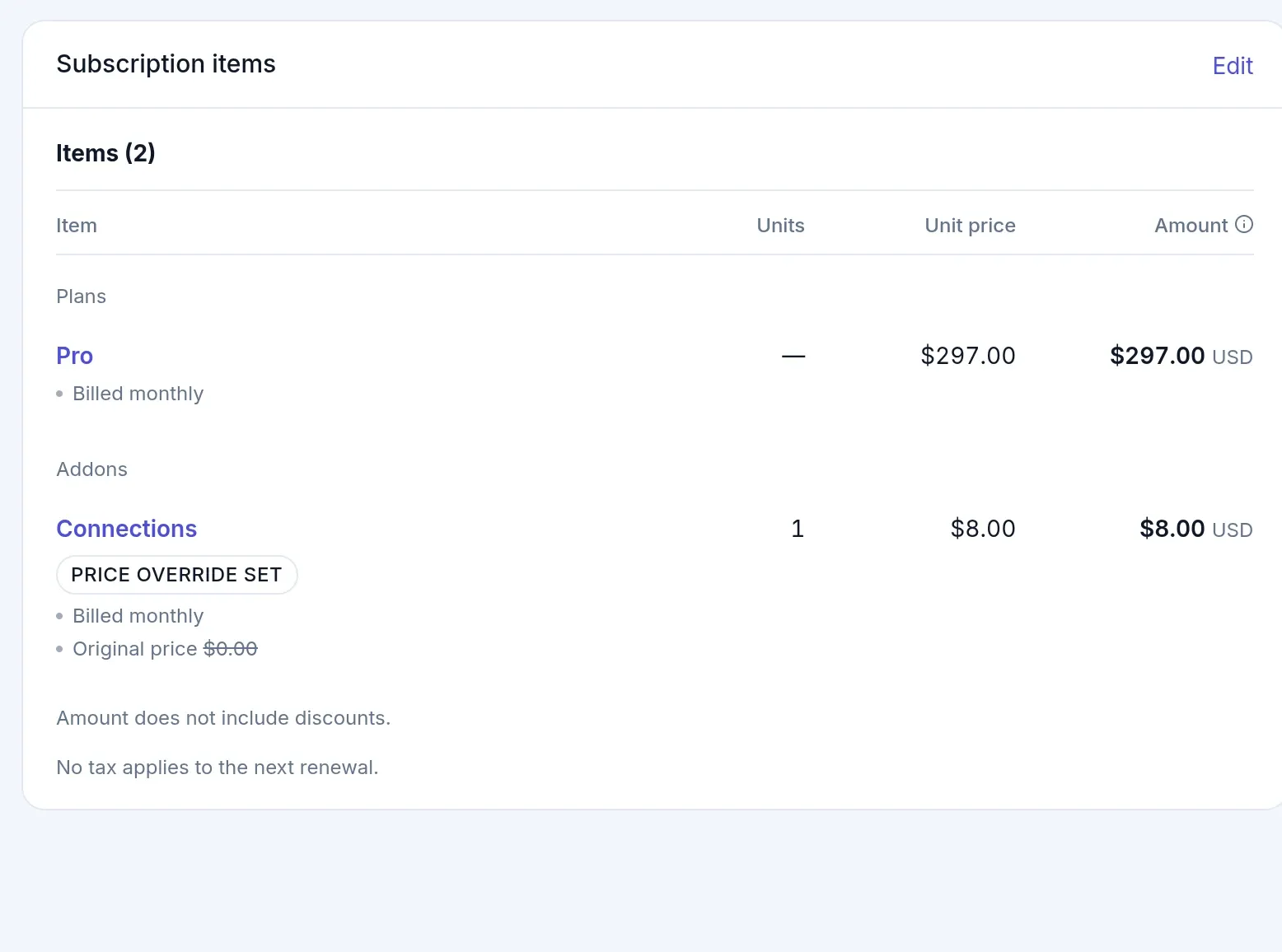
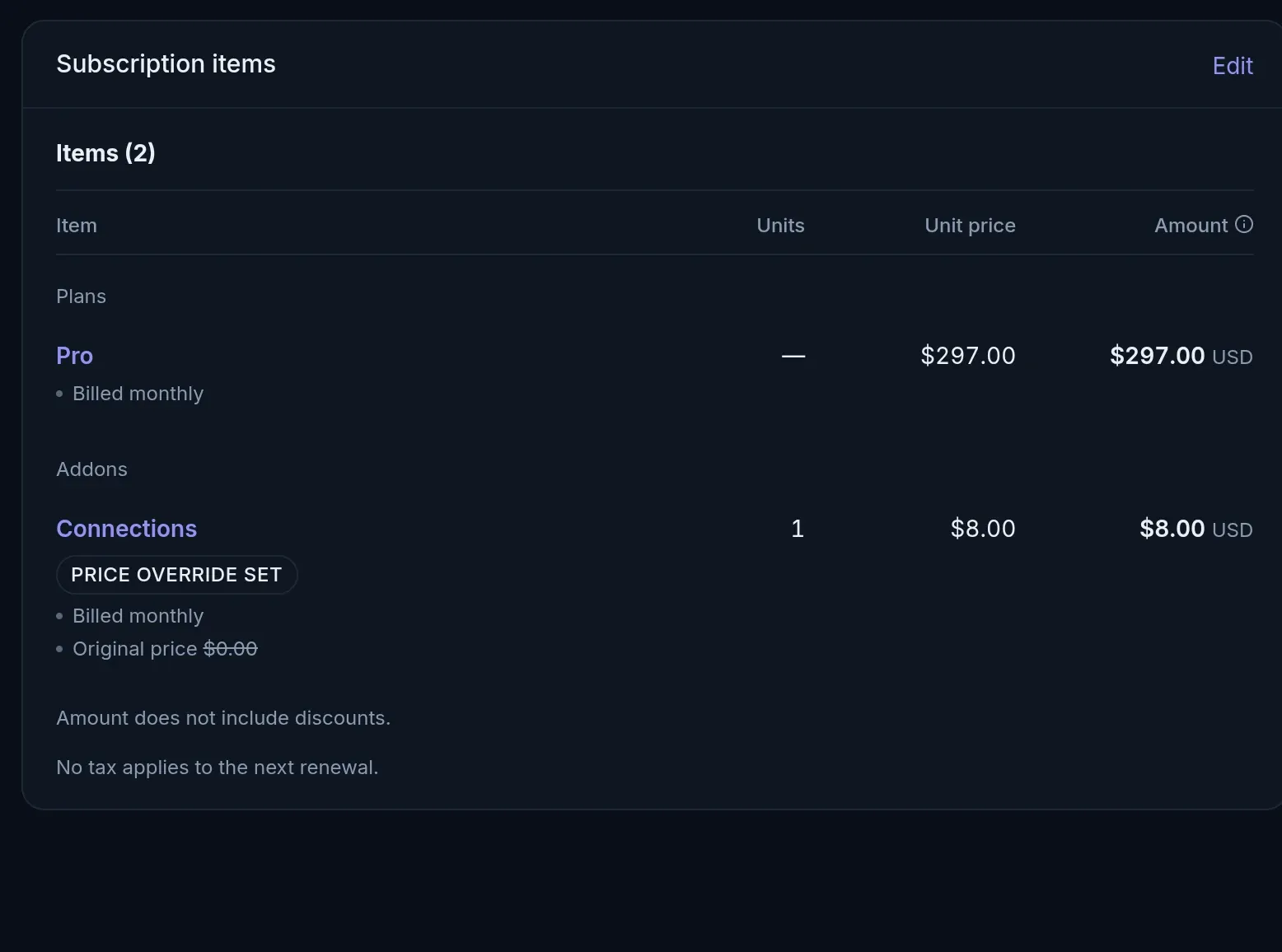
The subscription lifecycle, end to end
- Step 1
Trial
Nothing is charged until the trial ends. A reminder goes out before it does.
- Step 2
Renew
Each period, the invoice is raised and collected on the renewal date.
- Step 3
Change
Upgrade now with proration, or schedule a downgrade for the end of the term.
- Step 4
Pause or cancel
Pause and resume later, or cancel now or at the term end, with a reason.
Money you can trace, cards you never hold
How we keep billing safeAn append-only ledger
Balances come from double-entry records. A correction is a new entry, so every figure traces back to the rows behind it.
PCI DSS SAQ-A scope
Card numbers go from the browser straight to your payment gateway. They never reach our servers or yours.
An audit log
Who changed what, from the dashboard or the API, with the values before and after.
Subscription management questions
More of the product
Model your pricing in test mode
Create your plans, put a test customer on one, then change it mid-period and read the estimate before you confirm.