Billing security
Billing security: PCI DSS SAQ-A scope, a ledger and an audit log
Card numbers never reach our servers, so your PCI DSS scope stays at SAQ-A. Money is recorded in an append-only ledger, every change has a name next to it in the audit log, and test data can never touch live.
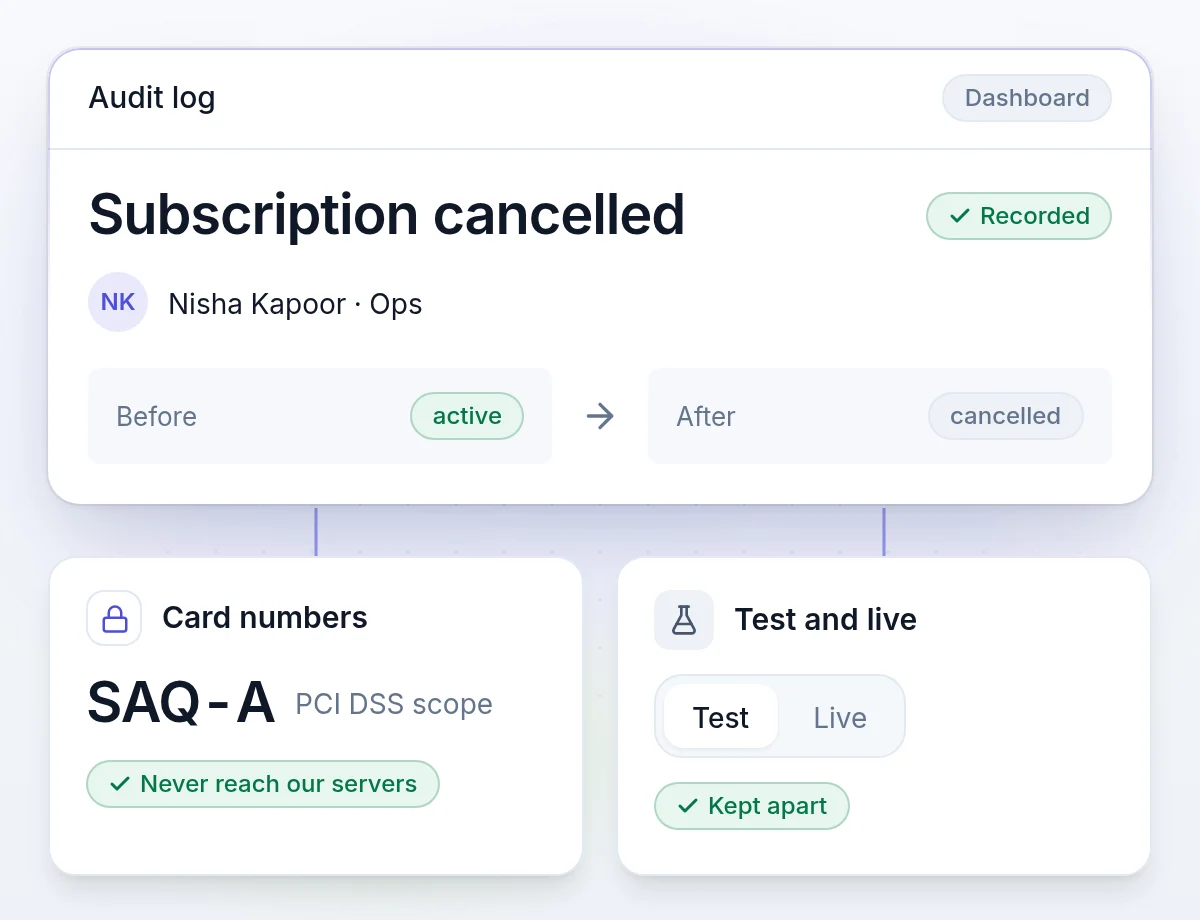
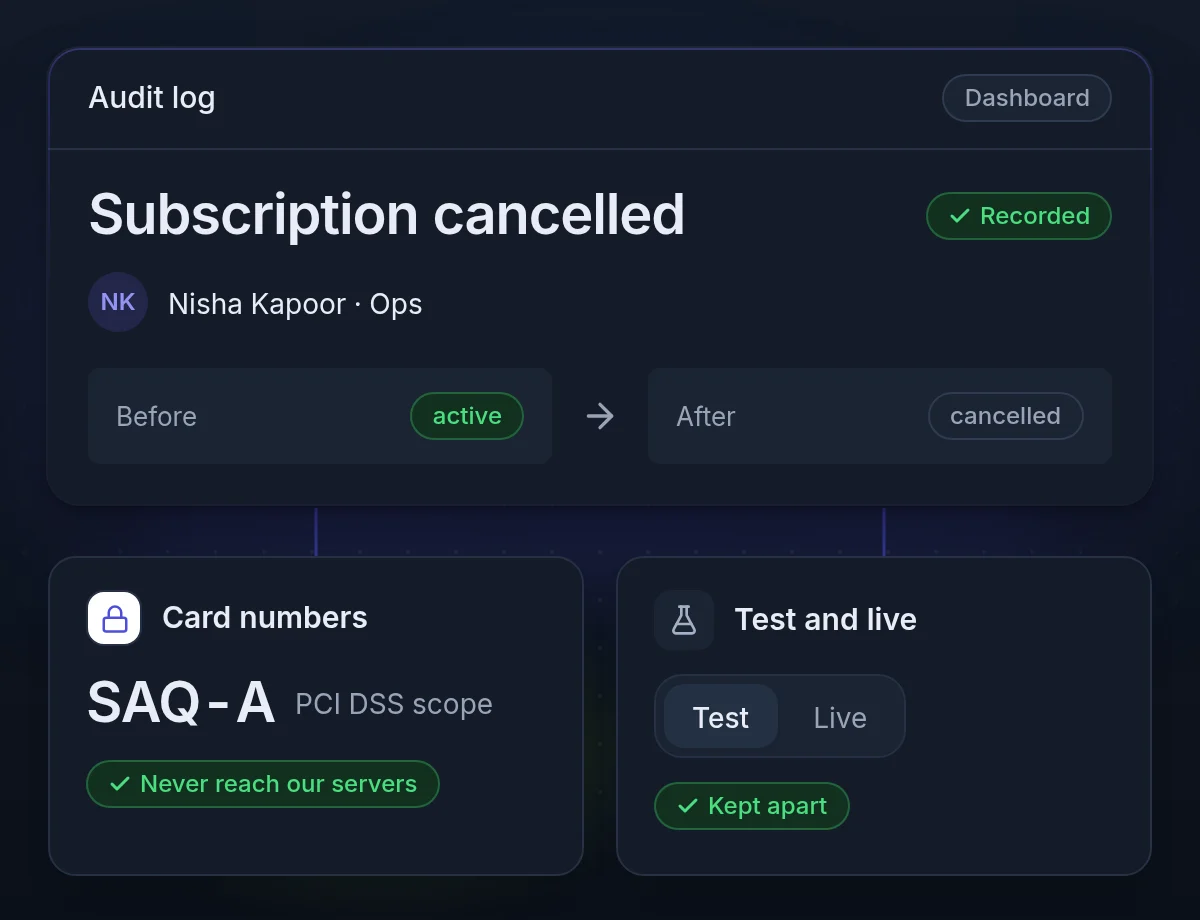
No card numbers on our servers, and money in an append-only ledger
Finance, auditors and your security review ask the same three questions: where are the cards, can the numbers change, and who did what. Here are the answers.
Card numbers never reach our servers
Card details go from the browser to your gateway, so card-data scope stays at PCI DSS SAQ-A.
Five roles for your team
Owner, Admin, Manager, Ops and Developer. Each person gets what their job needs.
An append-only ledger
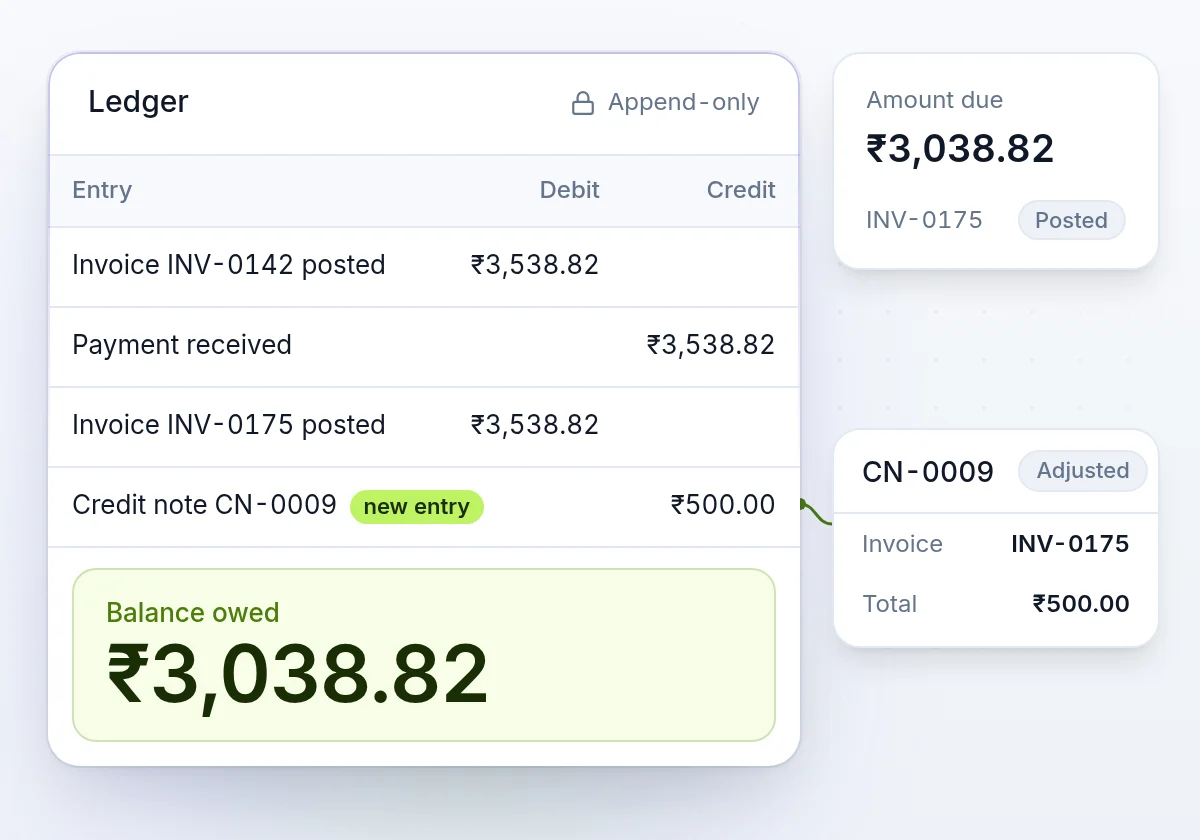
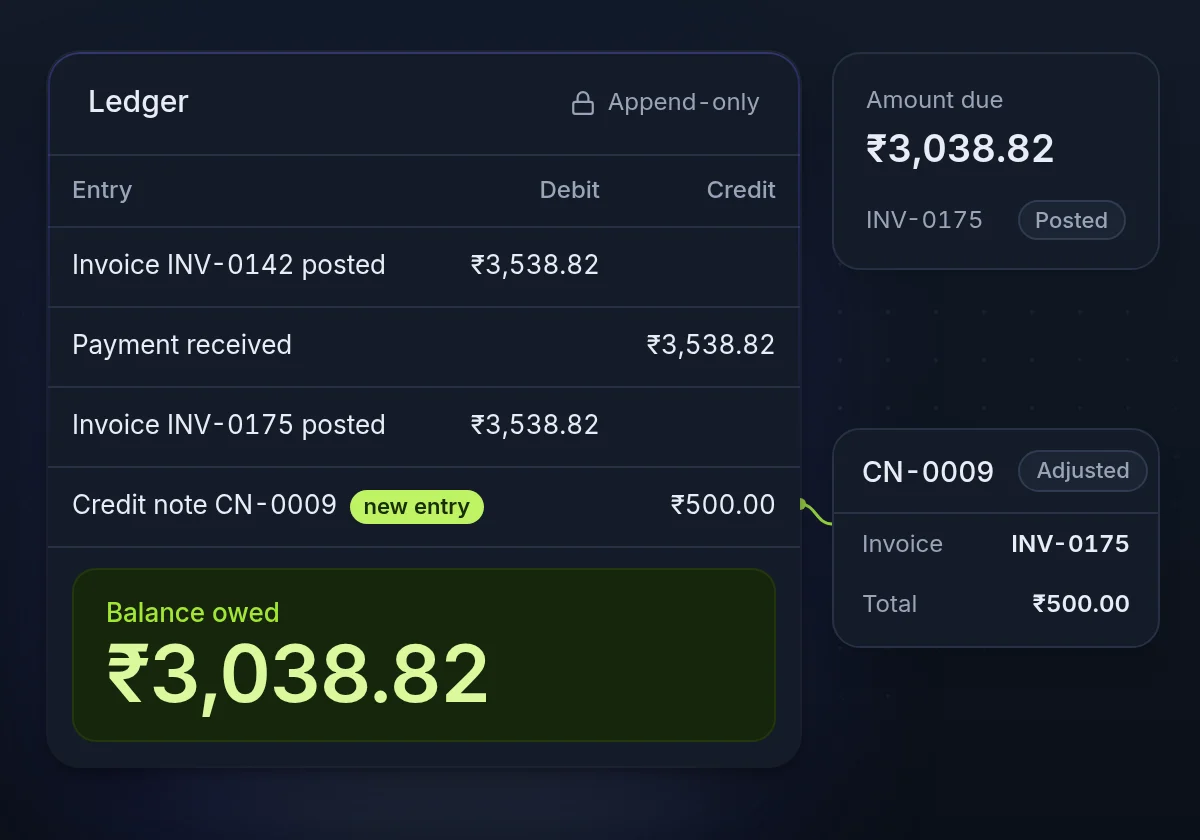
Money is recorded in an append-only, double-entry ledger. A correction is a new entry.
PCI DSS SAQ-A
Card data stays with your gateway, so your PCI scope stays at SAQ-A
Card numbers go from your customer's browser straight to your payment gateway. They never reach our servers or yours, so card-data scope stays at PCI DSS SAQ-A.
- No card numbers storedOur database holds the gateway's reference, the last four digits and the expiry date.
- 3-D Secure on the pageWhen the bank asks for authentication, the customer completes it on the checkout or portal page.
- Single-use portal linksA portal link works once and expires an hour after it is made.
- Gateway keys encryptedYour gateway credentials are encrypted at rest and never returned through the API.
An append-only ledger and invoices that stay fixed
Finance can trust a number when nothing behind it can be edited after the fact.
- Append-only ledgerBalances come from double-entry records. A correction is a new entry; nothing is edited or deleted.
- Issued invoices are fixedAmounts on a posted invoice never change. A correction is a credit note with its own reason.
- A timeout is not a declineWhen a gateway answer is lost, the payment stays pending until the gateway confirms what happened.
Access control
Five roles, passkeys and two-factor sign-in for your team
Each person gets their own login, with a role and a second factor.
- Five rolesGive each person what their job needs. The same person can hold a different role in each organization.
- PasskeysSign in with a passkey, with no email or password. A passkey counts as a second factor.
- Two-factor sign-inAn authenticator app or a passkey, with recovery codes for the day a phone is lost.
- Required for everyoneAdmins can require two-factor sign-in for the whole organization.
- Sessions you can seeList the browsers signed in to your account and sign out any of them. A password reset signs out all of them.
- Google sign-inMatched on the Google account itself, not on an email address someone could later take over.
An audit log of who changed what, with the values before and after
The audit log is append-only. It covers changes made in the dashboard and through the API, across the organization and in each business.
- The person or the keyDashboard changes name the signed-in person. API changes name the key that made them. A change made through Billy names the member, via Billy.
- Before and afterEach entry keeps the changed values, so you can see what a setting was before.
- Gateway logs tooEvery call to your gateway and its response, so a missed charge has an answer.
- Signed webhooksHMAC-SHA256 over the raw body. Rotate the signing secret at any time.
AI assistant
Billy reads only what your role allows, and changes nothing without a click
Billy is the AI assistant in the dashboard. It reads through our API with each member's own sign-in. An owner or admin decides if Billy can prepare changes at all.
- The member's permissionsEach look-up goes through the API with the member's sign-in. Billy never has more access than the member.
- Private conversationsA member's conversations are their own. No other member sees them.
- Screenshots are images onlyPNG, JPEG or WebP. Deleted with the conversation, and in all cases after 90 days.
- Changes need a clickOff until an owner or admin turns them on. Money changes need a second switch and a second confirmation.
- Your choice of modelOn Cloud, Billy uses our AI model provider, or yours when you add your own key.
- An owner can turn it offFor the whole organization, in Settings → Billy. AI tools that you connect through MCP are read-only.
Keys and tokens
Read-only API keys, keys for each mode, and tokens stored as hashes
Each key works in one mode, with one scope, and can be withdrawn. Test businesses email only your own team, so a rehearsal never reaches a real customer.
- Read-only API keysA key with read scope can see everything and change nothing. Give it to reporting jobs.
- Test, live or bothA key is issued for one mode. A test key cannot reach live data, by id or by mistake.
- Stored as hashesAPI keys and portal and checkout tokens are stored hashed. The plain value is shown once.
- Gateway keys encryptedYour gateway credentials are encrypted at rest and never returned through the API.
Or keep it all on your own servers
The engine is open source. Run it in your own infrastructure with every feature, and your billing data never leaves it.
What happens to a card, step by step
- Step 1
Typed in the browser
The customer enters the card on a field your gateway hosts.
- Step 2
Stored by your gateway
Your gateway keeps the card and returns a reference.
- Step 3
We keep the reference
With the last four digits and the expiry. Never the number.
- Step 4
Charged by reference
Each renewal tells your gateway which saved card to charge.
Billing security questions
Have a security review to run?
Tell us what your team needs to see, and we will walk them through how it works.