Billy, the AI assistant
An AI assistant that answers from your billing data
Ask Billy about invoices, customers, subscriptions, payments and MRR. Billy reads your own data with your permissions, checks every figure, and links to the screen where you act.
Included in every Cloud plan, Free too. No credit card required.


Answers from your own billing records, with your team in control
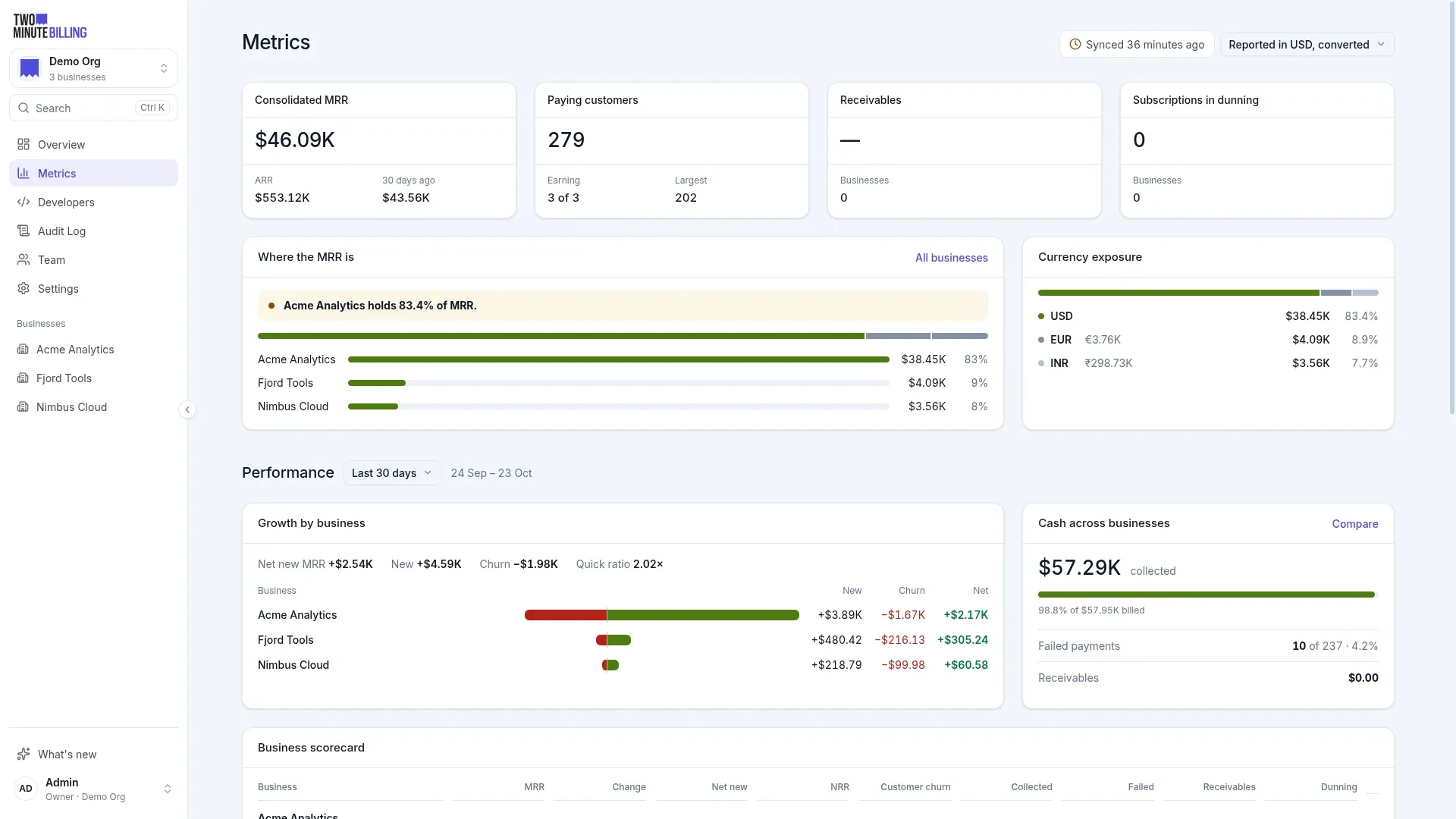
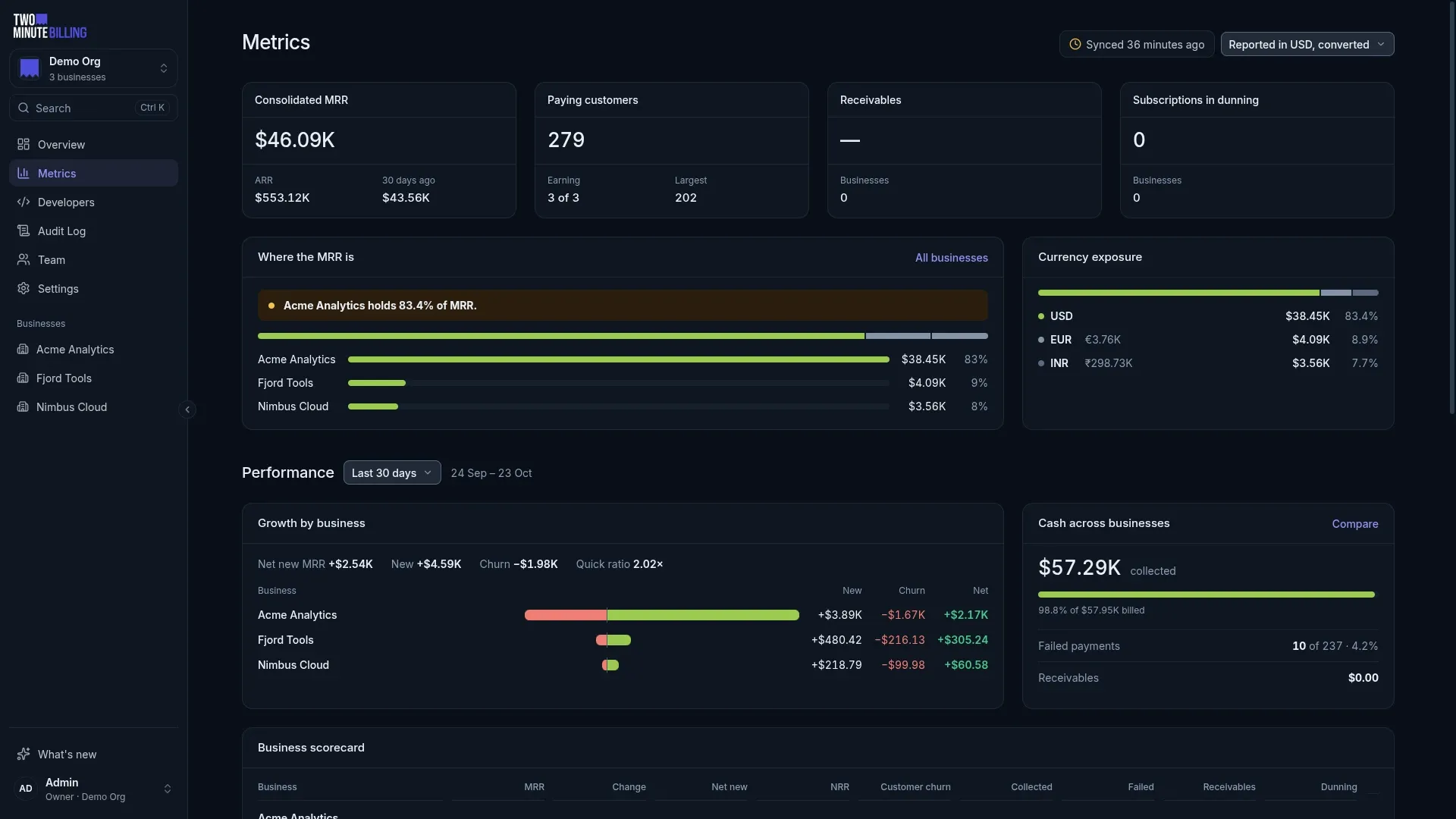
A customer asks about a charge. Finance asks why MRR moved. Billy finds the answer in your data and shows the records behind it.
No spreadsheet hunt
Ask what a customer paid or why an invoice changed. Billy reads the records and shows them to you.
Figures you can check
Billy finds each number in your data before you see it. It marks a number that it cannot find.
Your team stays in control
Billy uses each member's own permissions. A change waits until a member confirms it.
Ask about any invoice, customer or MRR change
Open Billy from any page, or from a record. Ask in plain words. Or attach a screenshot, such as an email from a bank, and Billy explains it.
- From any pageSelect Ask Billy at the top of the menu, press ⌘J, or type a question in the search box.
- About this recordOn an invoice, customer, subscription or payment, Billy starts with that record.
- Mention a recordType @ and a name, an email or an invoice number.
- Attach a screenshotImages only: PNG, JPEG or WebP, up to 10 MB.


Checked answers
Every figure in an answer is found in your data
Billy shows the steps it took and the records it read. It matches each number to those records before the answer reaches you.
- The steps it tookFor example, “Read 6 refunds” and “Checked 4 figures”.
- Record cards and tablesSelect a record to open it.
- Marked when not foundA number that Billy cannot find has a dotted underline and a warning.
- Links to the right screenOpen the screen where you act, and questions to ask next.


Questions
When a request needs a choice, Billy asks
For a cancellation or a refund, Billy asks one short question at a time. Your business's own default is selected. The amounts come from the billing engine's preview.
- Buttons, not typingSelect an option, or press its number key.
- Your default, labelledThe option your settings use shows “Your default”.
- Real amountsCredits and refunds come from the billing engine's preview, not from the AI model.
- Your own answer“Type a different answer” is always there.


Changes you confirm
Billy prepares the change. You confirm it.
Ask Billy to pause dunning, change a plan, apply a coupon, give a refund or cancel. Billy shows exactly what will change. Nothing changes until you select Confirm.
- Off until you turn it onIn Settings → Billy, an owner or admin turns on “Let Billy take actions”.
- Money changes ask twiceRefunds and credit notes need a second switch, and “You cannot undo this” each time.
- Your permissions, your nameThe activity log shows that you made the change, via Billy.
- One time onlyA change runs once. A card that you do not confirm expires after 15 minutes.


Billy credits are included in every Cloud plan
Each plan includes Billy credits every month. A credit is about one question; a long question that reads a lot of data can use more. Credits start again on the first day of each month. Add your own key from OpenAI, Anthropic or Google, and your questions do not count against them.
credits each month, about one question each
credits each month, about one question each
credits each month, about one question each
credits each month, about one question each
Self-hosted: set your own model key, or a local model on an OpenAI-compatible server. Compare plans
Use your billing data in claude.ai, ChatGPT, Claude Code and Cursor
Our MCP server lets the AI tool you already use read your billing data. It is read-only. It can look things up and ask for estimates, but it cannot change anything.
- Step 1
Add the server
Add the Two Minute Billing server address as a custom connector in your AI tool.
- Step 2
Sign in and select a business
Developer tools use a read-only API key instead.
- Step 3
Ask in your AI tool
“Which customers have unpaid invoices?” The tool reads only what you can read.
- Step 4
Disconnect at any time
Settings → Developer → Connected apps. Access stops at once.
Money you can trace, cards you never hold
How we keep billing safeAn append-only ledger
Balances come from double-entry records. A correction is a new entry, so every figure traces back to the rows behind it.
PCI DSS SAQ-A scope
Card numbers go from the browser straight to your payment gateway. They never reach our servers or yours.
An audit log
Who changed what, from the dashboard or the API, with the values before and after.
Questions about Billy
More of the product
Ask your billing a question today
Start on the Free plan. Billy is included, and no credit card is required.