Dunning and failed payment recovery
Dunning that wins back failed subscription payments
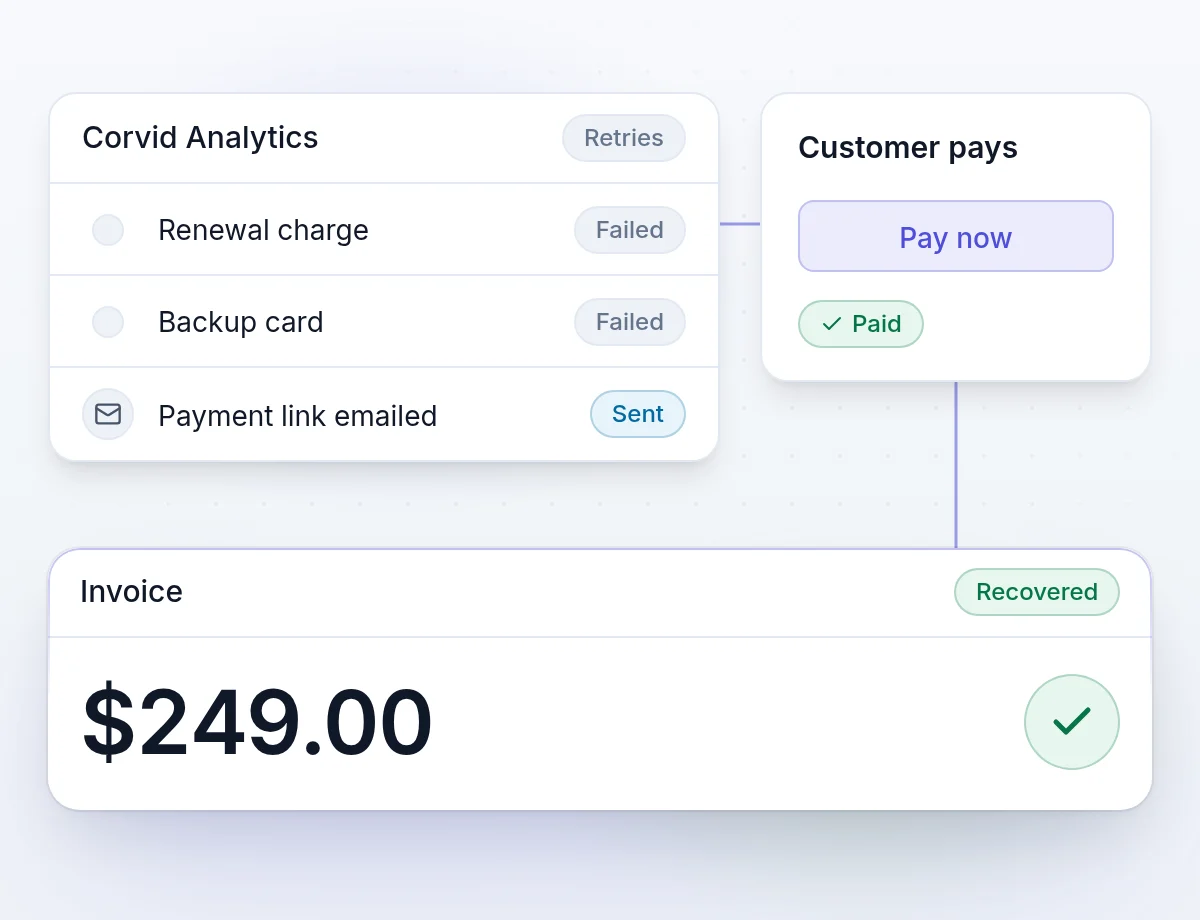
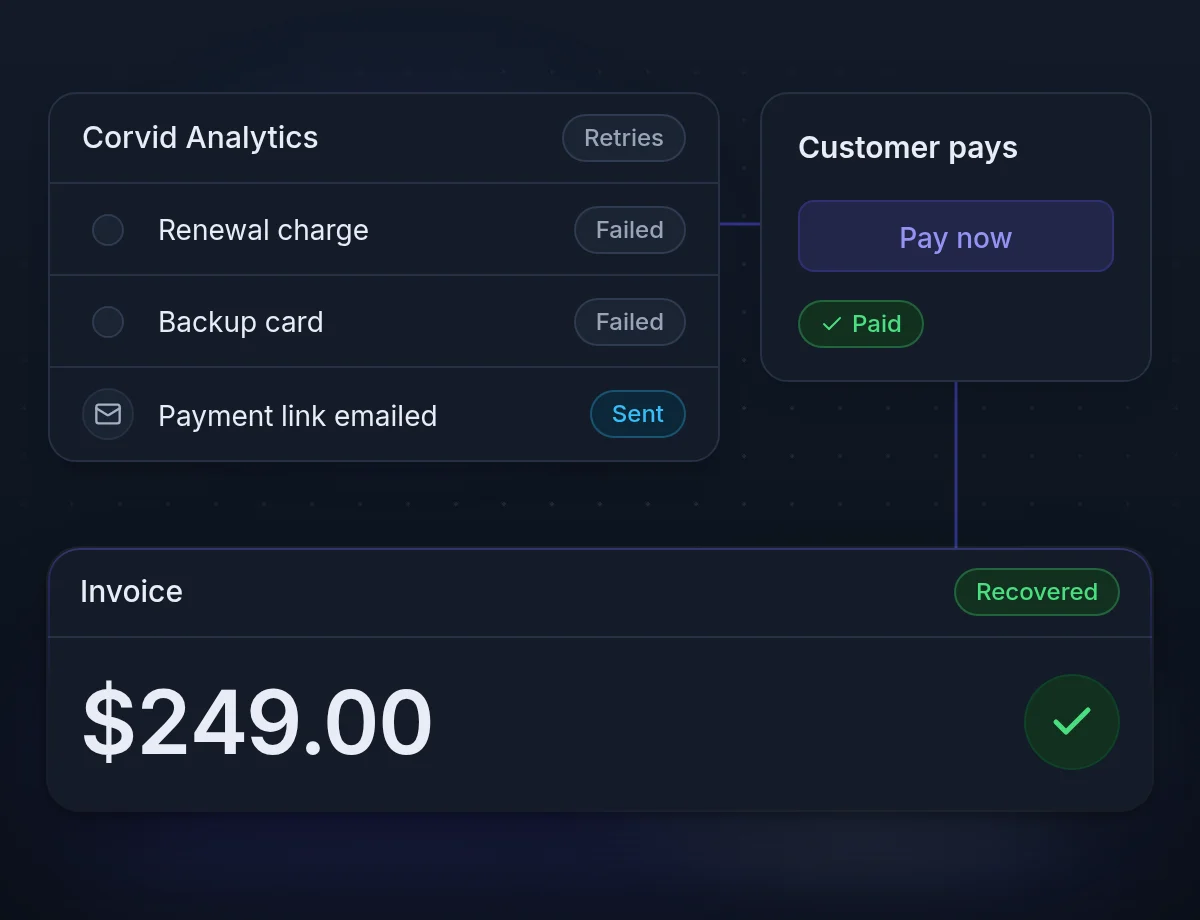
Dunning collects a subscription payment that failed. When a renewal fails, Two Minute Billing tries the backup cards, retries only the declines worth retrying, and emails the customer a one-click payment link. Involuntary churn stops costing you subscribers.
Recover failed payments with backup cards, retries and a pay link
A customer whose card fails did not decide to leave. Each recovered invoice keeps that subscriber and every renewal after it.
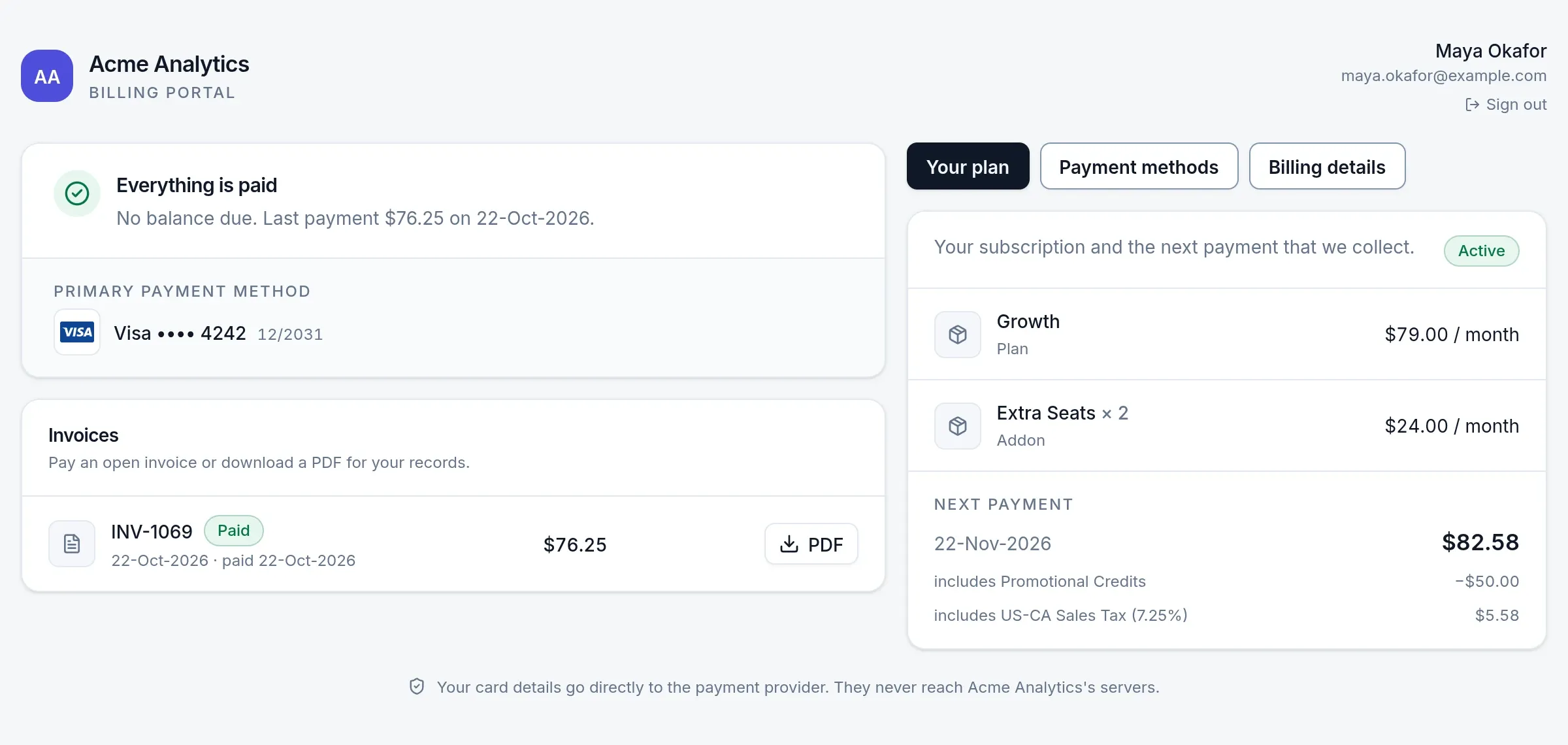
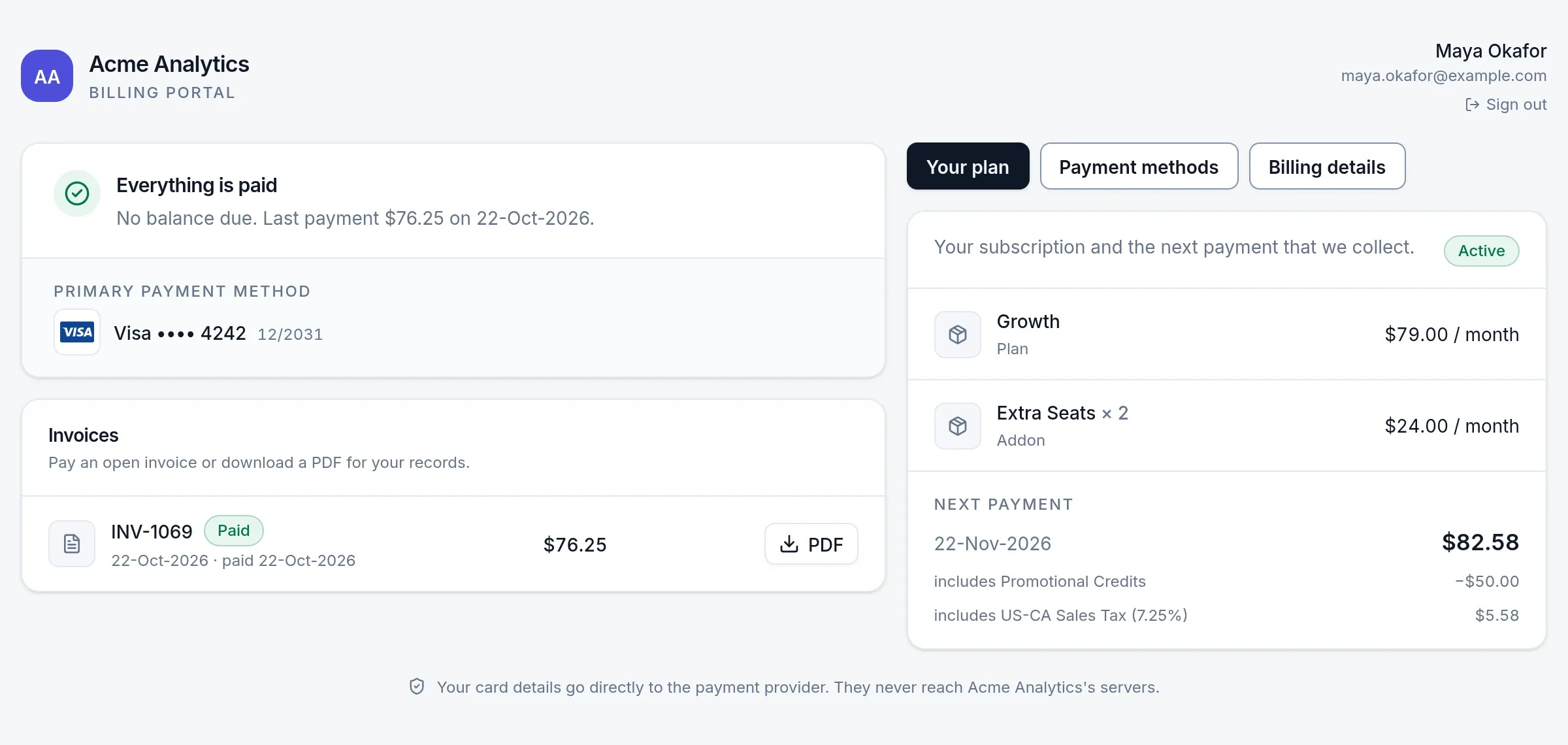
Backup cards in the same attempt
The default card, then up to two backup cards, before any retry has to wait.
Retries land at 10:00 local time
Adaptive timing aims each day-based retry at 10:00 where the card was issued.
Pay from the email
Each dunning email has a link to pay the invoice or change the card.
A stolen card is never retried
A decline that must never be retried, such as a card reported lost or stolen, stops at once.
Prevention
Prevent failed payments with backup cards and card-expiry emails
A retry is the second-best outcome. These keep the first charge from failing at all.
- Backup cardsEvery saved card that is not the default is a backup, unless you or the customer take it out of collection.
- Card-expiry emailsCustomers hear before a card lapses. Only cards that pay a live subscription get the email.
- Charge when a card is addedSaving a working card pays what is owed at once, not at the next retry.
Smart retries
Smart decline handling, by the reason the bank gave
Not every decline deserves a retry. Smart mode reads why the payment was declined and acts on it. Adaptive timing is optional, and off until you turn it on.
- TemporaryInsufficient funds, a network error
Retried on the schedule
- Customer must actExpired card, cancelled mandate
Invoice paused, customer reminded until they update
- Never retryCard reported lost or stolen
Stopped at once
- Network problem
- Within hours
- Insufficient funds
- Next likely payday: the 1st, the 15th or month-end
- Generic decline
- A few days apart
How it works
One failed renewal on the default payment retry schedule
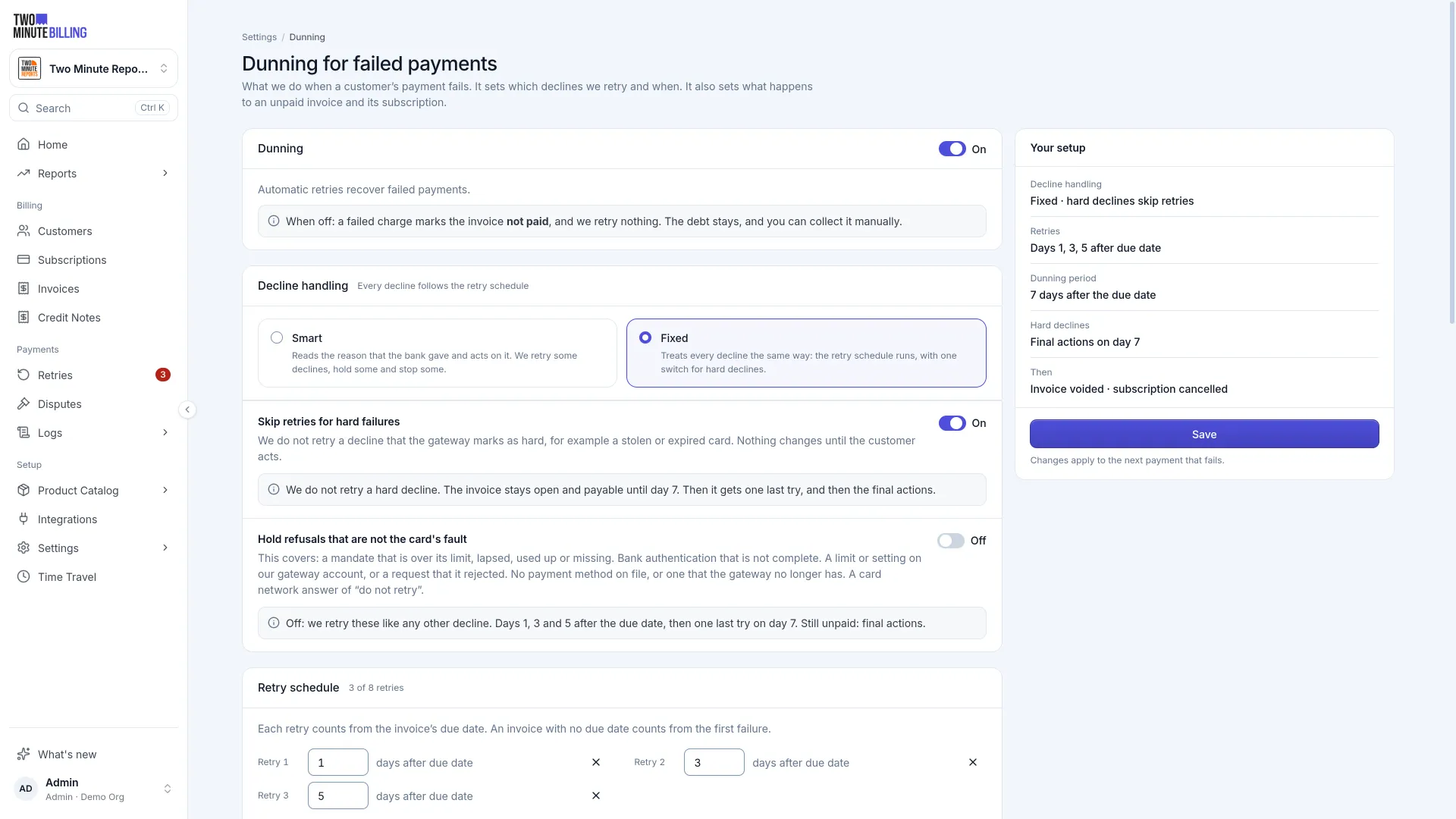
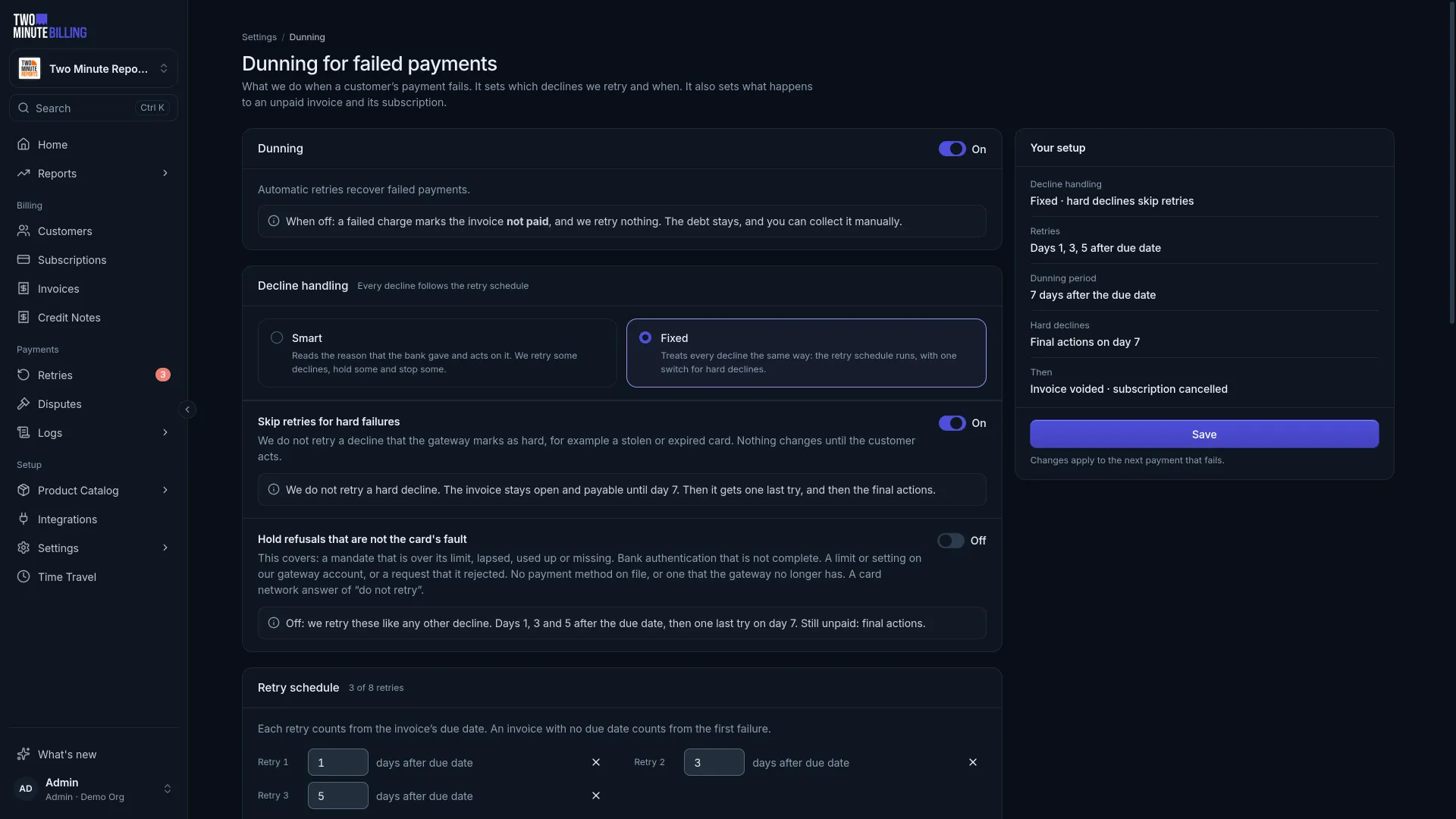
On a default schedule. Every day, email and final outcome is yours to change.


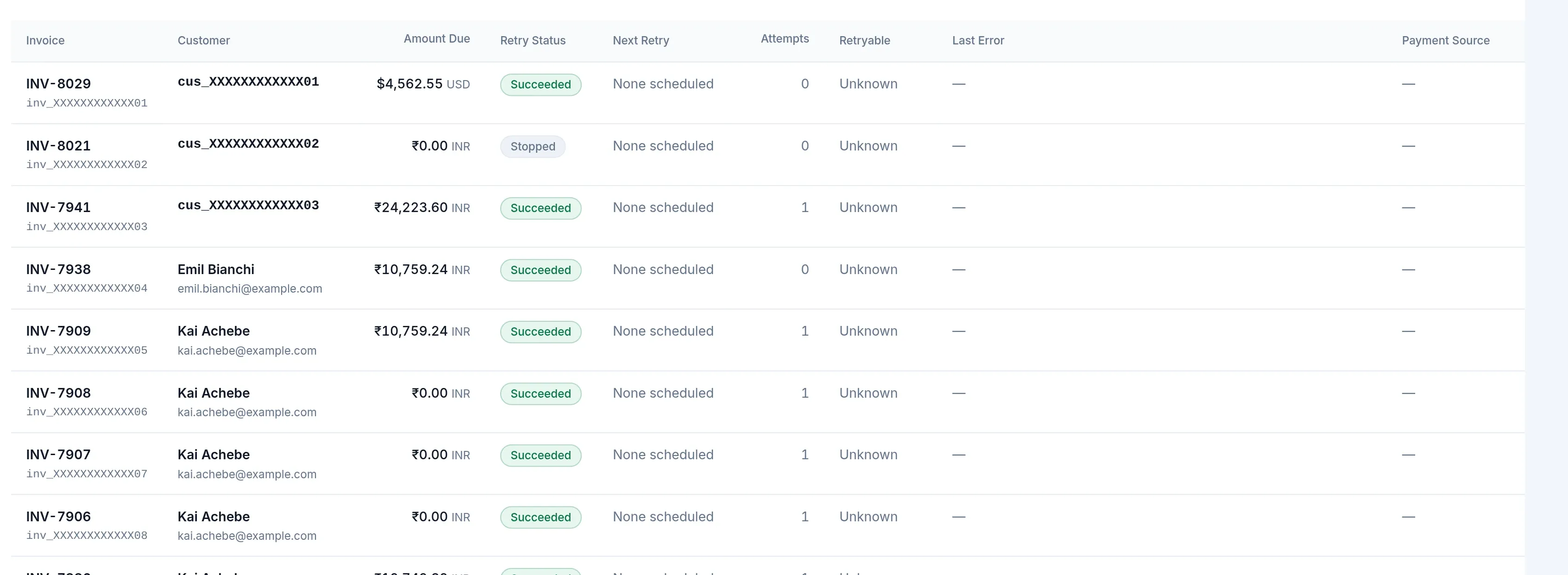
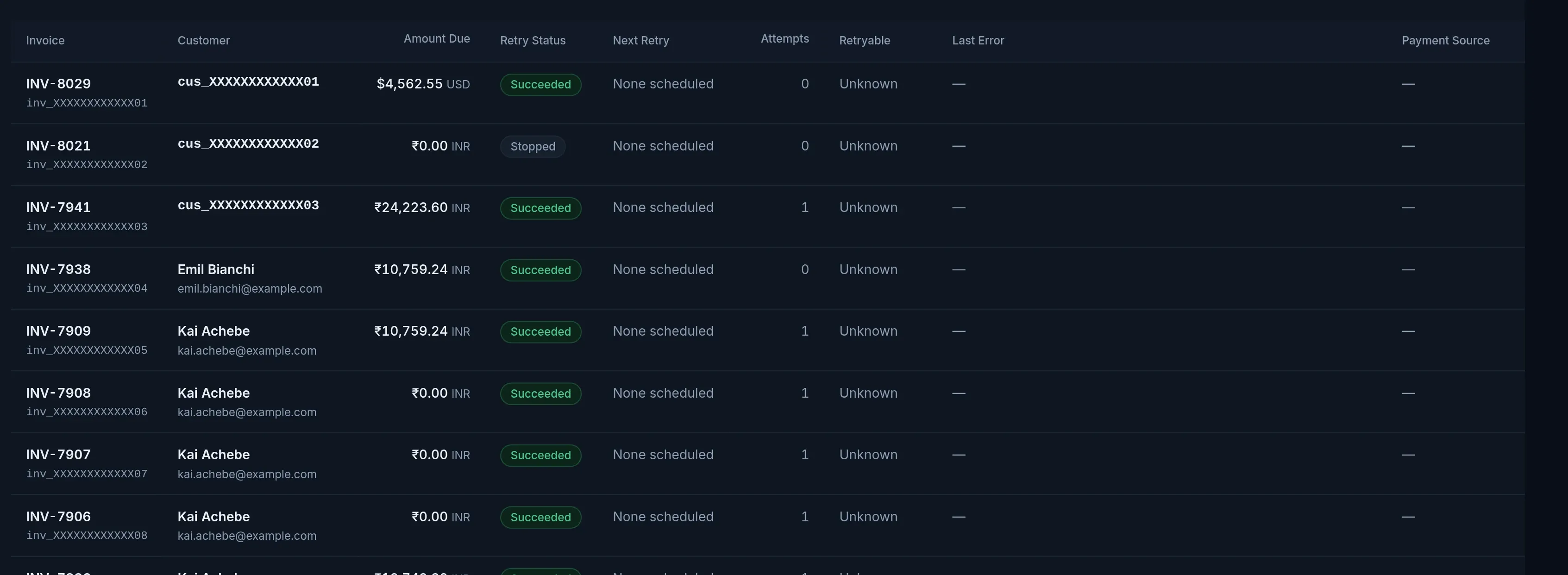
Retry, pause, stop or write off each invoice in the retry queue
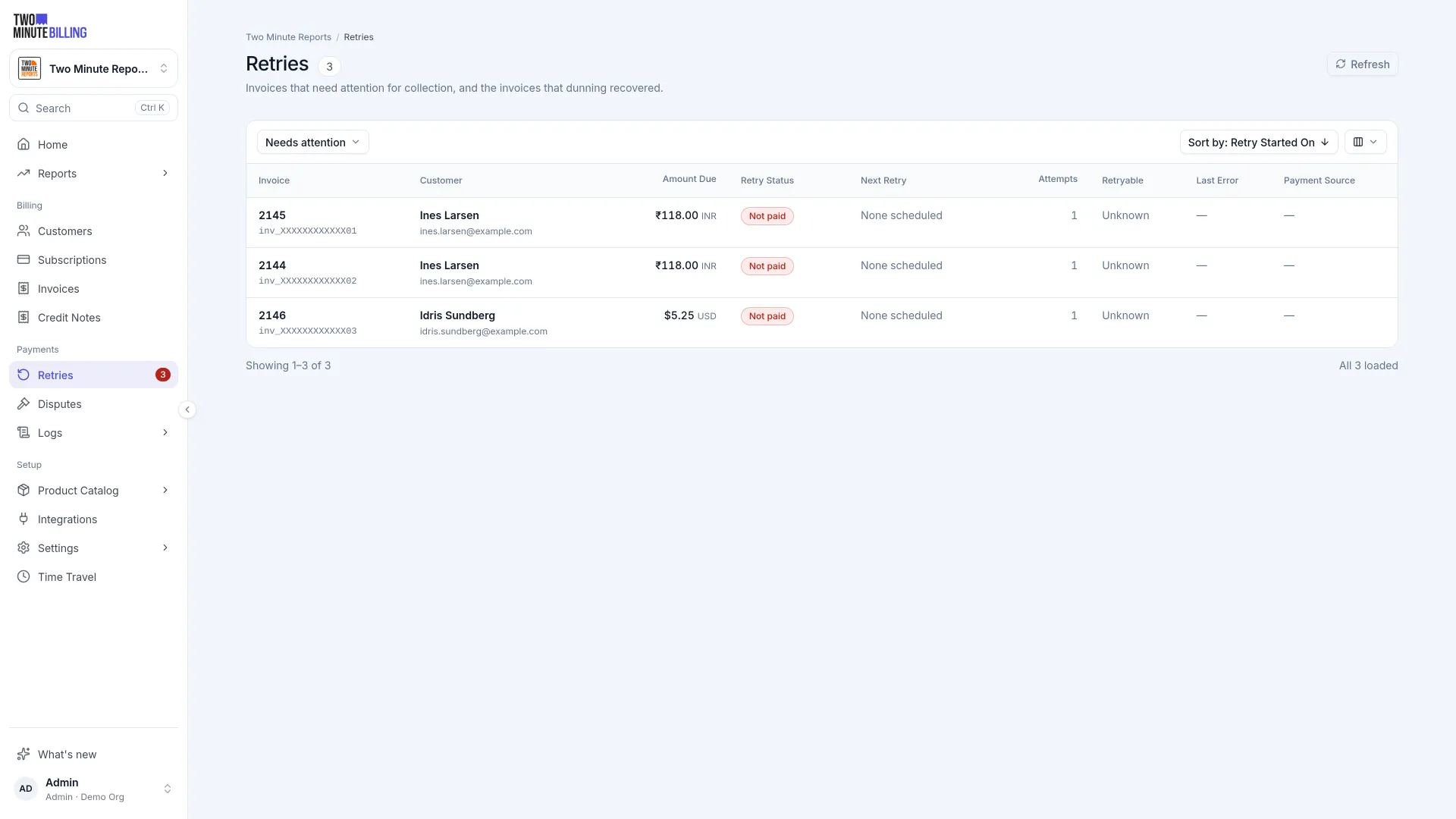
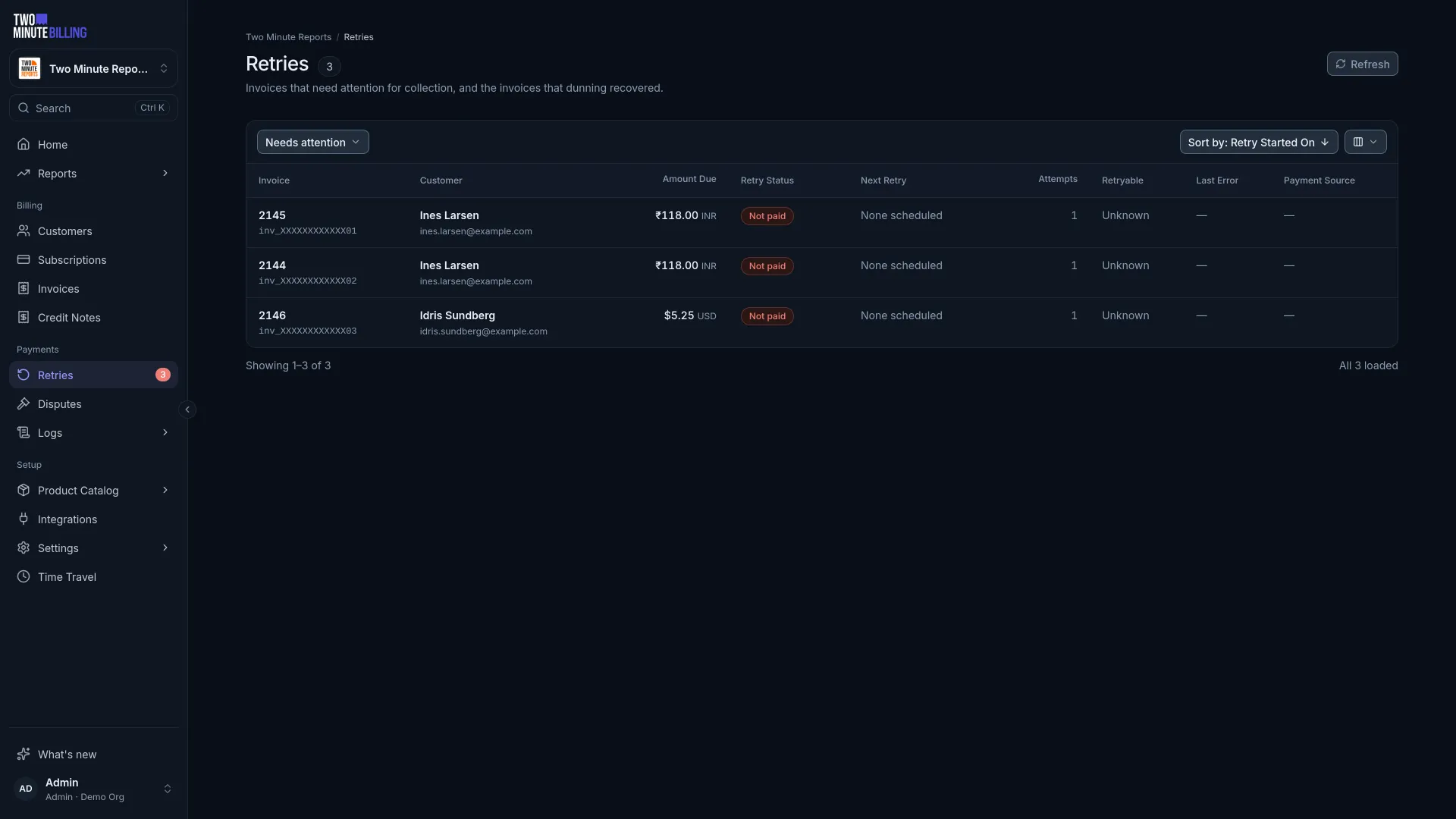
Retries lists every invoice being chased, with the attempts, the decline reason and the card. The count next to it is your backlog.
- Retry nowWhen the customer says the card works again, without waiting for the schedule.
- PauseWhile they sort it out with their bank. The invoice stays owed.
- StopEnd the chase for this invoice.
- Write offRecord it as bad debt when you have given up.
Your rules
Set the retry schedule, the emails and what happens when dunning ends
When the retries run out, the invoice and the subscription each get the outcome you set.
- The invoiceLeave it owed, void it, or write it off as bad debt with the reason kept.
- The subscriptionCancel it, or keep it running while you sort it out with the customer.
- The scheduleSet the retry days and the dunning period per business, under Settings → Dunning.
- The emailsEdit the wording of each reminder, and send it from your own domain.
Money you can trace, cards you never hold
How we keep billing safeAn append-only ledger
Balances come from double-entry records. A correction is a new entry, so every figure traces back to the rows behind it.
PCI DSS SAQ-A scope
Card numbers go from the browser straight to your payment gateway. They never reach our servers or yours.
An audit log
Who changed what, from the dashboard or the API, with the values before and after.
Dunning and payment recovery questions
More of the product
Recover your first failed payment
Sign up free, subscribe a test customer with a declining test card, and see the retry scheduled and the email your customer gets.